

Slack Community Support
Built by - Octopods
Installs - 60+ installs

Leading
Requirements
HubSpot Plan HubSpot Account permissions - View the required account permissions
Access Type Shared Slack Community Support Subscription - Slack plan
Overview
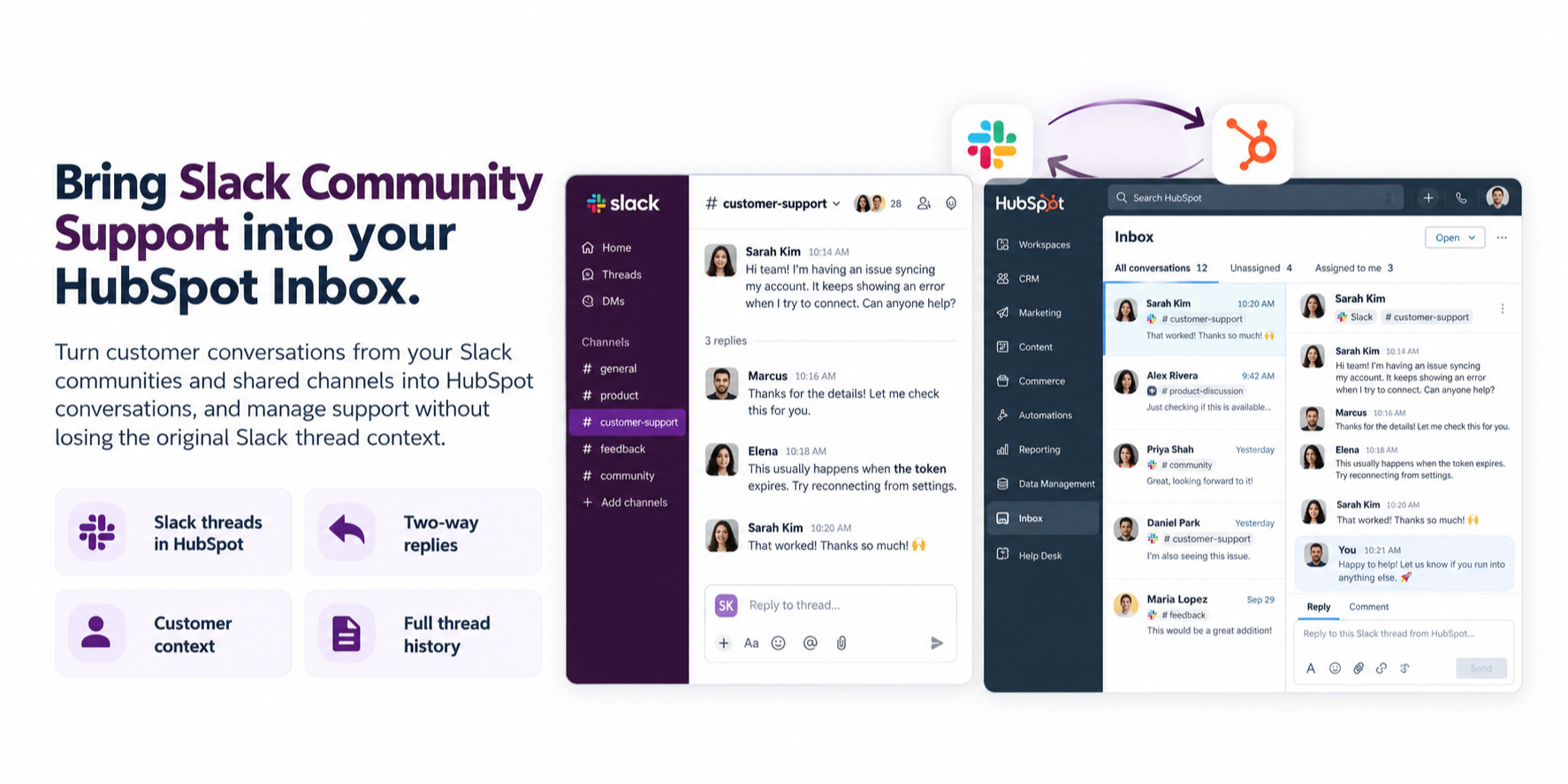
1/2 - Send & receive Slack thread messages right at the HubSpot Inbox
Running support in Slack is fast – until it isn’t. Messages get buried, nothing is tracked, and your team loses the context HubSpot already holds. Octopods turns every customer Slack thread into a first-class conversation inside the HubSpot Inbox to better support your community.
What does it do?
No more lost messages – Each new Slack thread becomes a HubSpot thread.
Zero context-switching – Reply from Slack or HubSpot; Octopods keeps the thread, contact, and timeline perfectly in sync.
Actionable analytics – Use HubSpot's reporting to track volume, response times, and CSAT across all Slack channels.
Seamless hand-offs – Mention a teammate or reassign the chat in HubSpot; Octopods echoes the update back to Slack so customers stay in the loop.
How can it help you?
Structured workflow in HubSpot Service Hub without giving up Slack’s speed
Two-way sync of messages, attachments, internal notes, and chat properties
Granular SLAs & automation powered by HubSpot workflows
Ready to bring order to your Slack support? Install Octopods and start converting chats into trackable HubSpot chats in under 60 seconds.
Features
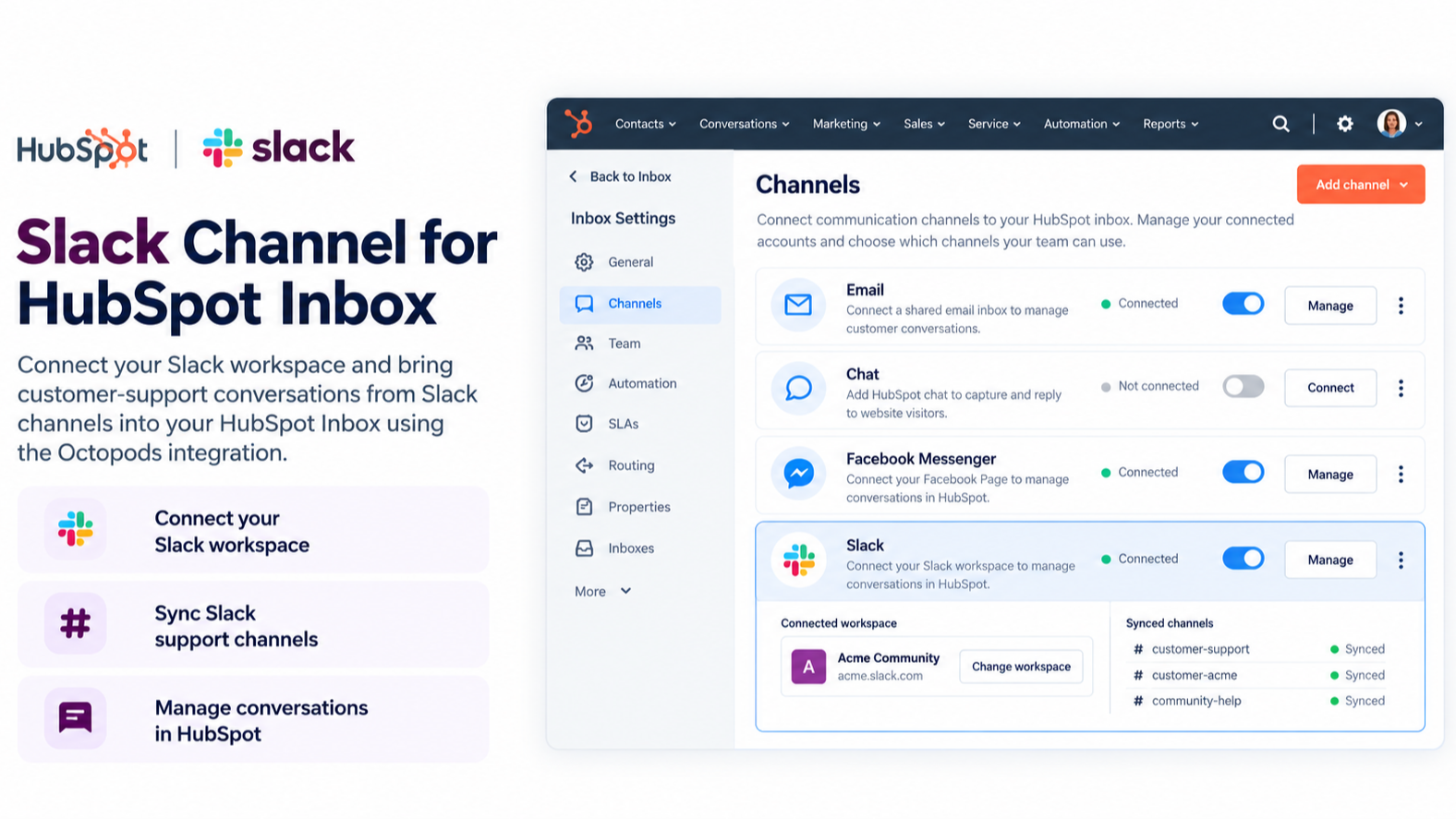
Slack Channel for HubSpot Inbox
Connect your Slack Teams to your desired HubSpot Inbox using the Octopods integration.
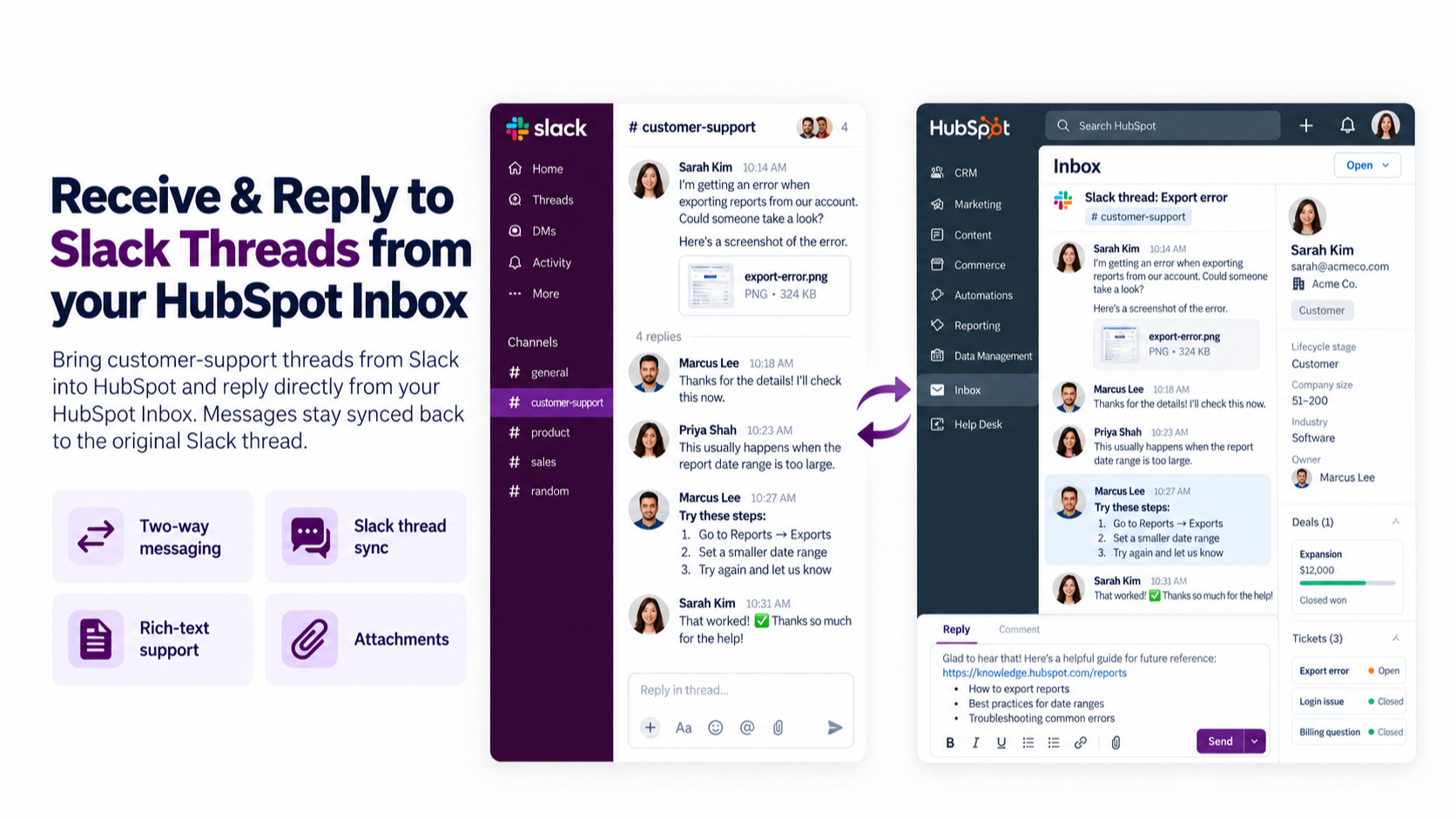
Receive & Reply to Slack Messages from your HubSpot Inbox
Receive customer Slack messages – channel thread messages and media– right inside HubSpot Inbox. Reply with text, attachments, knowledge-base articles, and more; Octopods mirrors every response back to the original Slack thread in real time.
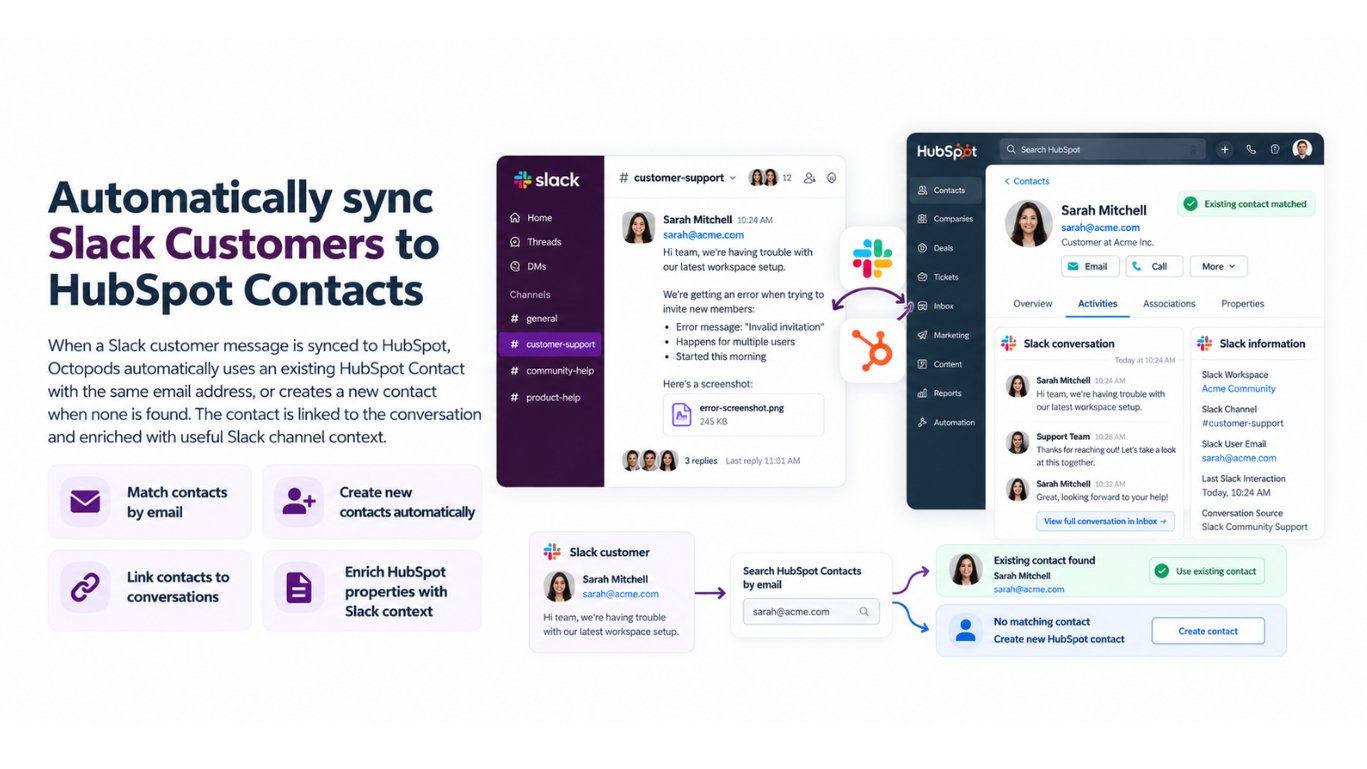
Automatically sync Slack customers to HubSpot Contacts
When a Slack customer message is synced to HubSpot, Octopods automatically uses or creates a HubSpot Contact with the same email address and link it to the conversation as well as enrich contact properties using the messaging channel's context.
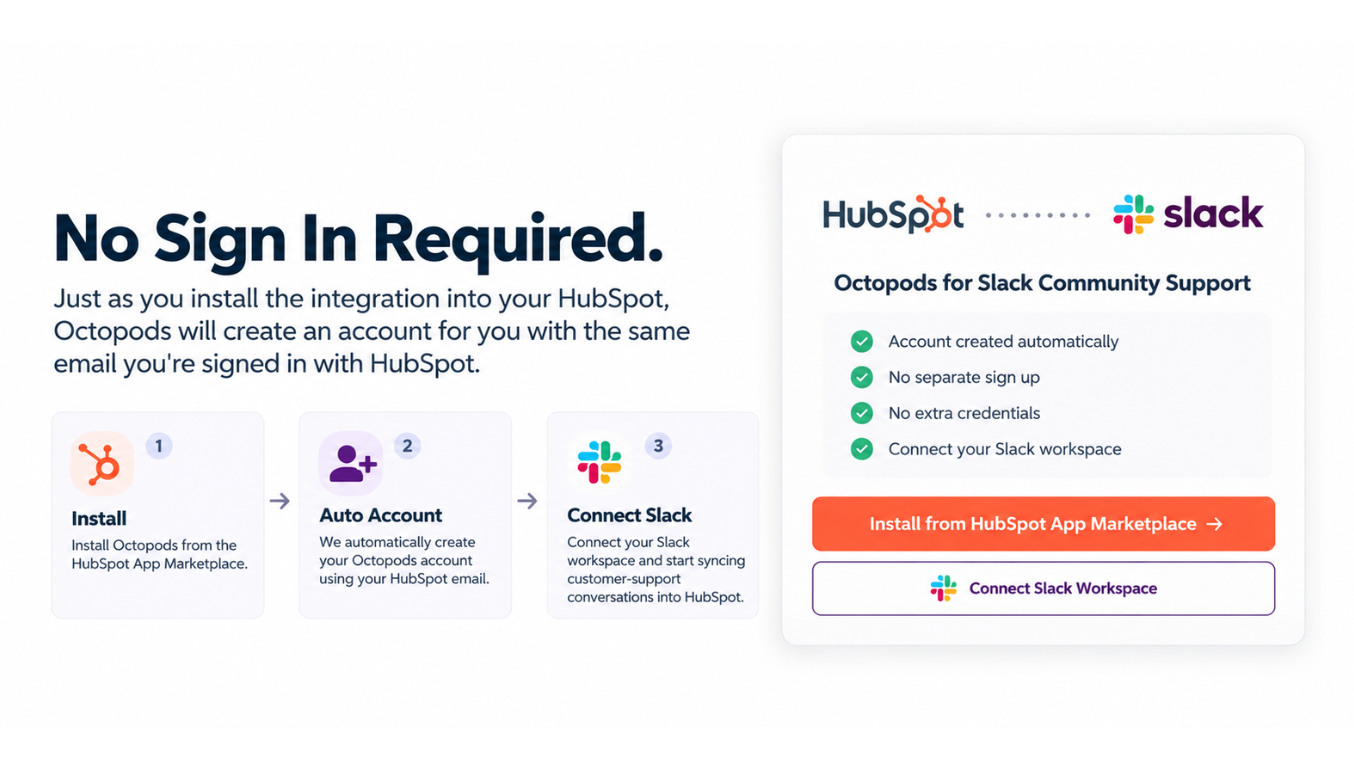
No Sign In Required
Just as you install the integration into your HubSpot, Octopods will create an account for you with the same email you're signed in with HubSpot.
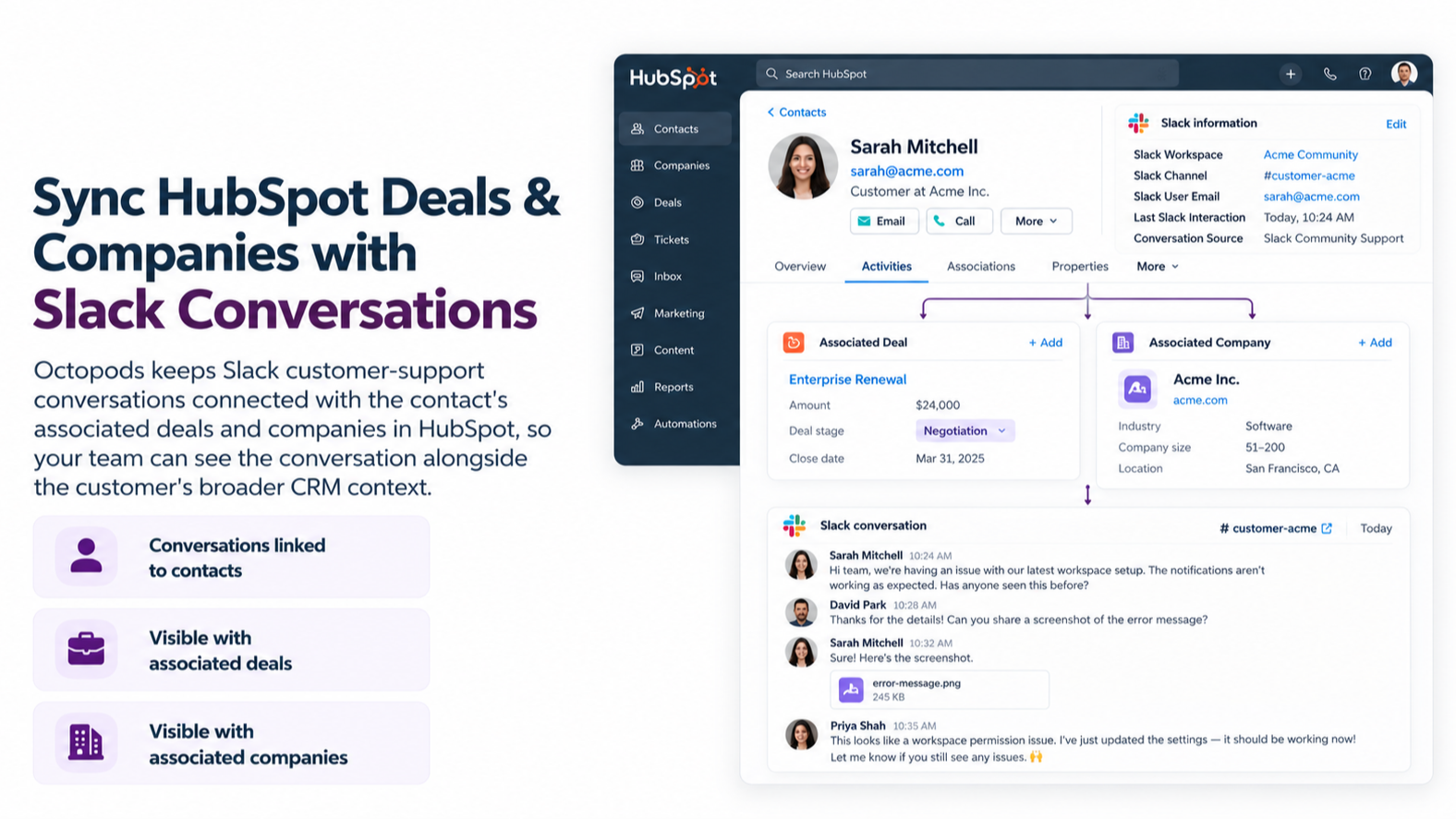
Sync HubSpot Deals & Companies with Slack Conversations
Octopods automatically includes your Slack conversations under the contact's deals & companies.
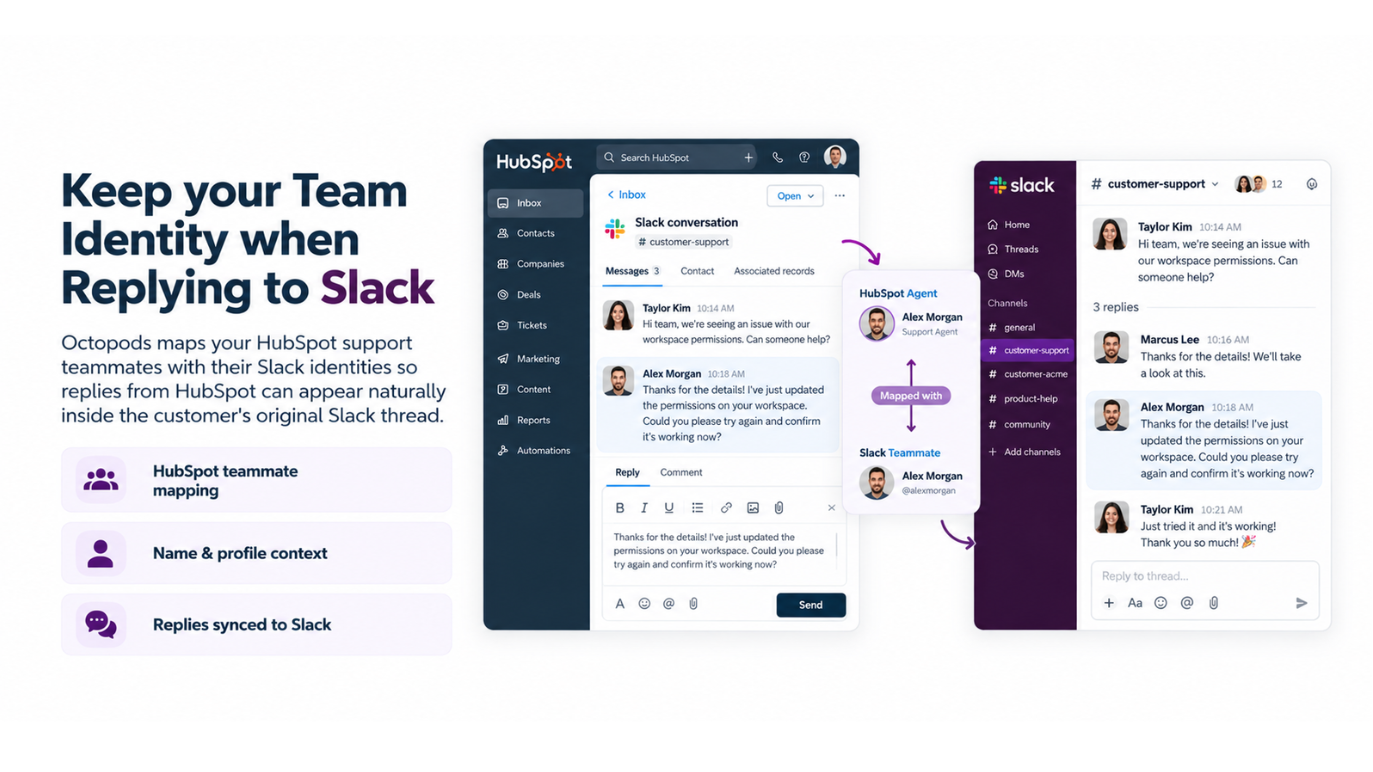
HubSpot agent replies appears sent from their Slack account
Octopods maps your HubSpot support teammates with their Slack identities so replies from HubSpot can appear naturally inside the customer’s original Slack thread.
App Functionality
Shared Data
Conversations | ||
Messages | ||
Media | ||
Leads | ||
Users | ||
Contacts | ||
Conversation | ||
Conversation |
Reviews
Pricing
Slack
$34
/month/per Slack team - Supports Slack of all plans
Send and receive messages from/to Slack
Unlimited HubSpot Accounts
Unlimited messages (Subject to fair use policy)
Slack
$34
/month/per Slack team - Supports Slack of all plans
Send and receive messages from/to Slack
Unlimited HubSpot Accounts
Unlimited messages (Subject to fair use policy)
* The pricing here is for display purposes only. All prices do not include taxes, incentives, discounts, or other pricing variables. You should contact the partner for the most up to date and correct pricing information. HubSpot does not take any responsibility for this pricing information, which is provided by our partners. Pricing last updated: 10/01/2026
More info
Built by - Octopods
Installs - 60+ installs
Categories Languages this app is available in Arabic ,English ,Portuguese , andSpanish
New arrivals

CRM Connector Platform
Sync HubSpot contacts, deals, quotes and invoices with QuickBooks, Xero, Pipedrive, Jobber, GoHighLevel and more. One-way or two-way, no code or technical knowledge needed.

Tana
Update HubSpot directly from your meetings (Google Meet, Zoom, Microsoft Teams), with full context summary, updates to Contacts, Companies, Tasks, Deals - no bot visible in meeting
