

sipgate App
Built by - sipgate GmbH
Installs - 1K installs
Rating 4.1
(18)

Rising
Requirements
HubSpot Plan HubSpot Account permissions - View the required account permissions
Access Type Shared sipgate App Subscription - sipgate App CLINQ Premium or sipgate CLINQ app plans
Overview
1/3
The sipgate HubSpot integration connects sipgate cloud telephony directly to HubSpot. Calls are automatically logged in HubSpot, including call notes, AI summaries, and call details. Contacts are automatically synced, and features like click-to-dial help you save time and improve your customer communication.
All the information, for everyone, in one place
Call histories, call notes, and customer information are automatically transferred from the app to your CRM. This way, you and your team always have access to information and are fully prepared for the next call.
Always see who’s available
Want to know who’s currently on a call, offline, busy, or available? With the status indicator, you can always see your contacts’ availability at a glance.
Forecasts for Better Planning
Based on your calls made through the app, machine learning analyzes the expected call volume for the coming week. These forecasts help you plan your resources—and those of your teams—more effectively and in advance.
Channels
With Channels, teams take center stage. Optimized communication and collaboration take customer interactions to a whole new level. All call information is displayed in a shared call log visible to all users.
Features
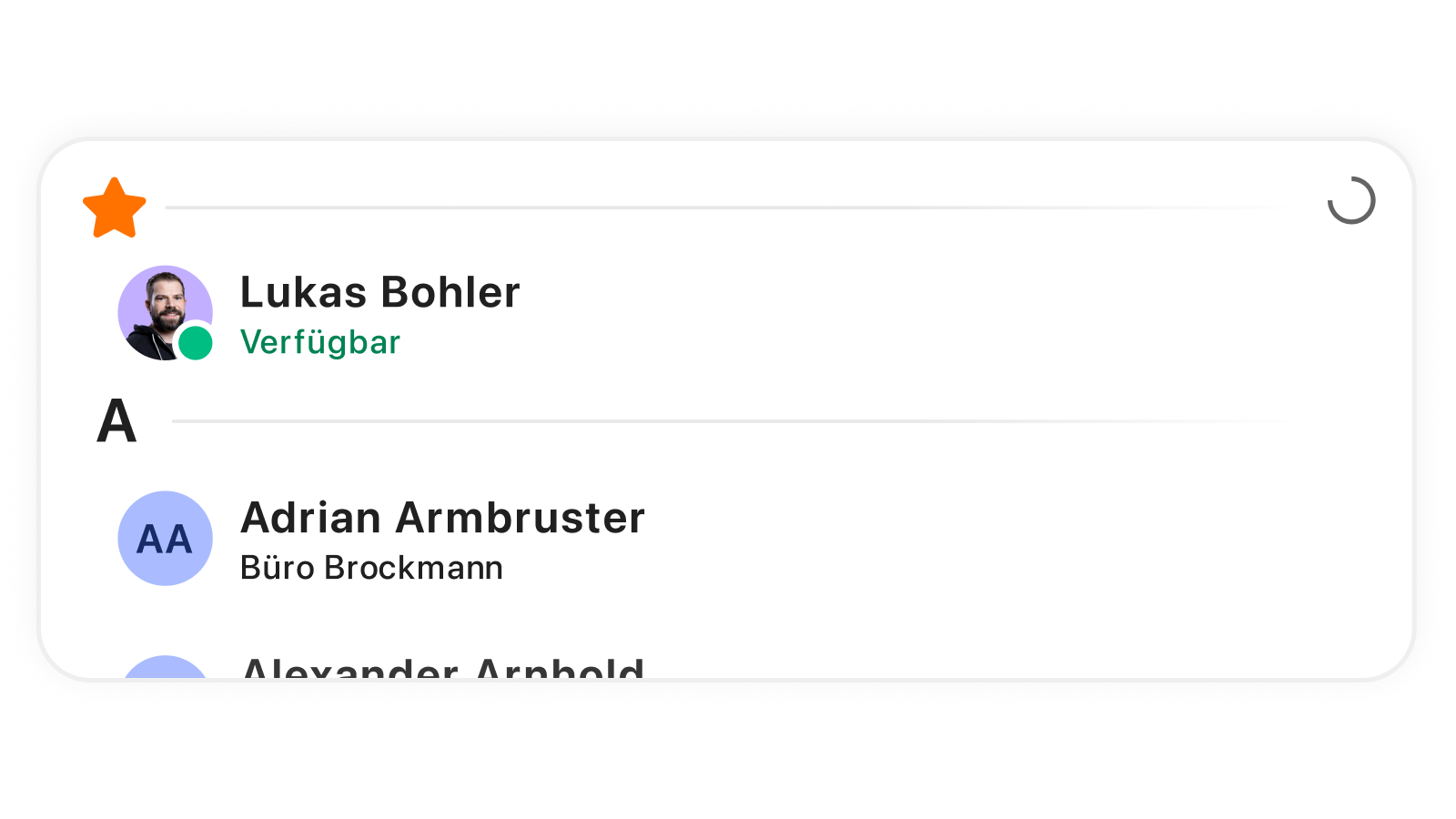
Always see who's calling
Customer information is automatically synced from the app to your CRM and vice versa. This way, you and your team always have access to the information you need and are fully prepared for your next meeting.
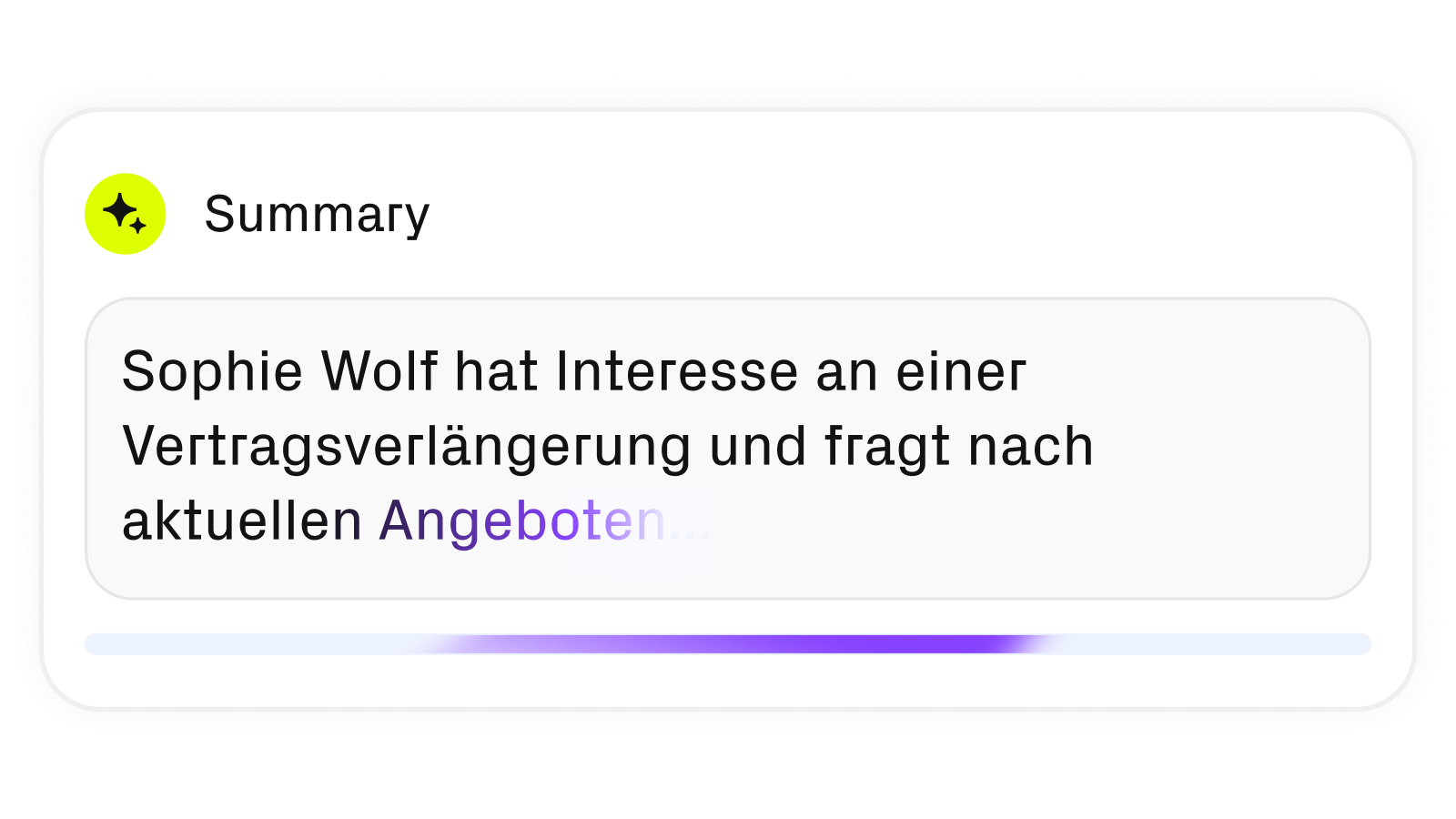
AI Summary: Focus on the conversation rather than on documentation
sipgate Conversation Intelligence automatically summarizes every conversation—highlighting the key topics and outcomes in a clear, bullet-point format. If desired, the summary is automatically sent to HubSpot. This allows your entire team to follow along with conversations even if they weren’t there.
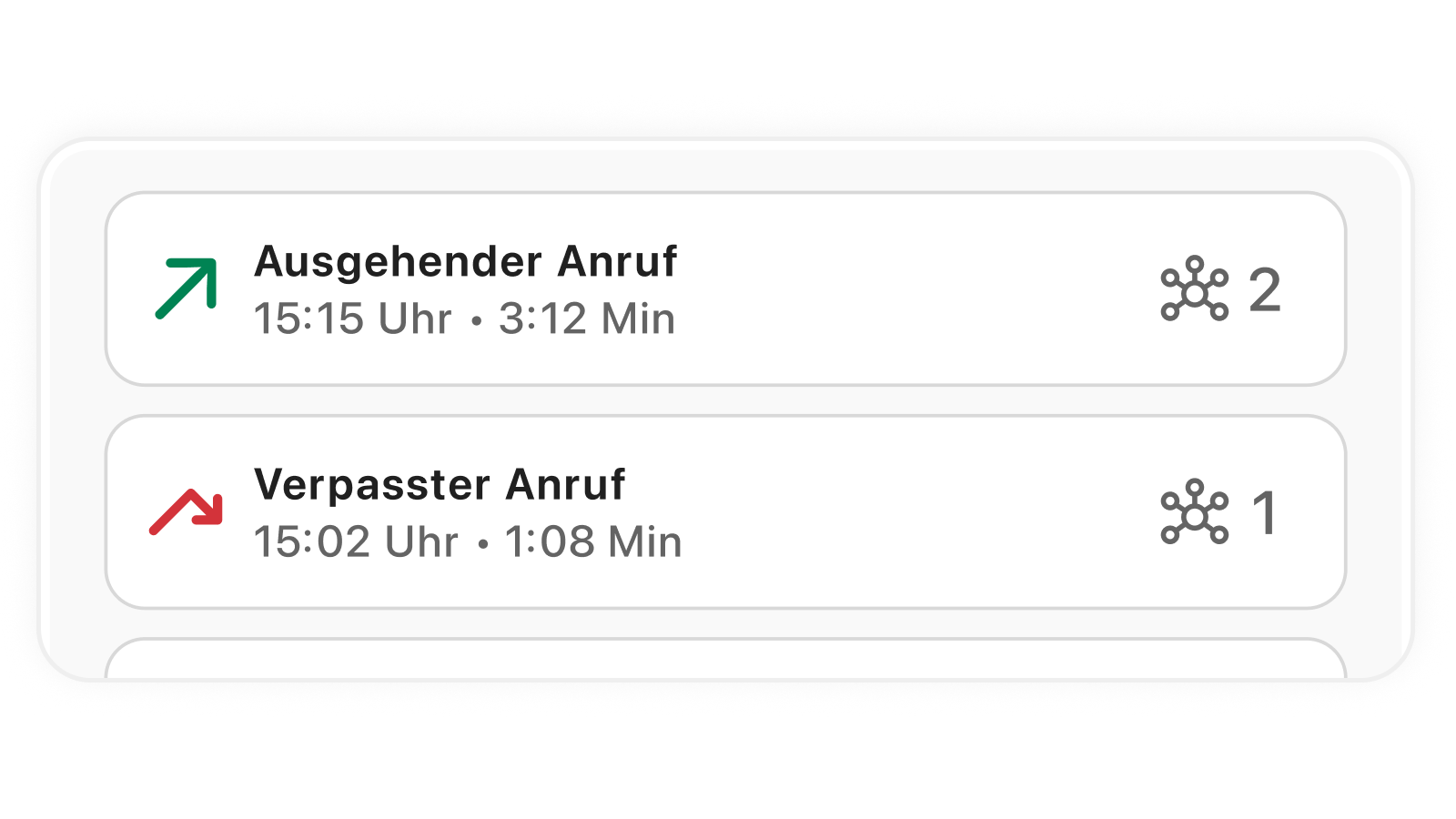
Customer Documentation Without Wasting Time
All calls are automatically logged under contacts, companies, or open deals—including duration, date, and phone number. Notes you create during or after the call are immediately synced with HubSpot. This way, you always have a clear overview of all activities related to your customers.
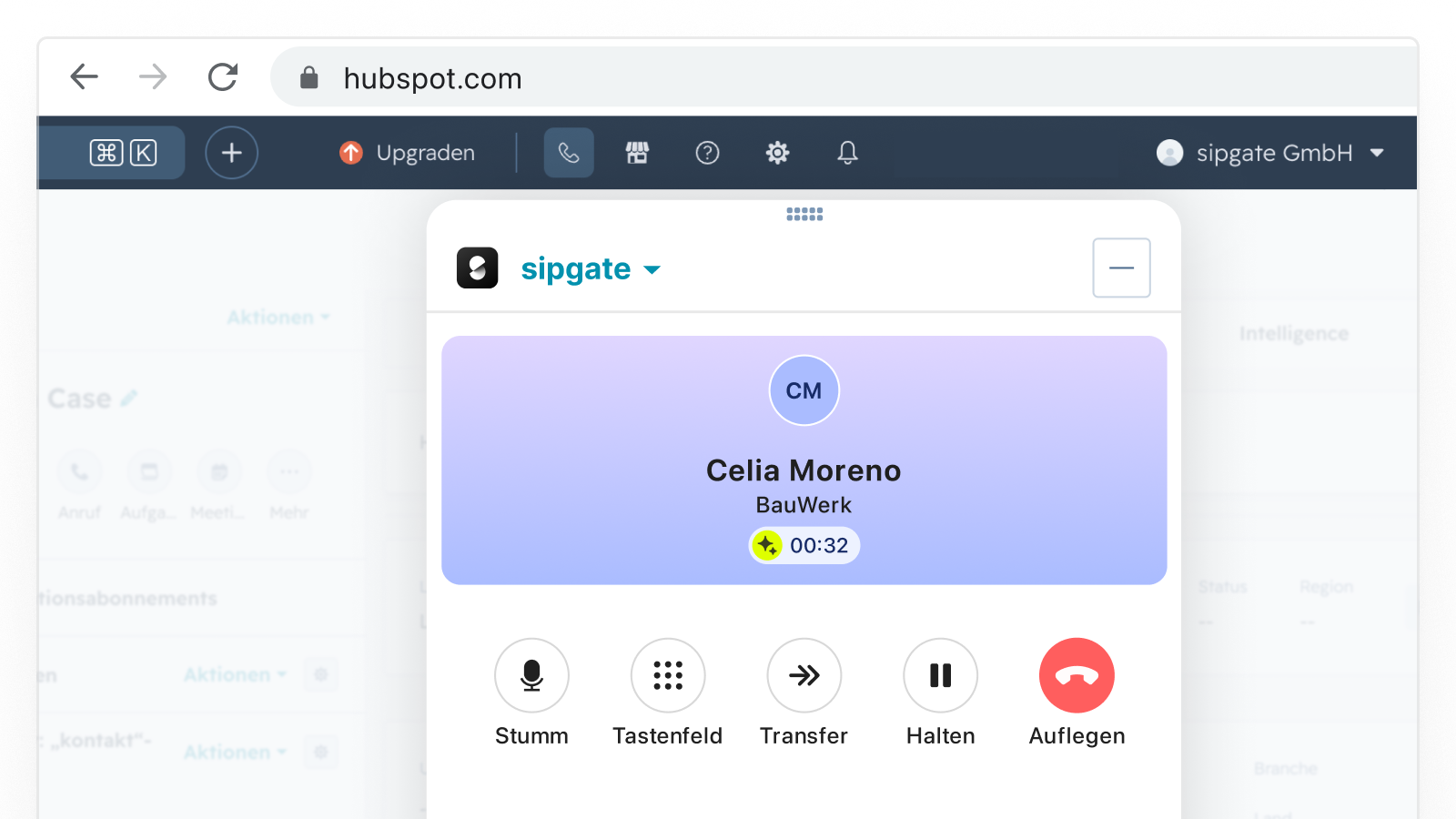
Make calls directly in HubSpot
With the embedded sipgate calling feature, you can call your contacts directly from HubSpot—without having to switch tools. You can also answer incoming calls in HubSpot, and all activities are automatically assigned to the correct contact.
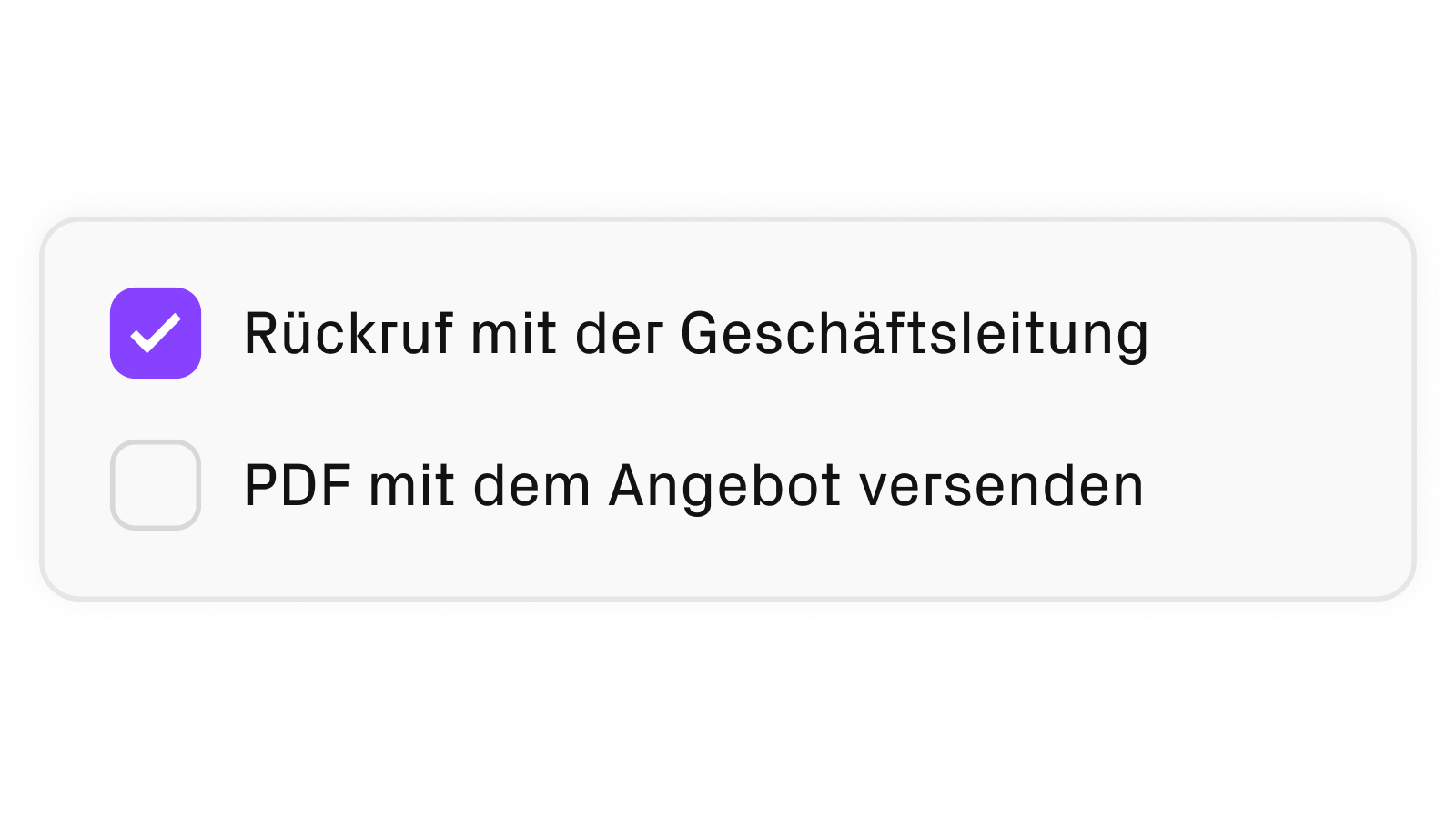
Create all tasks quickly
If a task arises from a conversation—such as a scheduled callback or an email—create it in the sipgate app while you’re still on the call. The task will then automatically appear under the respective contact in HubSpot. If desired, the AI can even recognize agreed-upon tasks on its own.
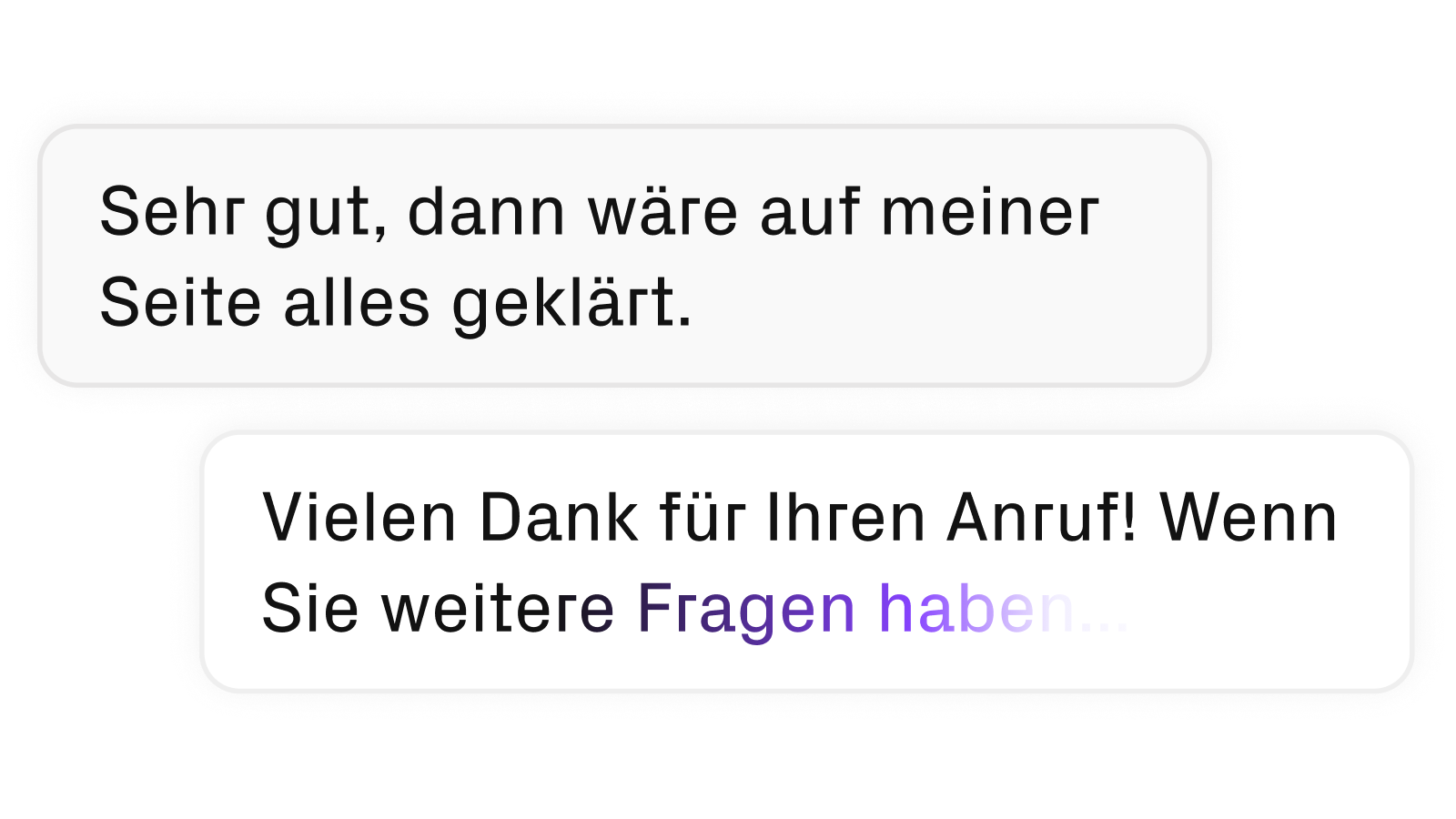
Complete transcripts of your calls
Every call is automatically transcribed—word for word and separated by speaker. Instead of relying on notes, you can review every detail at your leisure.
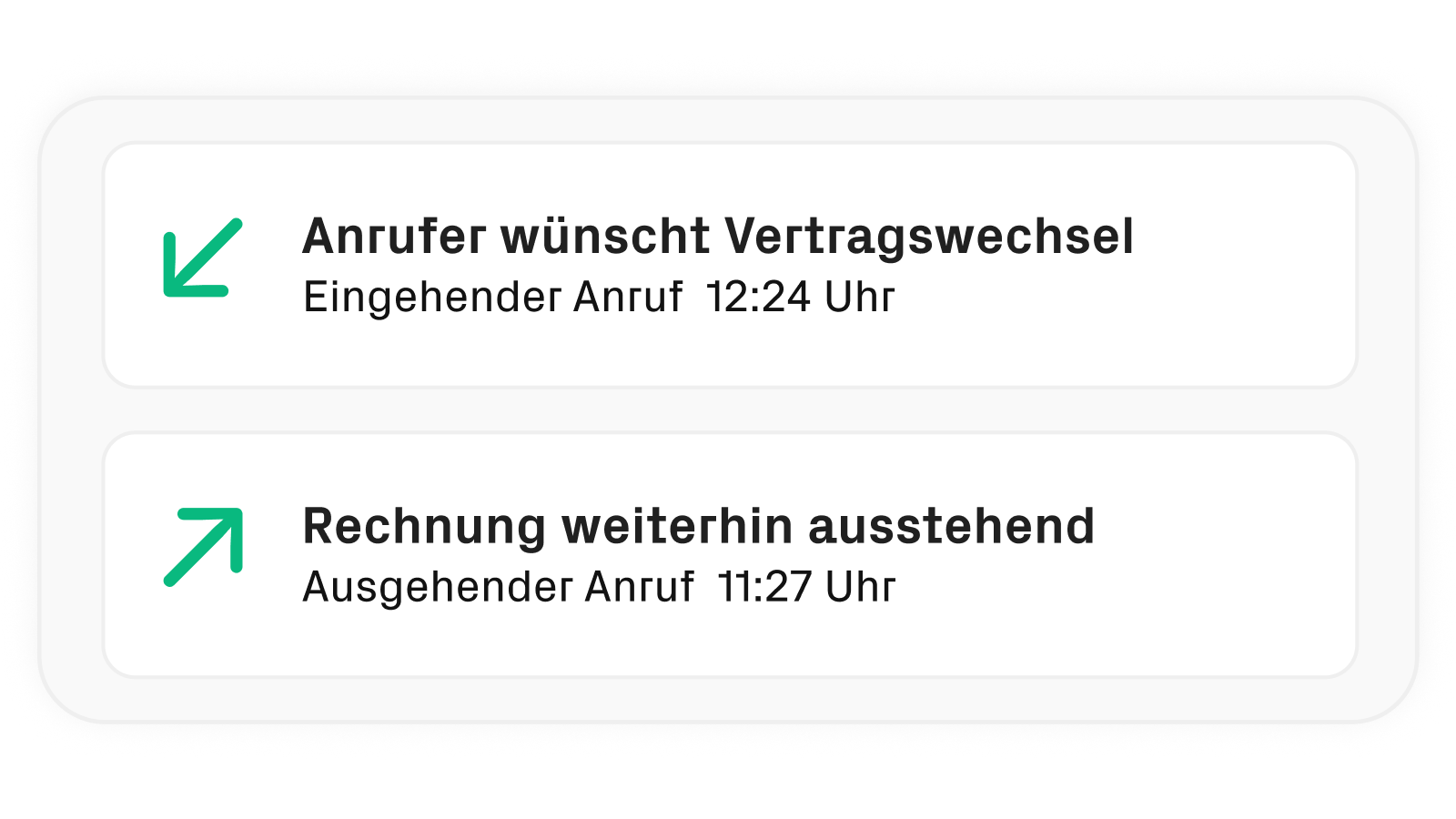
See right away what it was all about
Subjects automatically adds a descriptive subject line to every call. This way, you can see right from your call list what a call was about—without having to listen to it or open your notes.
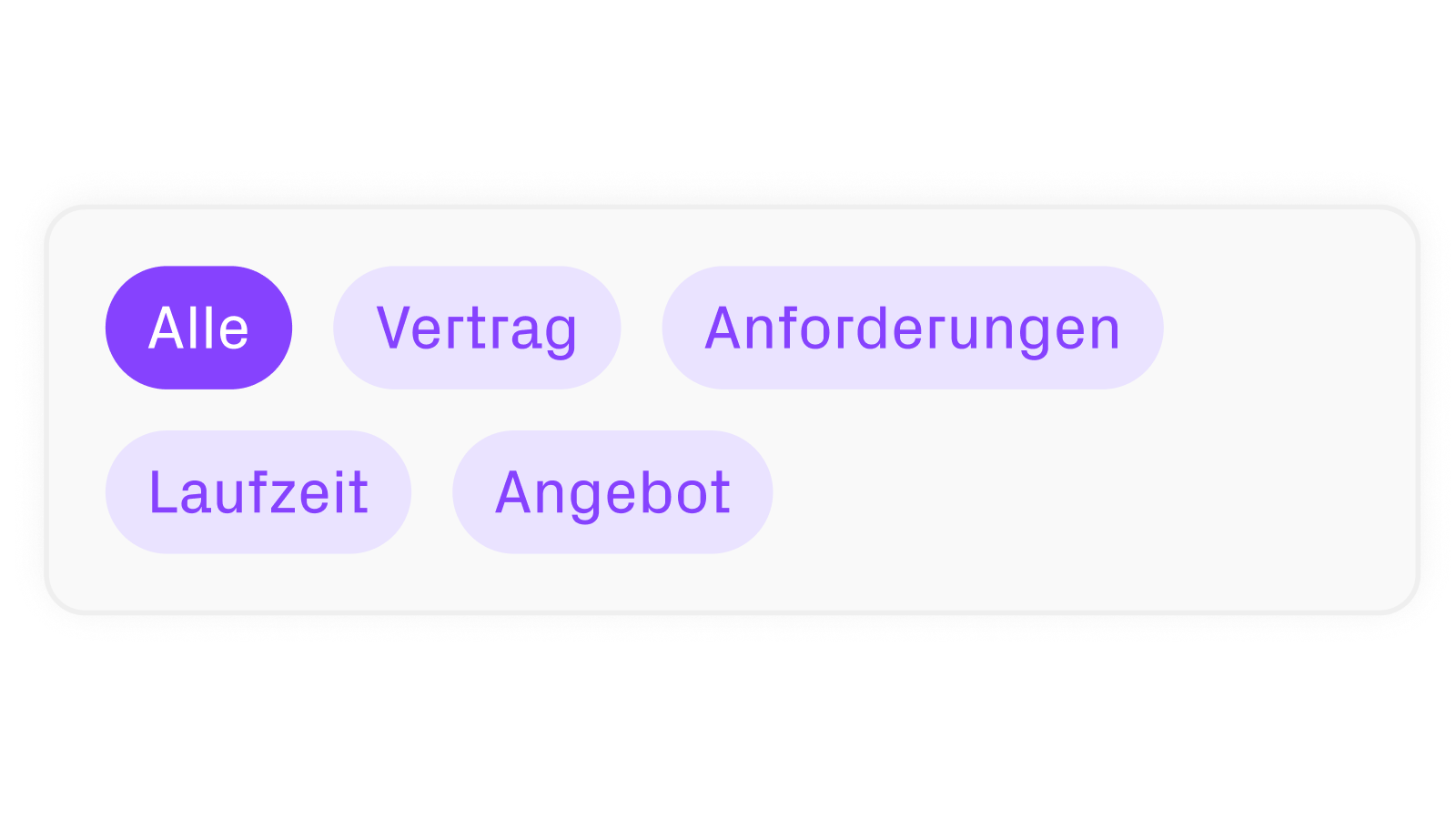
Recognize Patterns, Improve Processes
Topics analyzes your calls and categorizes them by relevant topics. You can see at a glance what was discussed—and identify recurring themes across multiple conversations. This provides the ideal foundation for optimizing processes in a targeted manner.
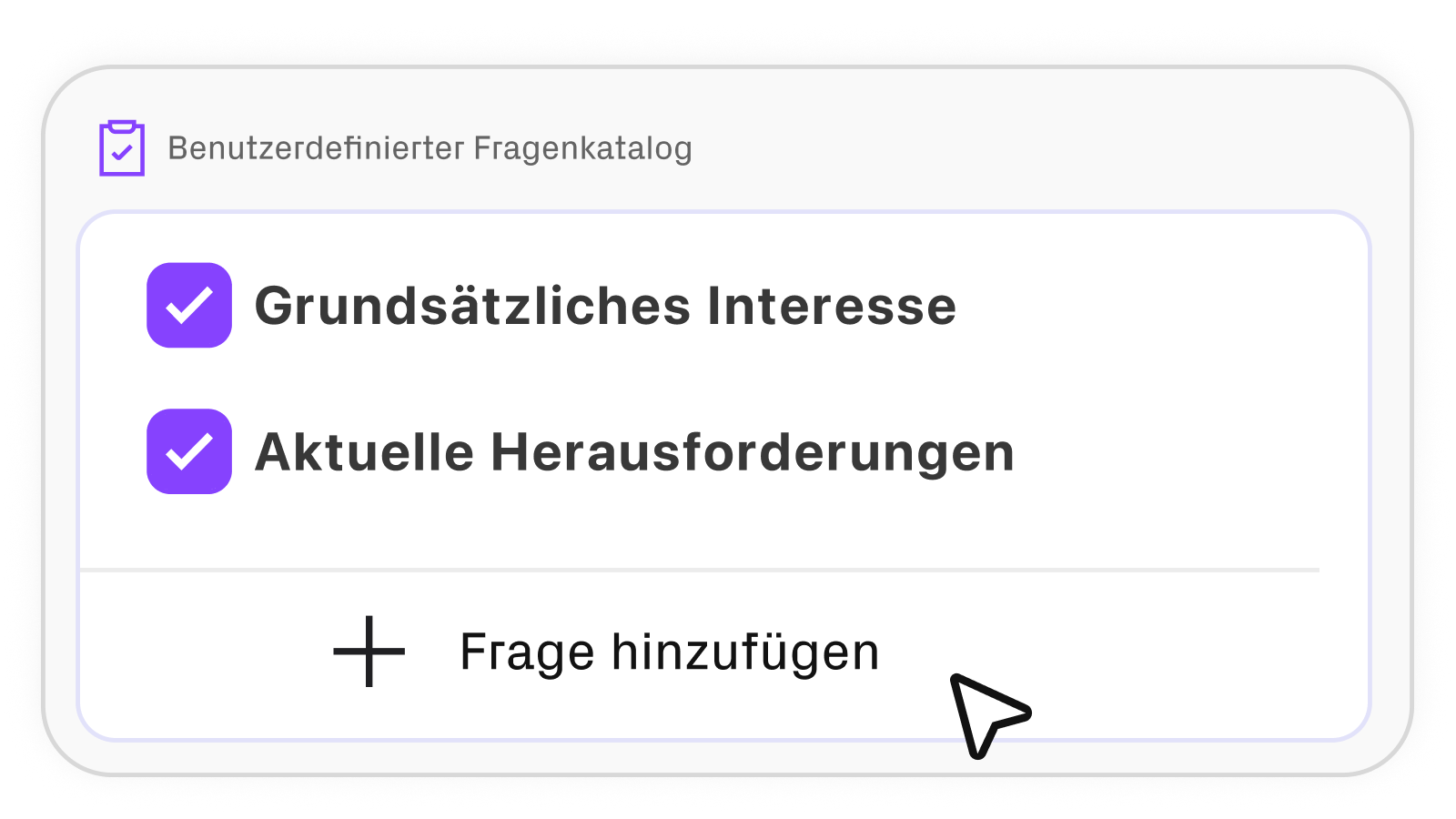
Your most important questions—answered automatically
Your Most Important Questions—Answered Automatically Description: Enter your frequently asked questions just once—sipgate Conversation Intelligence automatically finds the right answers from your conversation and then presents them in a clear, organized format. This way, you’ll never have to manually document recurring inquiries again.
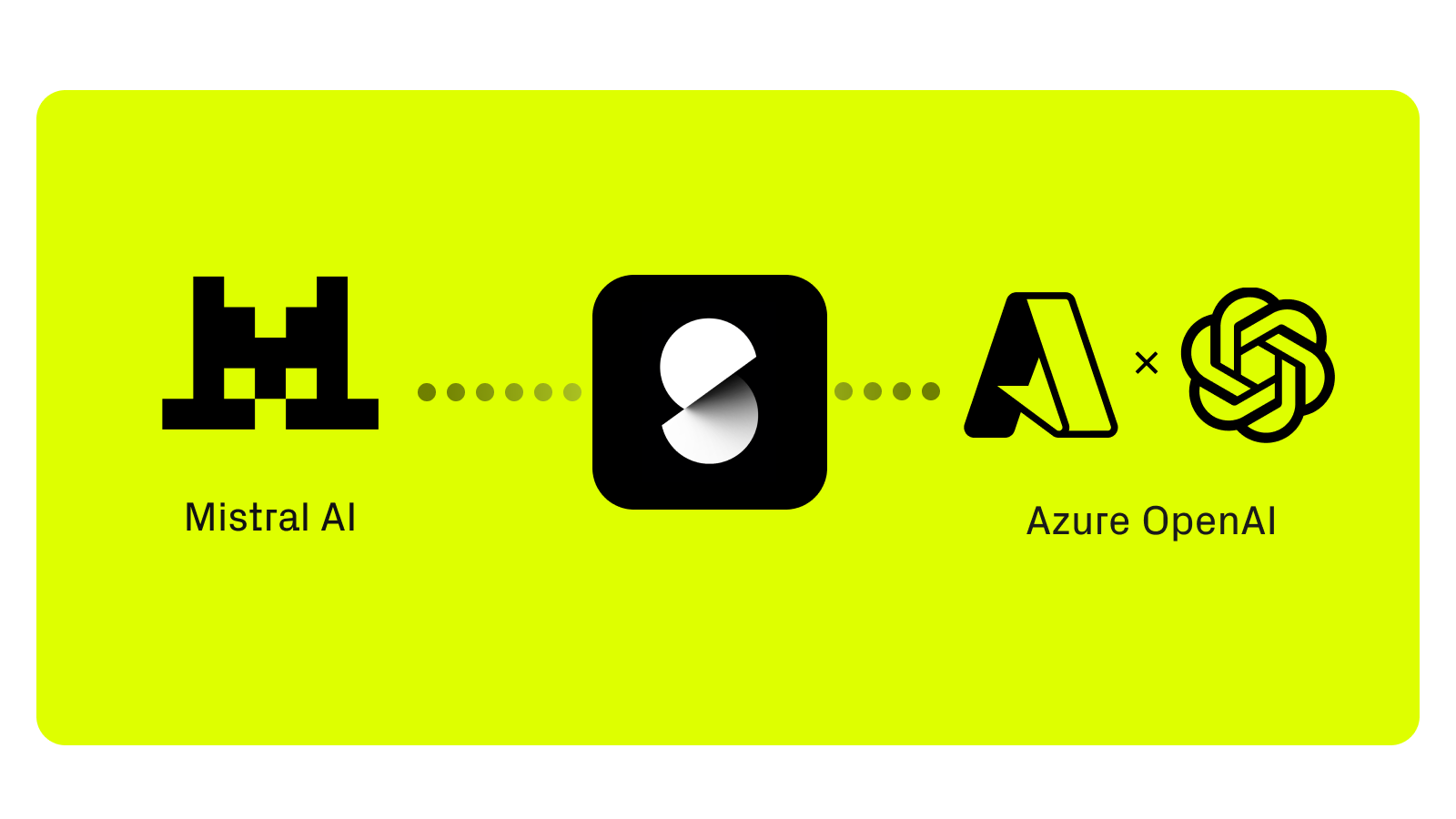
Select your preferred LLM provider
You can decide at any time which technology you want to use to analyze your conversations: OpenAI, hosted in Europe, or Mistral AI—entirely European and GDPR-compliant. This selection applies centrally to your entire account and can be changed at any time.
App Functionality
Shared Data
Kontaktliste | ||
Anrufliste | ||
Anrufnotizen | ||
Kontaktliste | ||
Aufgaben | ||
Anrufe | ||
KI-Zusammenfassung | ||
Anrufe |
Reviews
4.1
18
4.1
18
- Sep 23, 2026
Good app, but sipgate always have maintenance
i like the summary and transcript function, as well as the neat integration for calling from HubSpot, syncing the contacts / companies or deals.
Sometimes the associations arent matched or problems occur. Often they have maintanance at sipgate and this is horrible.
Huber, M.
- Jul 8, 2026
HubSpot-sipgate Integration
Works great
E-Learning, C.
Pricing
sipgate App CLINQ Premium
€19.95
/monthUse with HubSpot and Other CRM Systems
Also, integration with Google, Microsoft, and sipgate
Notes are automatically created in HubSpot
All calls are automatically logged in HubSpot
Deals are populated automatically
Advanced Call Logging
Recall List
Noise Cancellation
Call Recording
Call Transcript
Call Prediction
Call Statistics
Desktop app for macOS, Windows, and Linux
Android App and iOS
Click2Dial with the Google Chrome extension
sipgate App CLINQ Premium
€19.95
/monthUse with HubSpot and Other CRM Systems
Also, integration with Google, Microsoft, and sipgate
Notes are automatically created in HubSpot
All calls are automatically logged in HubSpot
Deals are populated automatically
Advanced Call Logging
Recall List
Noise Cancellation
Call Recording
Call Transcript
Call Prediction
Call Statistics
Desktop app for macOS, Windows, and Linux
Android App and iOS
Click2Dial with the Google Chrome extension
* The pricing here is for display purposes only. All prices do not include taxes, incentives, discounts, or other pricing variables. You should contact the partner for the most up to date and correct pricing information. HubSpot does not take any responsibility for this pricing information, which is provided by our partners. Pricing last updated: 07/14/2026