

Tsunavo
Built by - 株式会社ランベル
Installs - 20+ installs
Requirements
HubSpot Plan HubSpot Account permissions - View the required account permissions
Access Type Shared Tsunavo Subscription - Free, Starter, Growth, Professional, or Enterprise plans
Overview
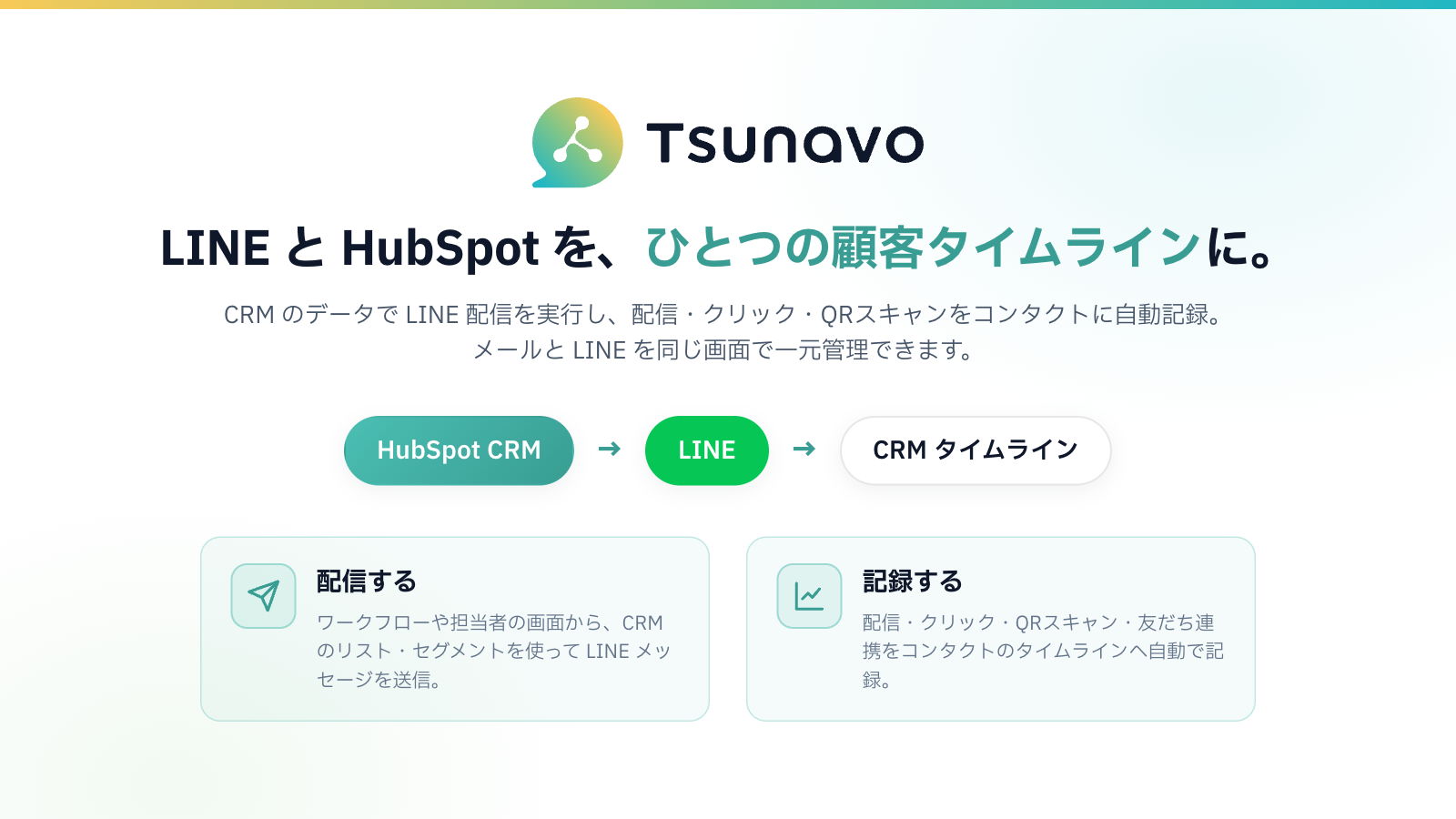
1/3 - Tsunavo Overview — Integrates LINE and HubSpot to send LINE messages using CRM data and automatically logs messages, clicks, and QR code scans to contacts' timelines
Tsunavo is an official app that integrates HubSpot CRM with LINE Official Accounts, enabling you to send and receive LINE messages using customer data from the CRM. While LINE is a primary customer touchpoint in Japan, its message history and responses are not recorded in the CRM, often creating a silo that is disconnected from email.Tsunavo allows you to send LINE messages directly from workflows or agent dashboards, automatically logging events such as message delivery, clicks, QR code scans, and friend connections to the contact’s timeline.This enables centralized management of both email and LINE on a single customer timeline, facilitating data-driven, personalized messaging using HubSpot segments and lists.Furthermore, sales and support representatives can check the status of the LINE integration and start one-on-one chats directly from a dedicated card on the contact record, allowing them to handle customer interactions without switching screens.
Features
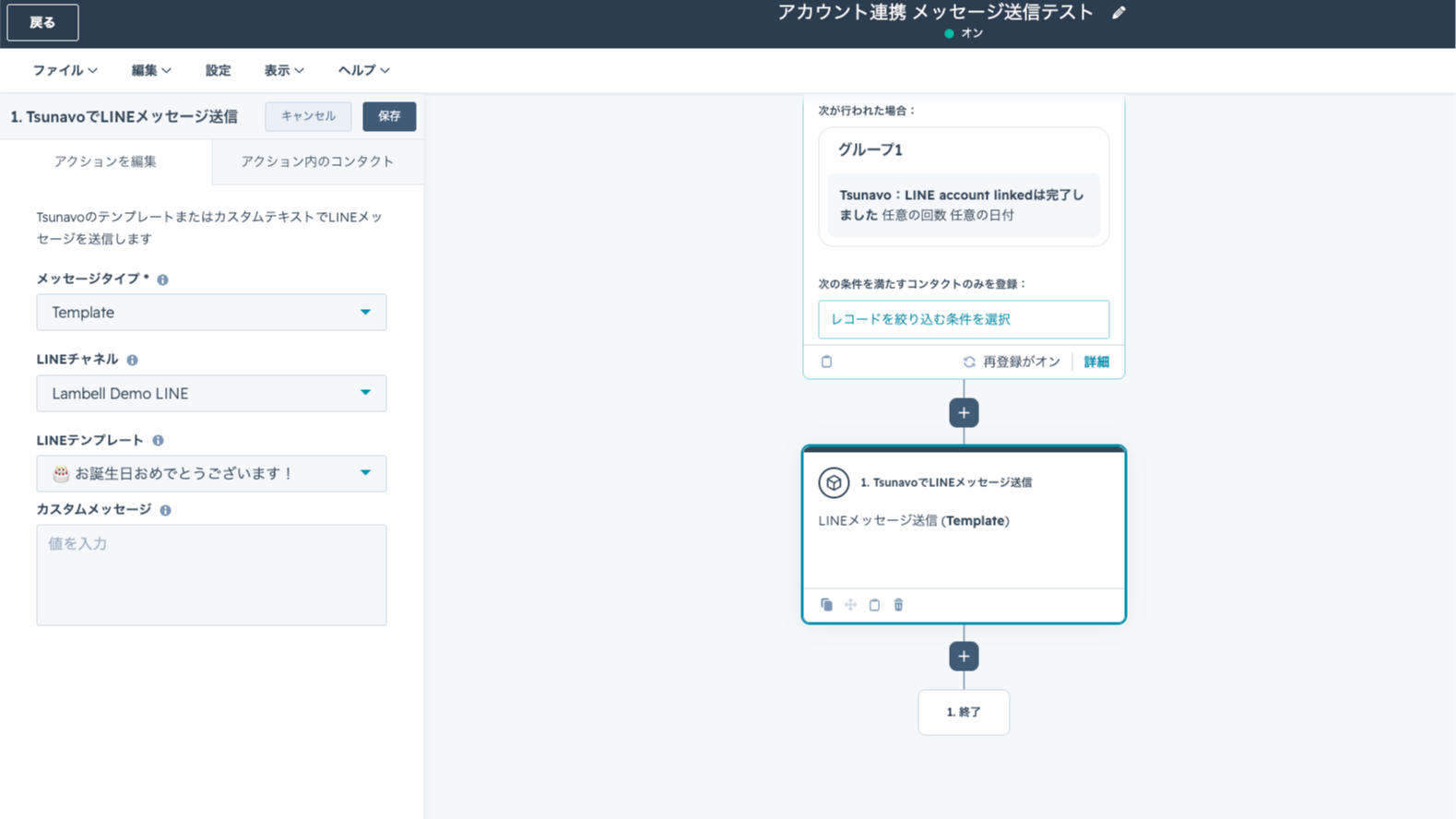
Automatically Send LINE Messages from Workflows and Lists
Using HubSpot workflows as a starting point, you can automatically send template or custom messages to contacts via LINE. Since you can narrow down the target audience using lists and segments, you can achieve one-on-one communication based on CRM data—all without coding.
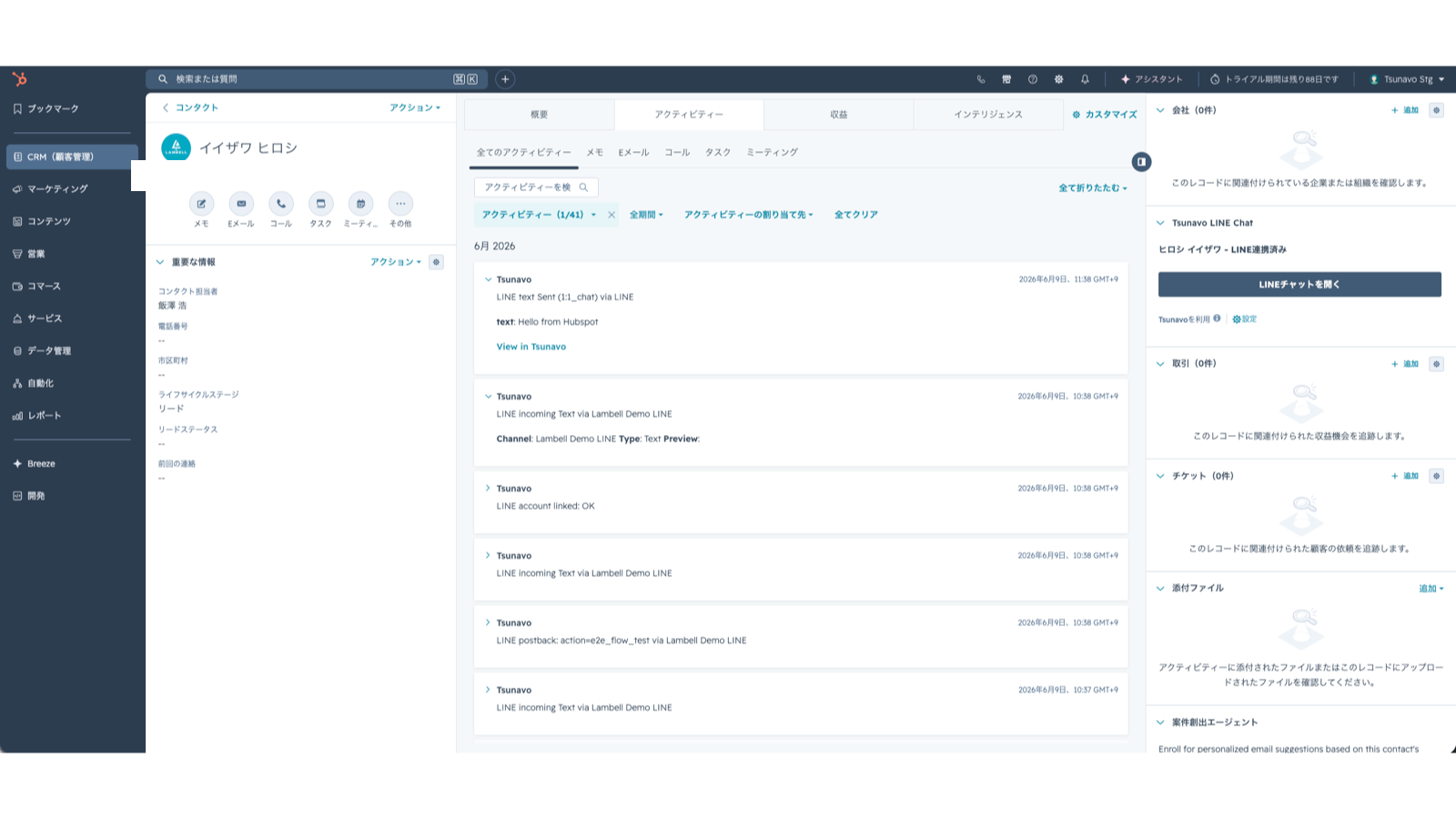
Record delivery status on the timeline and view it on the CRM card
Events such as LINE messages, clicks, QR code scans, and friend connections are automatically logged on the contact's timeline. You can check the LINE integration status at a glance from the CRM card and open a LINE chat directly from the record screen to handle the matter.
App Functionality
コンタクト | ||
配信対象セグメント | ||
LINEアクティビティ |
Reviews
Pricing
Free
¥0
For personal use or to try it out
Community Support
User Seat: 1 person
1 connection channel
1,000 messages per month
Free
¥0
For personal use or to try it out
Community Support
User Seat: 1 person
1 connection channel
1,000 messages per month
* The pricing here is for display purposes only. All prices do not include taxes, incentives, discounts, or other pricing variables. You should contact the partner for the most up to date and correct pricing information. HubSpot does not take any responsibility for this pricing information, which is provided by our partners. Pricing last updated: 09/01/2026
Getting attention today
-1.png)
HubSpot connector for Claude
Access your HubSpot context in Claude to get personalized insights, visualizations, and to create and update your CRM records.

Microsoft Teams
Use Microsoft Teams and HubSpot for meetings, conversations, and more!
