

IntelliEvent Lightning
สร้างโดย - Extreme Impact Inc.
ติดตั้ง - 10+ การติดตั้ง
ข้อกำหนด
แผน HubSpot สิทธิ์บัญชี HubSpot - ดูสิทธิ์บัญชี ที่จำเป็น
ประเภทสิทธิ์การเข้าถึง แชร์แล้ว การสมัครใช้บริการ IntelliEvent Lightning - Free to Install แพ็กเกจ
ภาพรวม
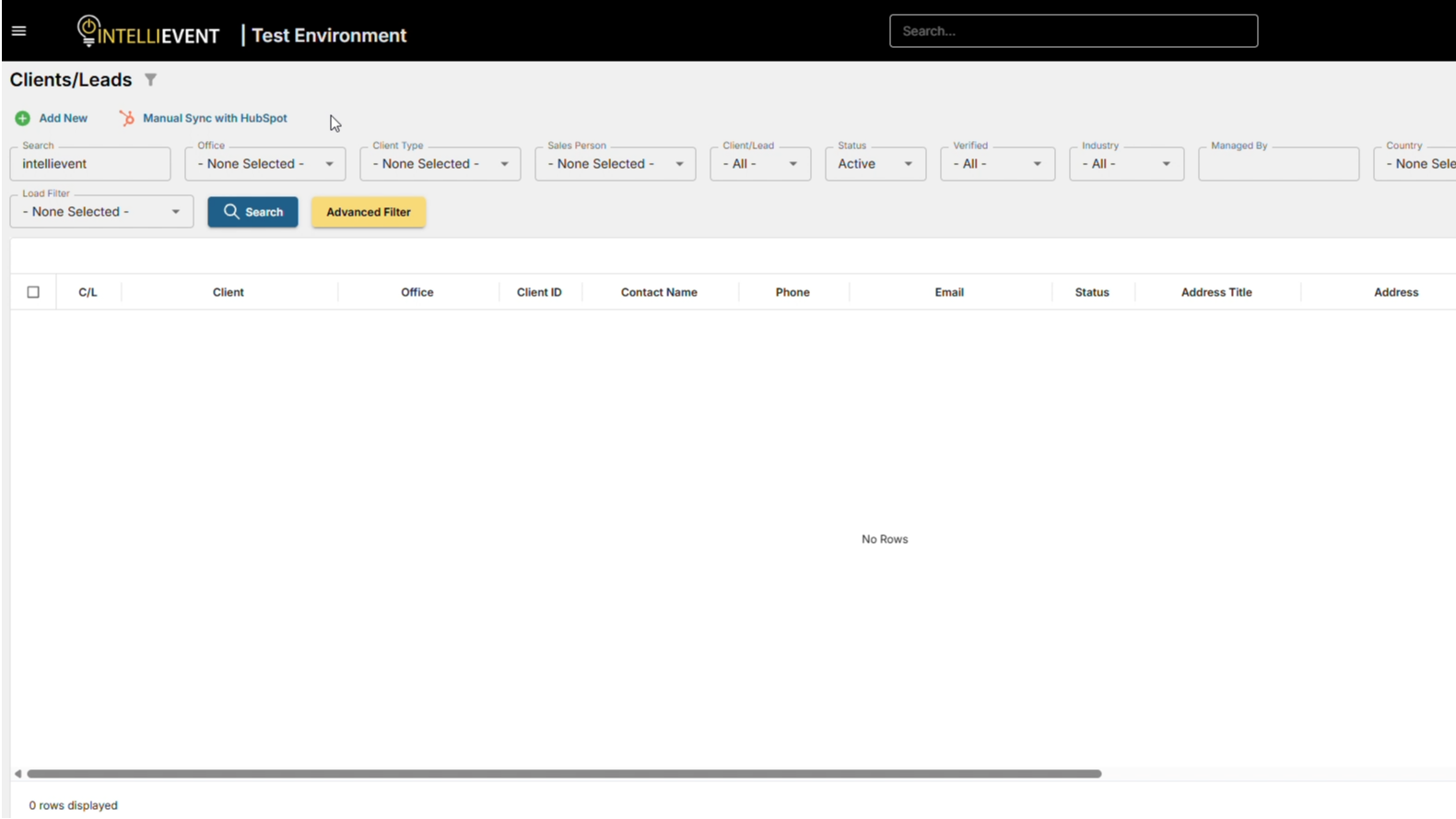
1/2 - HubSpot IntelliEvent integration demo with CRM sync, deal automation, order creation, and invoicing visibility.
HubSpot - IntelliEvent Lightning Integration
Summary
The integration between HubSpot and IntelliEvent Lightning connects front office and back office operations into a single, unified workflow.
Front office: lead management, pipeline, customer communication
Back office: orders, fulfillment, invoicing, payments, inventory, service delivery
Result:
Reduced manual processes
Improved data accuracy
Faster sales-to-fulfillment cycle
Better visibility across teams
Key Business Problems Solved
1) Duplicate Data Entry and Inconsistent Records
Problem
Teams re-enter company, contact, and order data across systems, leading to mismatches and stale records.
Solution
Core entities (companies, contacts, products, orders, invoices, payment status) are synced to maintain a consistent data set across systems.
2) Limited Visibility from Pipeline to Fulfillment and Billing
Problem
Sales teams lack visibility into fulfillment, invoicing, and payment status.
Solution
Operational and financial status (order stage, fulfillment milestones, invoice status, balances) is surfaced in HubSpot to support better follow-up and forecasting.
3) Slow Sales Cycles and Quoting Errors
Problem
Quotes are created using outdated pricing or availability, leading to errors and delays.
Solution
Sales can generate quotes using ERP-backed product and pricing data, ensuring accuracy and reducing revision cycles.
4) Manual Handoffs Between Sales and Operations
Problem
Closed deals are passed to operations with incomplete or inconsistent data.
Solution
Deals automatically create or update orders/projects in IntelliEvent when reaching defined stages, ensuring required data is captured.
5) Disconnected Customer Communications
Problem
Customer communications do not reflect real fulfillment or billing status.
Solution
ERP-driven events (order completion, invoicing, payments, renewals) trigger accurate HubSpot workflows and notifications.
6) Fragmented Revenue Lifecycle Reporting
Problem
Pipeline and revenue data exist in separate systems, limiting full visibility.
Solution
The integration connects pipeline activity with downstream revenue (invoicing, collections), improving reporting and forecasting.
Target Users and Value Delivered
Sales (Account Executives, SDRs, Sales Ops)
Value delivered
Faster quoting with accurate pricing and product data
Real-time visibility into fulfillment and billing status
Cleaner handoffs at “Closed Won” with reduced administrative work
Improved account planning using order and payment history
Marketing (Demand Gen, Marketing Ops)
Value delivered
Segmentation based on operational data (customer tier, products, purchase behavior)
More targeted campaigns and lifecycle automation
Improved attribution from lead to revenue
Stronger ROI measurement
Customer Success / Account Management
Value delivered
Proactive outreach based on fulfillment and renewal signals
Reduced dependency on internal teams for status updates
More consistent customer experience
Early identification of churn risk (payment delays, ordering trends)
Finance / Billing / Accounts Receivable
Value delivered
Fewer billing disputes due to improved data accuracy
Better coordination on collections and account status
Reduced manual reconciliation
Cleaner customer data across systems
Operations / Implementation / Service Delivery
Value delivered
Structured intake from sales with required data captured automatically
Reduced rework from incomplete or inconsistent data
Clear visibility into sold vs. delivered services
More predictable workload planning
Leadership (RevOps, COO/CFO, Sales & Marketing Leadership)
Value delivered
End-to-end metrics: pipeline → bookings → billing → cash
Improved forecast accuracy
Faster decision-making
Scalable growth with reduced operational overhead
ฟีเจอร์
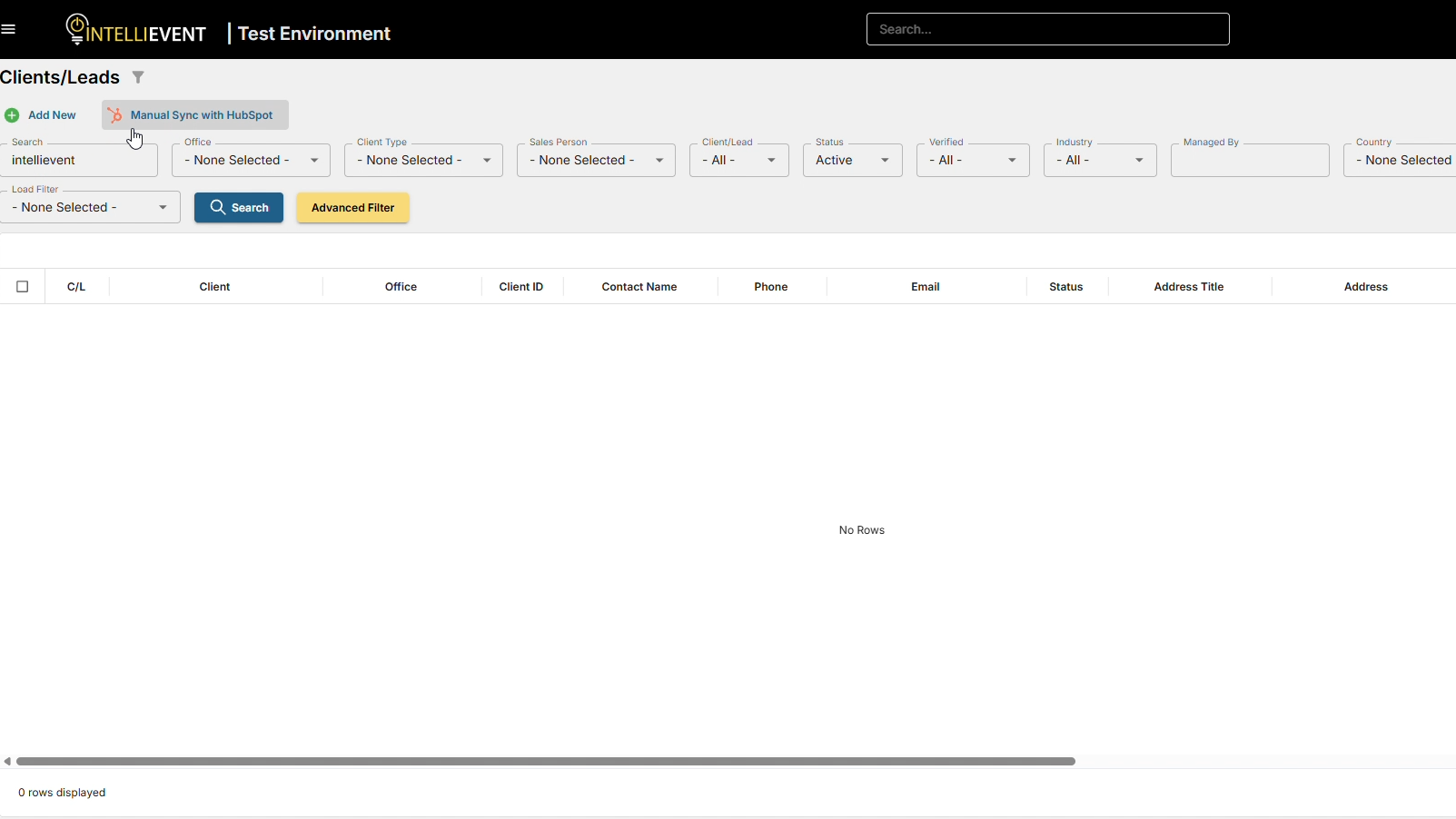
Bi-Directional CRM Sync
Keep your customer data aligned across sales and operations without manual updates. When a salesperson updates a contact or company in HubSpot, the changes are reflected in IntelliEvent Lightning, and vice versa.
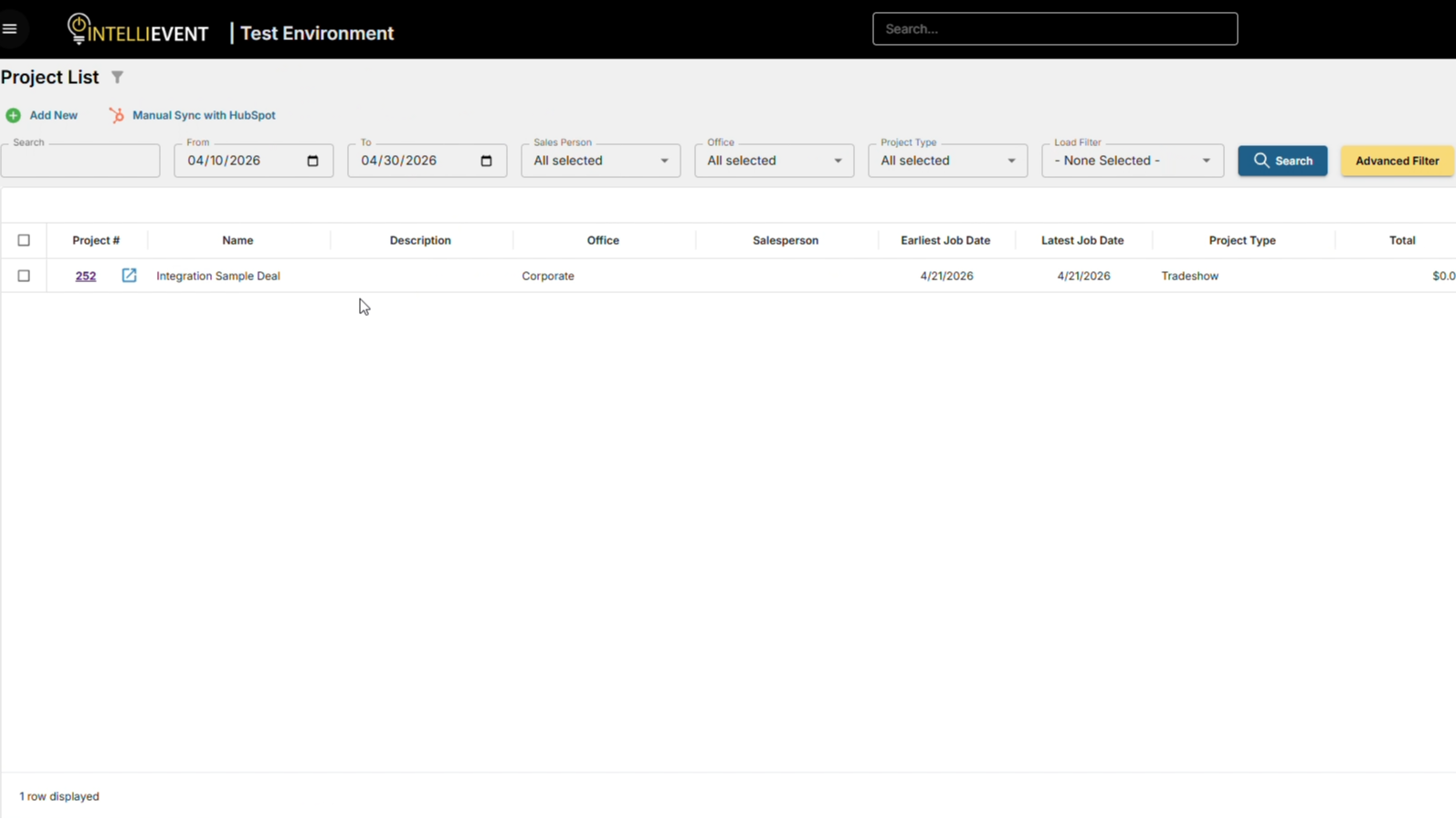
Project to Deal Synchronization
Ensure your sales pipeline accurately reflects real project activity. Projects created or updated in Lightning automatically stay in sync with Deals in HubSpot.
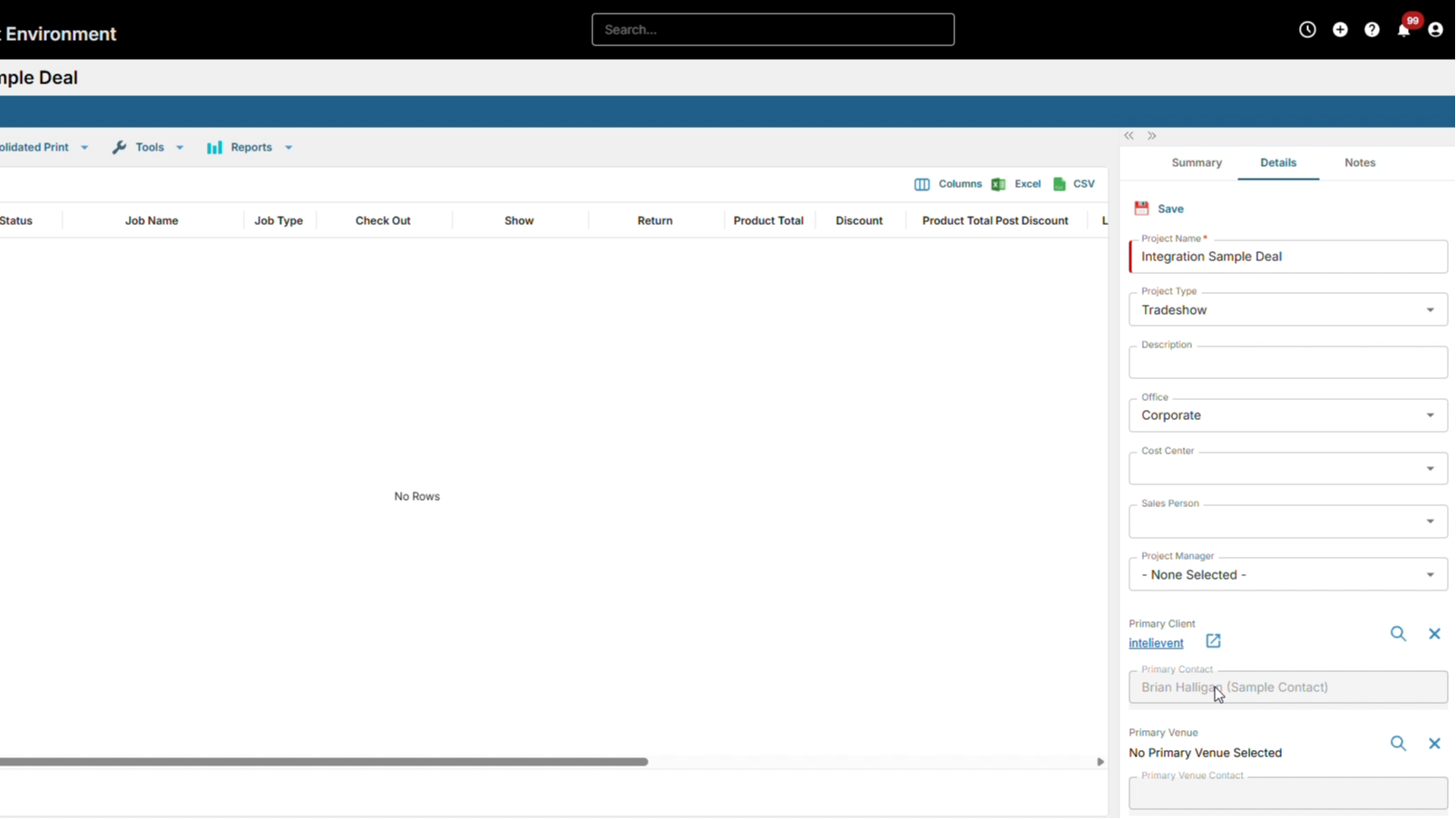
Automated Deal Revenue Updates
Keep deal values accurate without manual adjustments. Revenue from multiple jobs within a project is automatically summarized and reflected in the associated HubSpot deal.
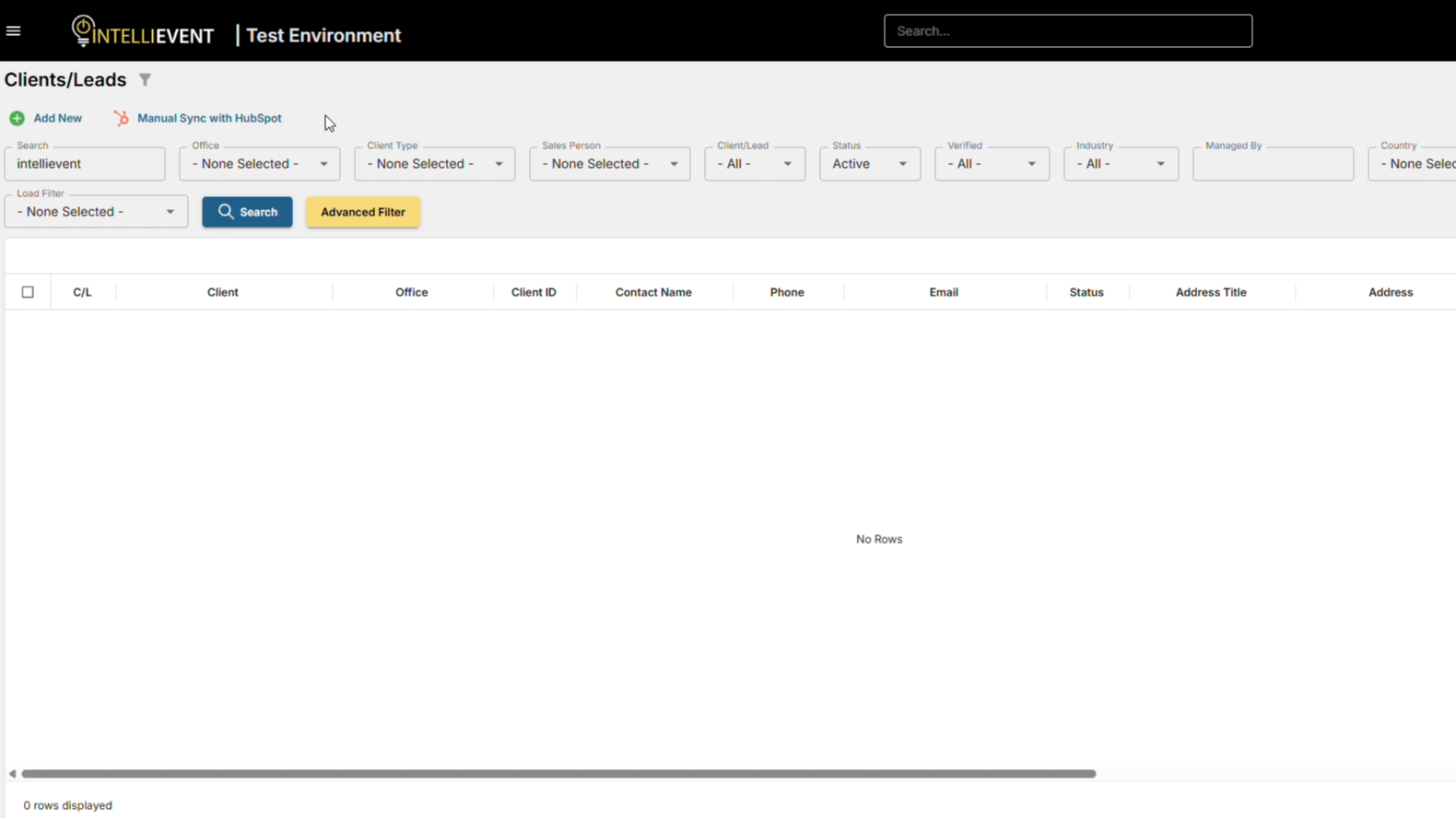
Client to Company Mapping
Maintain consistent account records between systems. Clients in Lightning are automatically linked to Companies in HubSpot.
Contact Synchronization
Keep contact records up to date across both platforms so teams always have the latest information.
ฟังก์ชันการทำงานแอป
ข้อมูลที่แบ่งปัน
Contact | ||
Clients | ||
Projects | ||
Users |
รีวิว
การกำหนดราคา
Free to Install
Installation is free. Activation requires an active IntelliEvent subscription.
Free to install via HubSpot. Full functionality requires a paid IntelliEvent subscription and activation by our team.Free to Install
Installation is free. Activation requires an active IntelliEvent subscription.
Free to install via HubSpot. Full functionality requires a paid IntelliEvent subscription and activation by our team.* ราคาที่แสดงนี้มีไว้เพื่อแสดงข้อมูลเท่านั้น ราคาทั้งหมดยังไม่รวมภาษี สิทธิพิเศษ ส่วนลด หรือตัวแปรราคาอื่นๆ คุณควรติดต่อพาร์ทเนอร์เพื่อรับข้อมูลราคาล่าสุดและถูกต้องที่สุด HubSpot จะไม่รับผิดชอบใดๆ ต่อข้อมูลราคานี้ซึ่งจัดทำโดยพาร์ทเนอร์ของเรา การกำหนดราคาอัปเดตล่าสุด: 10/08/2026
ข้อมูลเพิ่มเติม
สร้างโดย - Extreme Impact Inc.
ติดตั้ง - 10+ การติดตั้ง
หมวดหมู่ ภาษาที่แอปนี้สามารถใช้ได้ ฝรั่งเศส - แคนาดา เยอรมัน สเปน - สเปน อังกฤษ และฮังการี
กำลังได้รับความสนใจในวันนี้

Microsoft Teams
Use Microsoft Teams and HubSpot for meetings, conversations, and more!

Slack
Manage CRM records, get AI-powered assistance from Breeze, send real-time notifications, and collaborate with your team — without leaving Slack.
