

CRM Connector Platform
Built by - CRM Connector
Installs - 10+ installs
Requirements
HubSpot Plan HubSpot Account permissions - View the required account permissions
Access Type Shared CRM Connector Platform Subscription - Starter, Growth, Pro, or Agency plans
Overview
1/5 - Setting up a Xero to HubSpot sync in CRM Connector: a sent Xero quote becomes a HubSpot deal, won once accepted
Stop retyping customers, deals and invoices. Keep HubSpot in sync with your field service and accounting tools. No code, no workflows, no tech skills.
Features
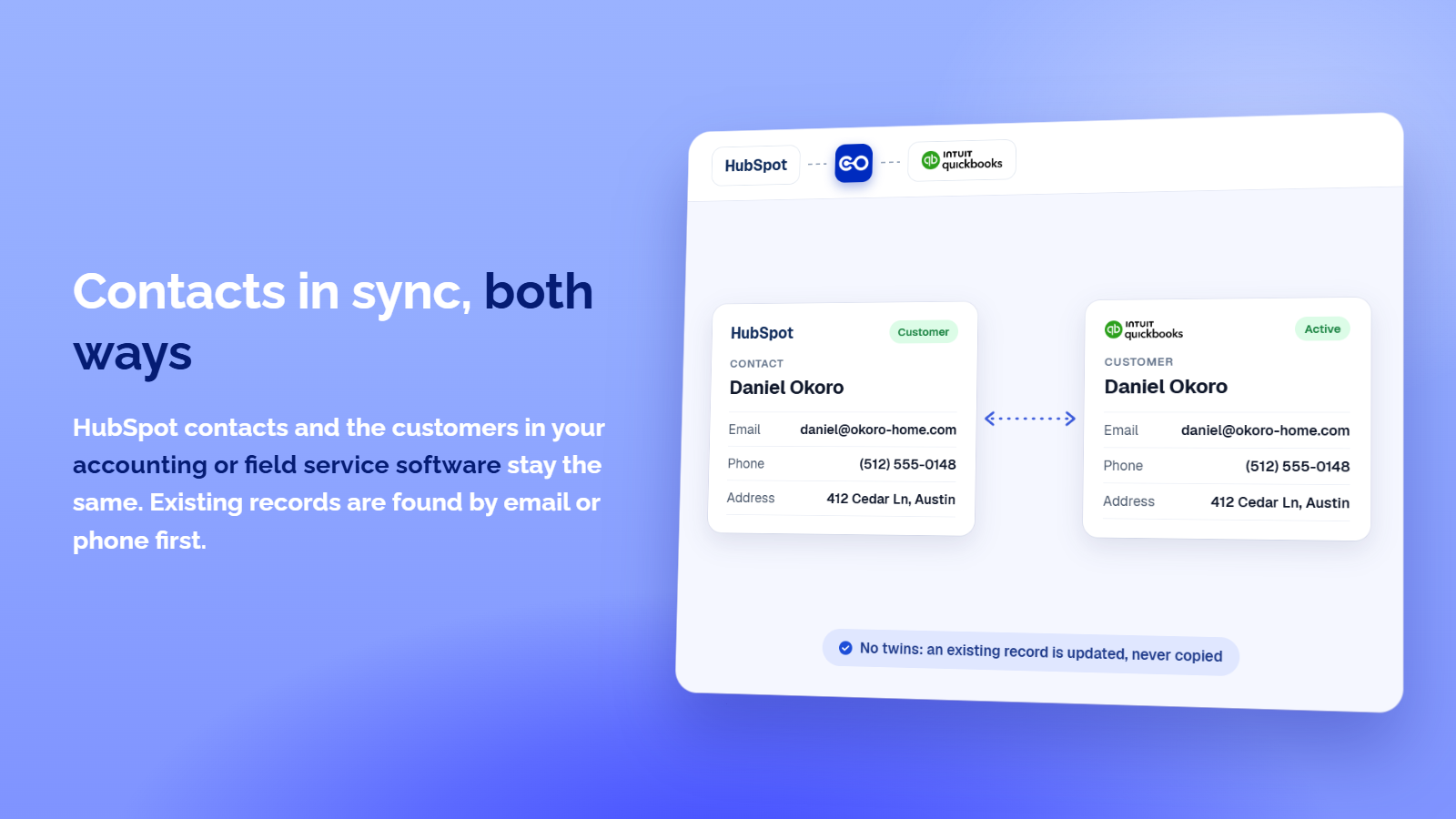
Two-Way Contact Sync
Contacts created or changed in HubSpot appear in your accounting or field service software, and the other way round. Existing contacts are matched by email, then phone, so nothing is duplicated. A company, phone or address you clear is cleared on both sides, and you choose which system leads when both changed.
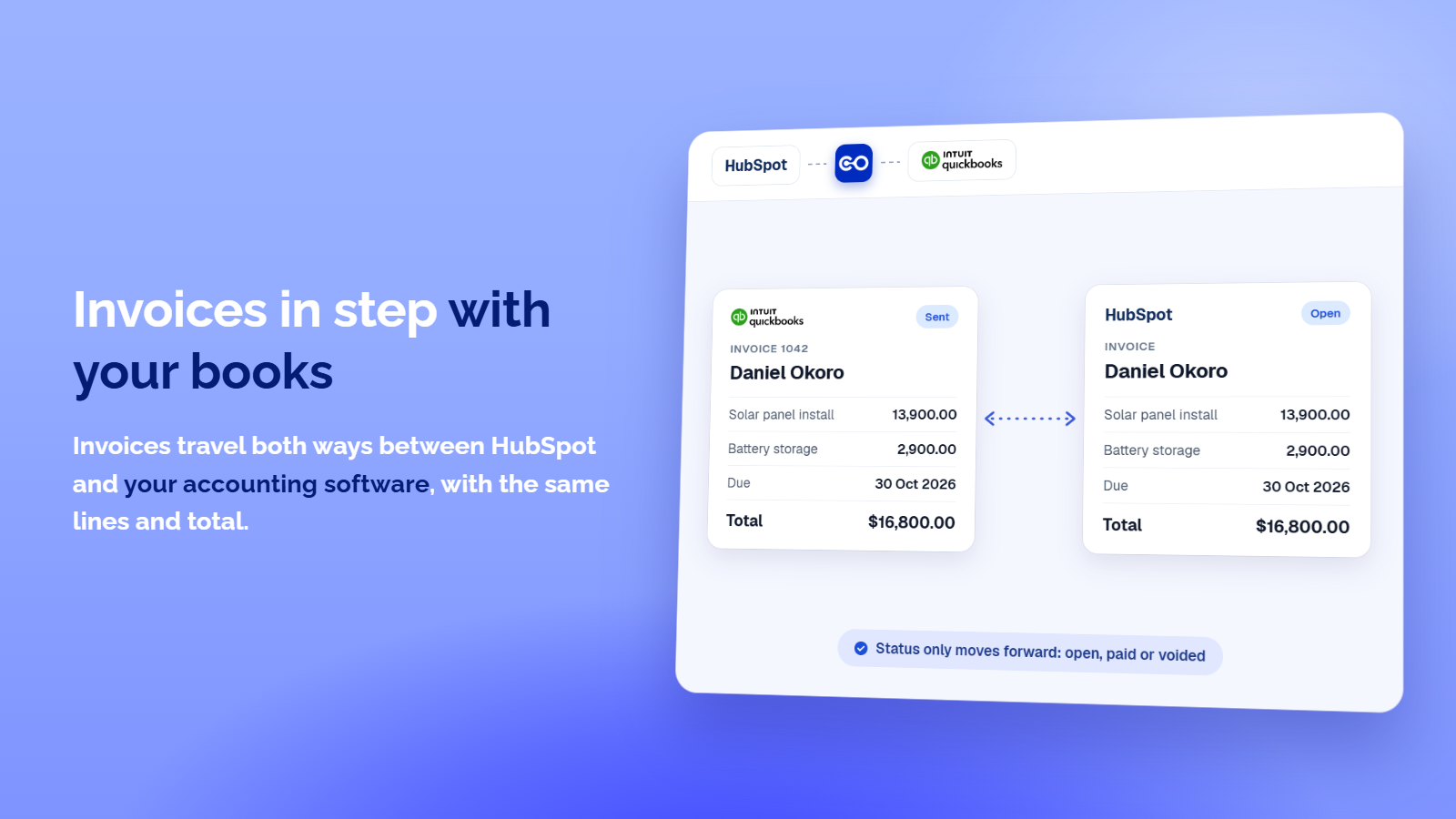
Invoices in step with Your Books
Invoices travel both ways between HubSpot and your accounting software, on the right contact, with the same lines and total. Status only moves forward: sent is open, paid is paid, voided is voided, and a settled invoice is never reopened. You pick when an invoice travels: when created, sent, overdue or paid.
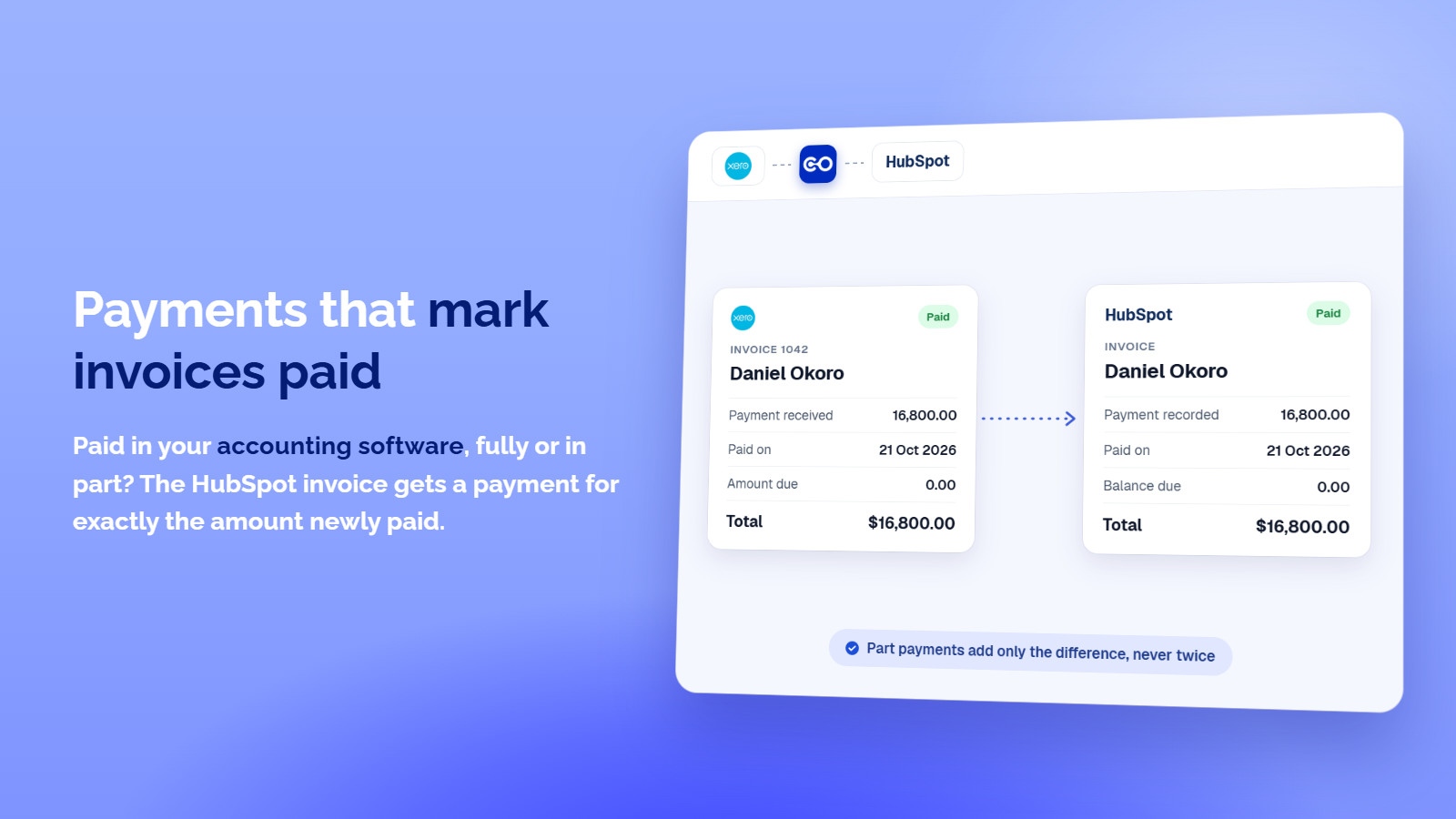
Payments that mark Invoices Paid
Paid in your accounting software, fully or in part? The HubSpot invoice gets a payment for exactly the amount newly paid, so HubSpot marks it paid once nothing is due. An invoice paid in HubSpot becomes a payment in your books, and a payment never lands twice.
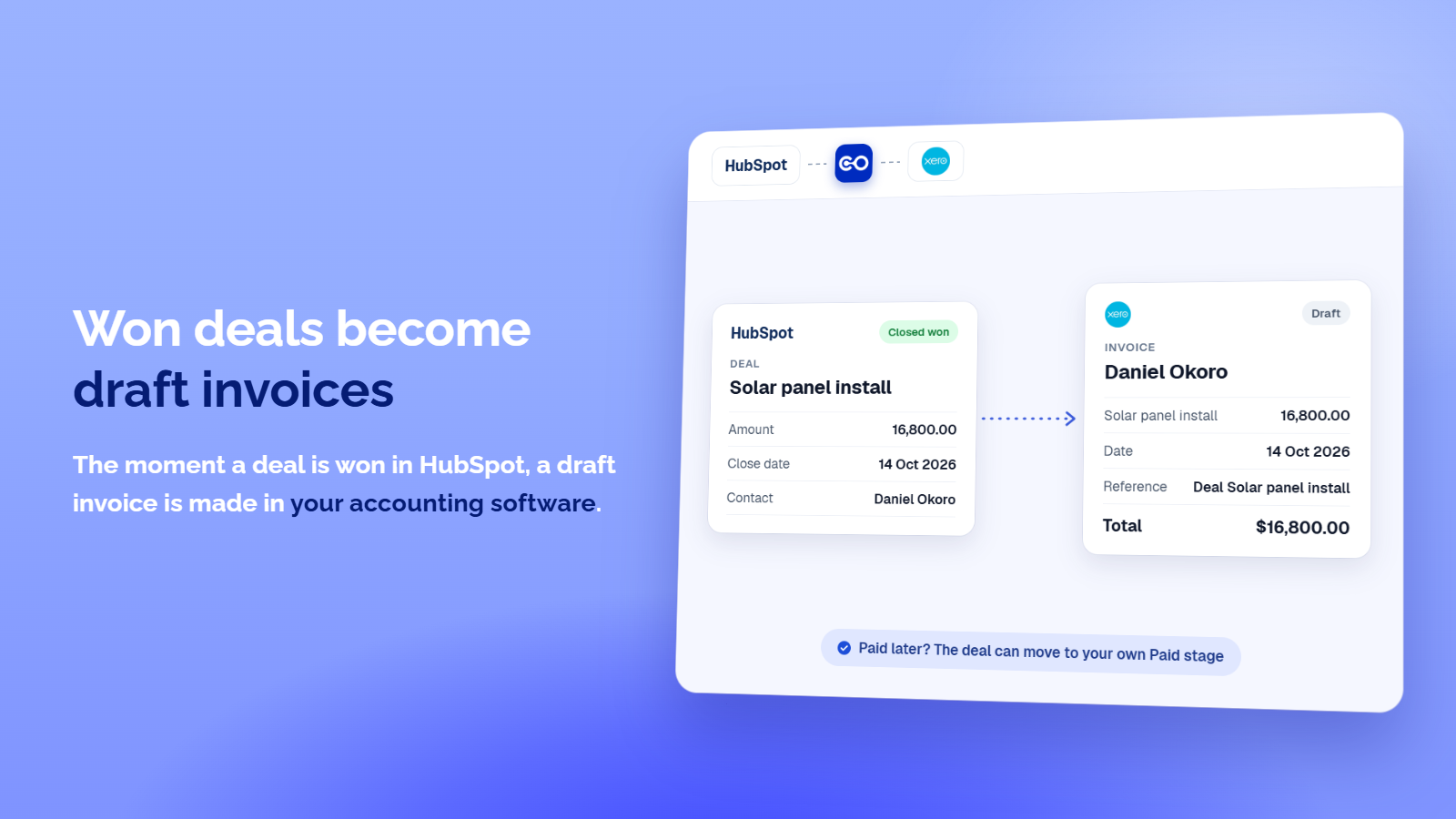
Won deals become draft invoices
The moment a deal is won in HubSpot, a draft invoice is made in your accounting software for the same contact, dated the day it was won, for the deal amount. Nothing reaches your customer until you send it. Optionally, once that invoice is paid, the deal moves to a won stage you pick, such as Paid.
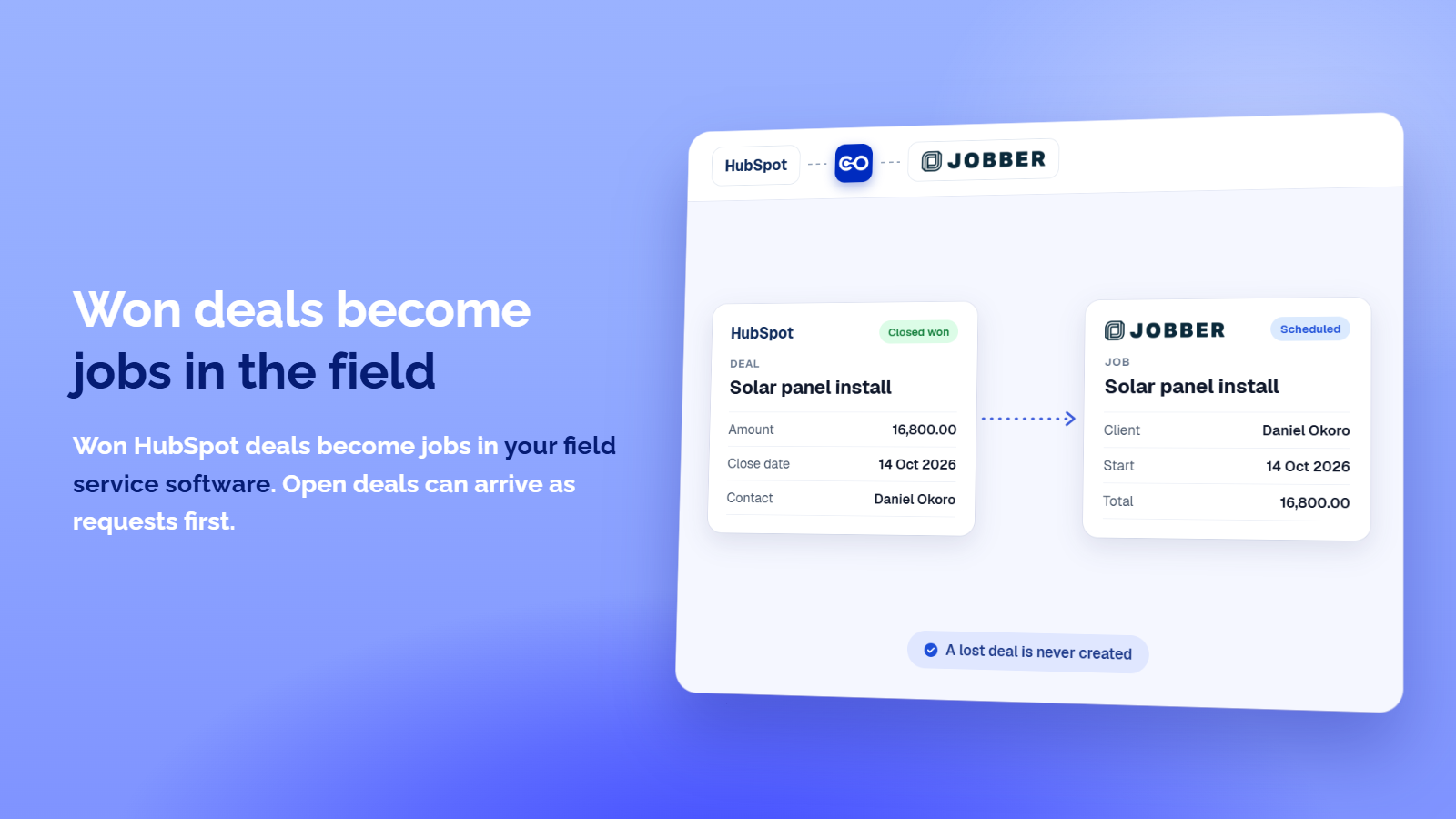
Won deals become jobs in the field
HubSpot deals become jobs in your field service software and projects in your photo app, for the same client, and open deals can arrive as requests first. Pick which deals travel, for example only won ones. A lost deal is never created, and a job made from a deal links back to its request.
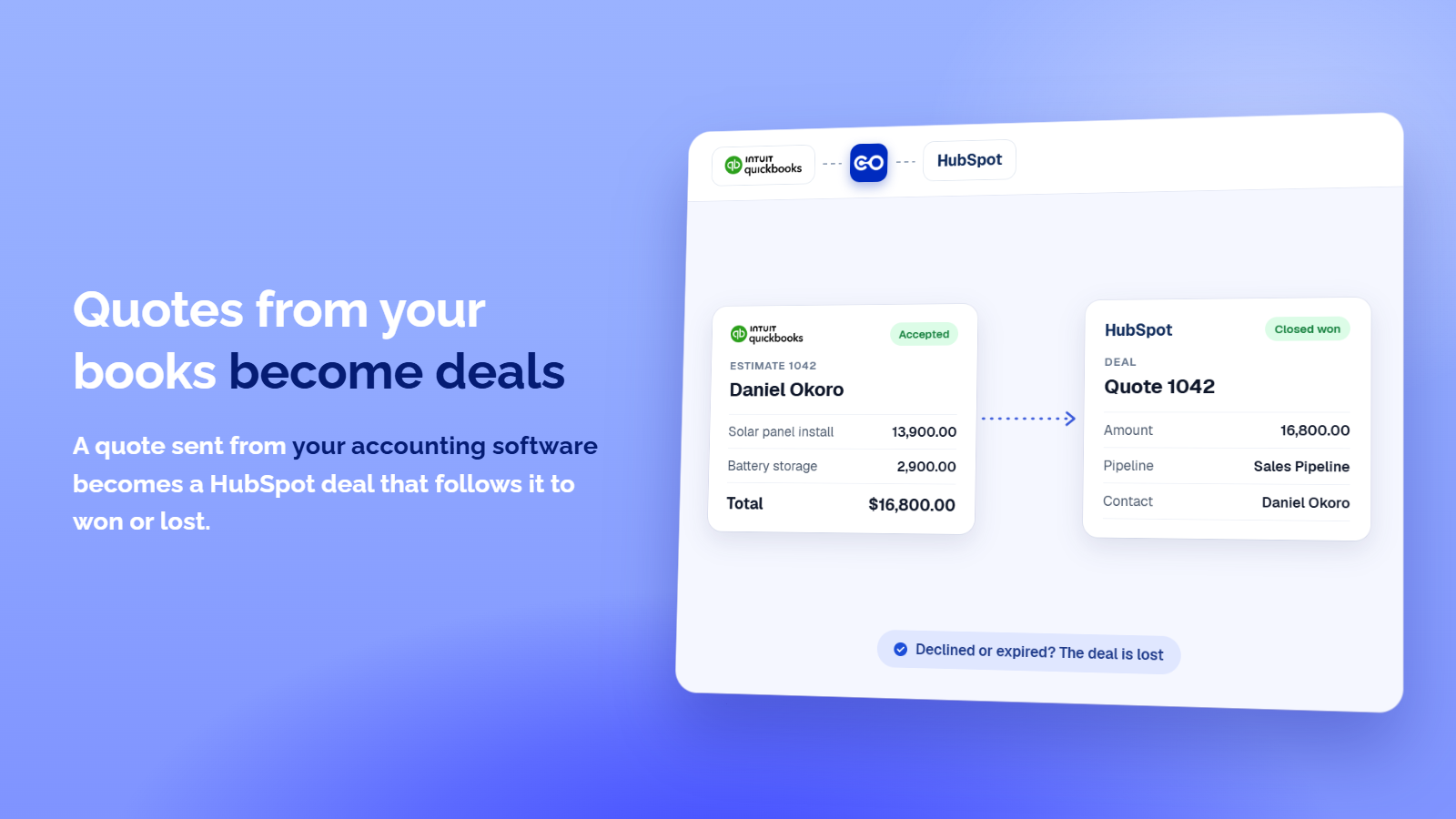
Quotes from your books become Deals
A quote sent from your accounting software creates a HubSpot deal for the same contact in your first pipeline, with the quote total as the amount. The deal then follows the quote: accepted moves it to won, declined or expired to lost. Draft quotes never travel.
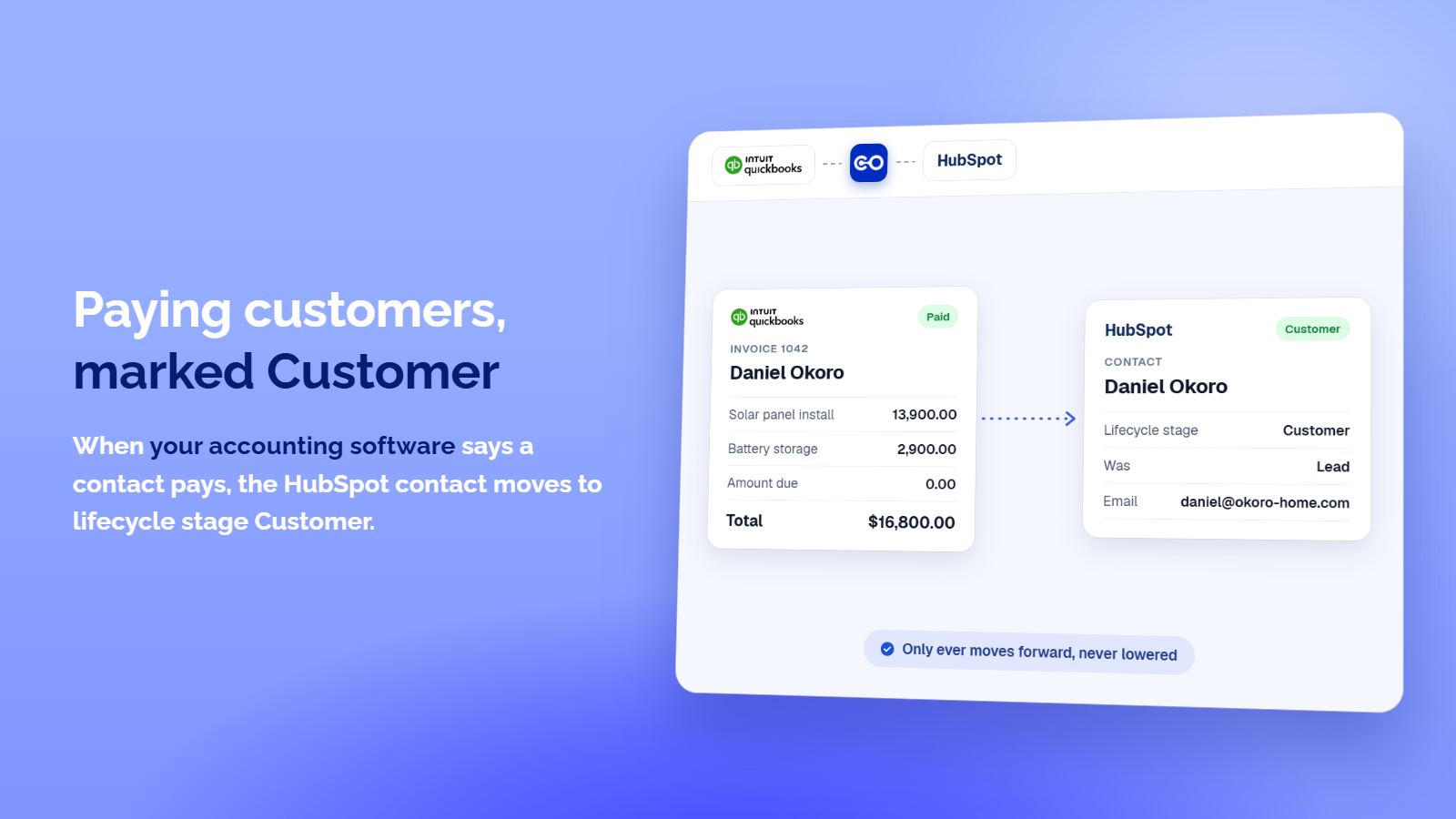
Paying customers marked Customer
When your other software says a contact pays, the HubSpot contact moves to lifecycle stage Customer, so your lists and workflows know who bought. It only moves forward: a contact already at Customer, Evangelist or a stage you added is left alone. You can also send only customers or only leads.
App Functionality
Shared Data
Contact | ||
Deal | ||
Invoice | ||
Invoice line | ||
Payment | ||
Owner | ||
Quote/Estimate | ||
Contact field | ||
Deal field |
Nothing syncs until you create an integration and choose its record types.
For each record type you choose the direction, when a record travels and which records qualify.
The app looks for an existing record before it creates one and never deletes a HubSpot record. After you disconnect, what was synced stays in HubSpot.
Quotes and owners are optional: they are only used when you allow them during sign in.
Don't see your system? Request it at https://crm-connector.com/platform/request-integration
Reviews
Pricing
Starter
$24.99
/monthOne integration with sync health reporting. Everything you need to stop entering data twice.
Check your syncs from ChatGPT and Claude
One-Way Sync
Syncs as often as every 4 hours
Unlimited synced records
Every record type included
1 integration
Starter
$24.99
/monthOne integration with sync health reporting. Everything you need to stop entering data twice.
Check your syncs from ChatGPT and Claude
One-Way Sync
Syncs as often as every 4 hours
Unlimited synced records
Every record type included
1 integration
* The pricing here is for display purposes only. All prices do not include taxes, incentives, discounts, or other pricing variables. You should contact the partner for the most up to date and correct pricing information. HubSpot does not take any responsibility for this pricing information, which is provided by our partners. Pricing last updated: 11/02/2026
New arrivals
CRM Connector Platform
Sync HubSpot contacts, deals, quotes and invoices with QuickBooks, Xero, Pipedrive, Jobber, GoHighLevel and more. One-way or two-way, no code or technical knowledge needed.

Tana
Update HubSpot directly from your meetings (Google Meet, Zoom, Microsoft Teams), with full context summary, updates to Contacts, Companies, Tasks, Deals - no bot visible in meeting
