

CRM Connector Platform
สร้างโดย - CRM Connector
ติดตั้ง - 10+ การติดตั้ง
ข้อกำหนด
แผน HubSpot สิทธิ์บัญชี HubSpot - ดูสิทธิ์บัญชี ที่จำเป็น
ประเภทสิทธิ์การเข้าถึง แชร์แล้ว การสมัครใช้บริการ CRM Connector Platform - Starter, Growth, Pro หรือ Agency แพ็กเกจ
ภาพรวม
1/5 - Setting up a Xero to HubSpot sync in CRM Connector: a sent Xero quote becomes a HubSpot deal, won once accepted
Stop retyping customers, deals and invoices. Keep HubSpot in sync with your field service and accounting tools. No code, no workflows, no tech skills.
ฟีเจอร์
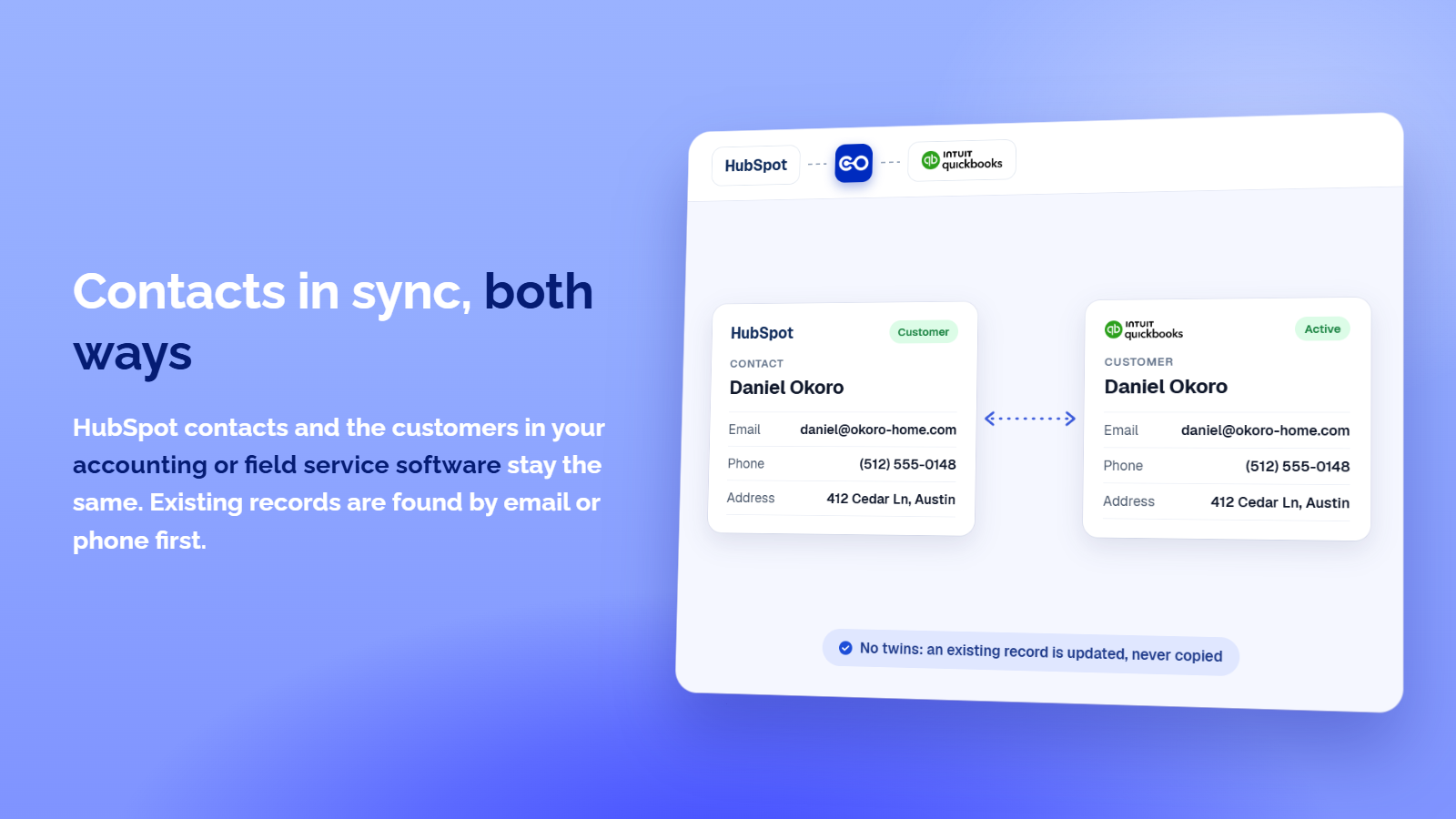
Two-Way Contact Sync
Contacts created or changed in HubSpot appear in your accounting or field service software, and the other way round. Existing contacts are matched by email, then phone, so nothing is duplicated. A company, phone or address you clear is cleared on both sides, and you choose which system leads when both changed.
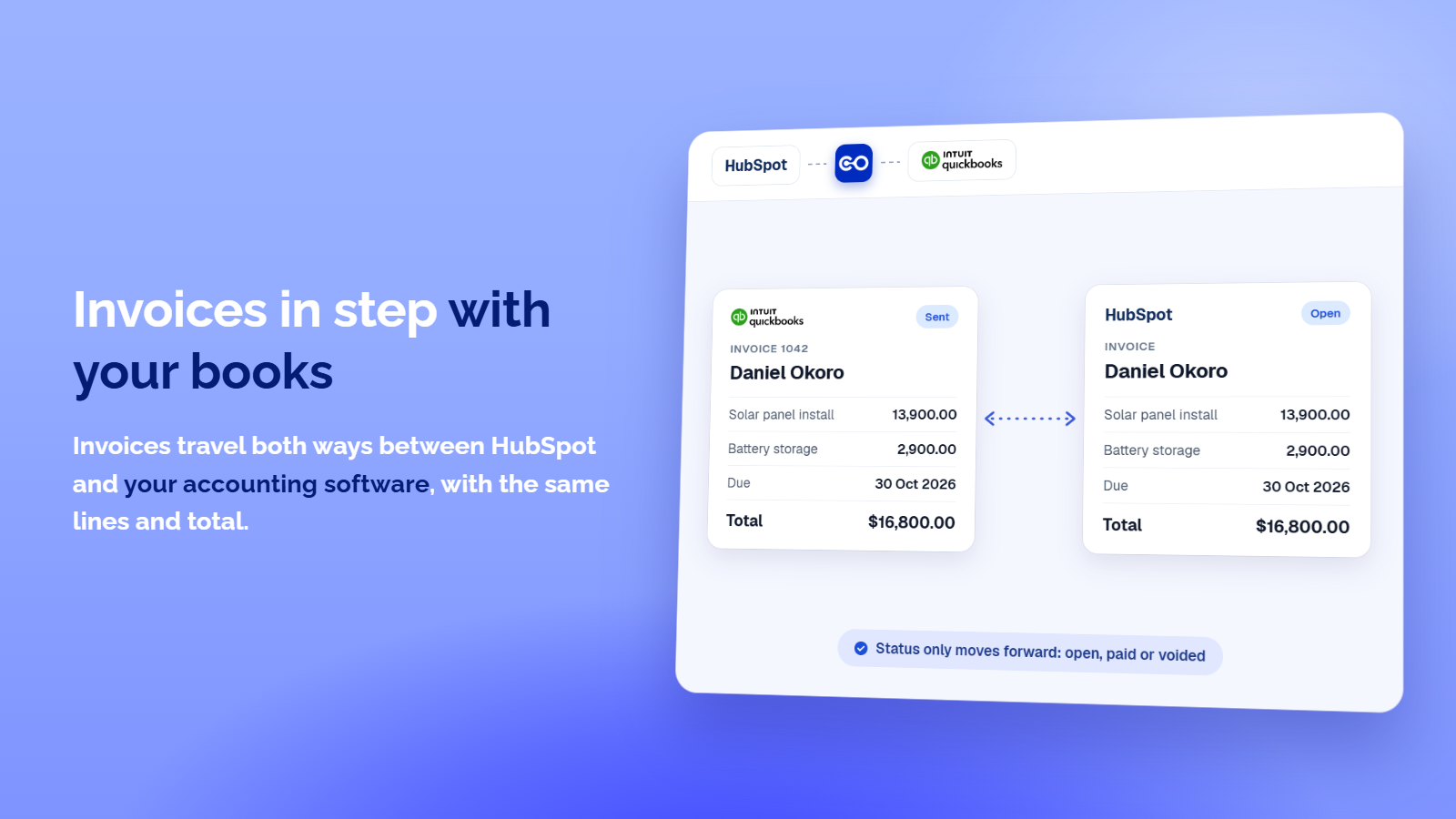
Invoices in step with Your Books
Invoices travel both ways between HubSpot and your accounting software, on the right contact, with the same lines and total. Status only moves forward: sent is open, paid is paid, voided is voided, and a settled invoice is never reopened. You pick when an invoice travels: when created, sent, overdue or paid.
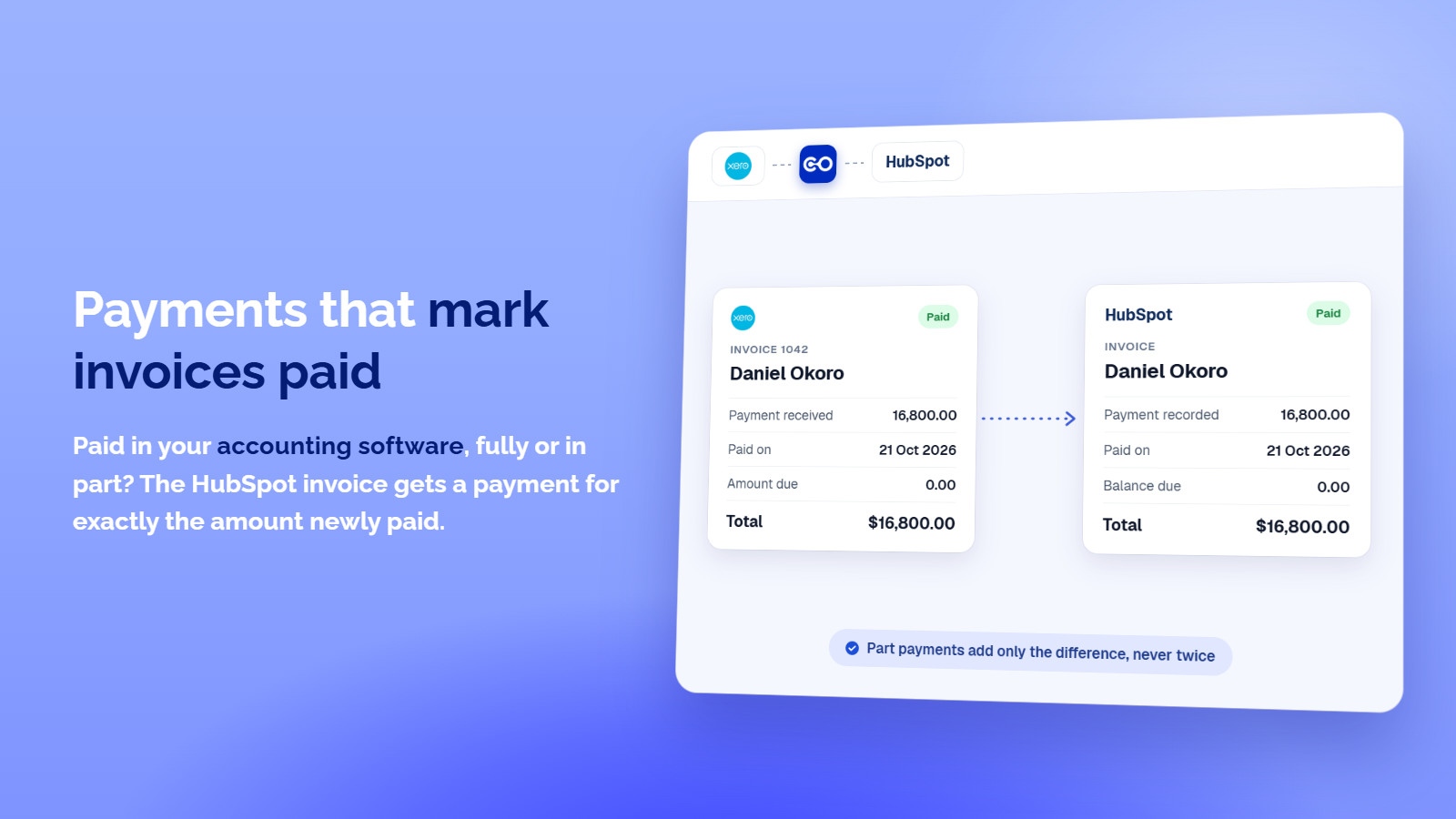
Payments that mark Invoices Paid
Paid in your accounting software, fully or in part? The HubSpot invoice gets a payment for exactly the amount newly paid, so HubSpot marks it paid once nothing is due. An invoice paid in HubSpot becomes a payment in your books, and a payment never lands twice.
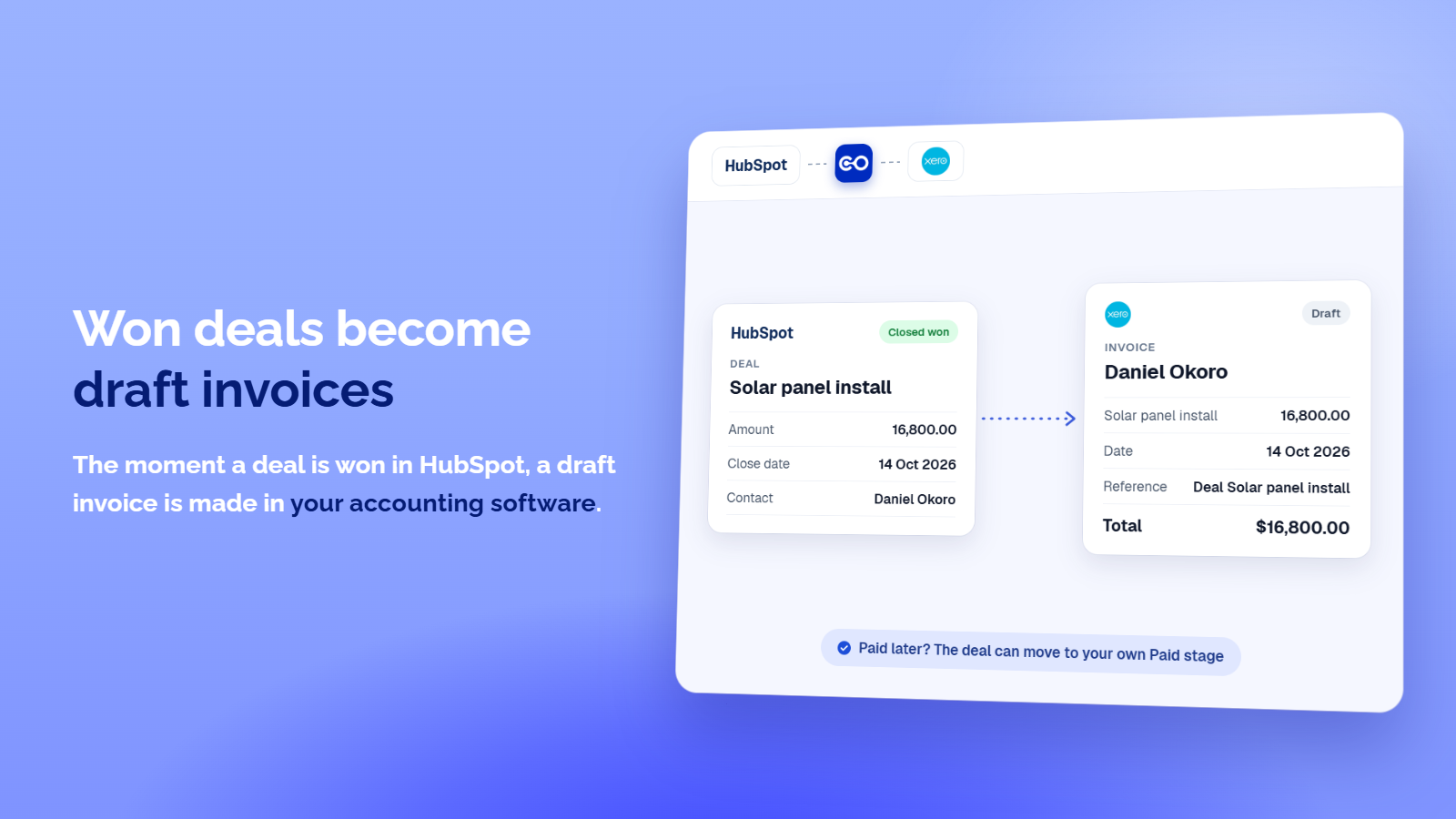
Won deals become draft invoices
The moment a deal is won in HubSpot, a draft invoice is made in your accounting software for the same contact, dated the day it was won, for the deal amount. Nothing reaches your customer until you send it. Optionally, once that invoice is paid, the deal moves to a won stage you pick, such as Paid.
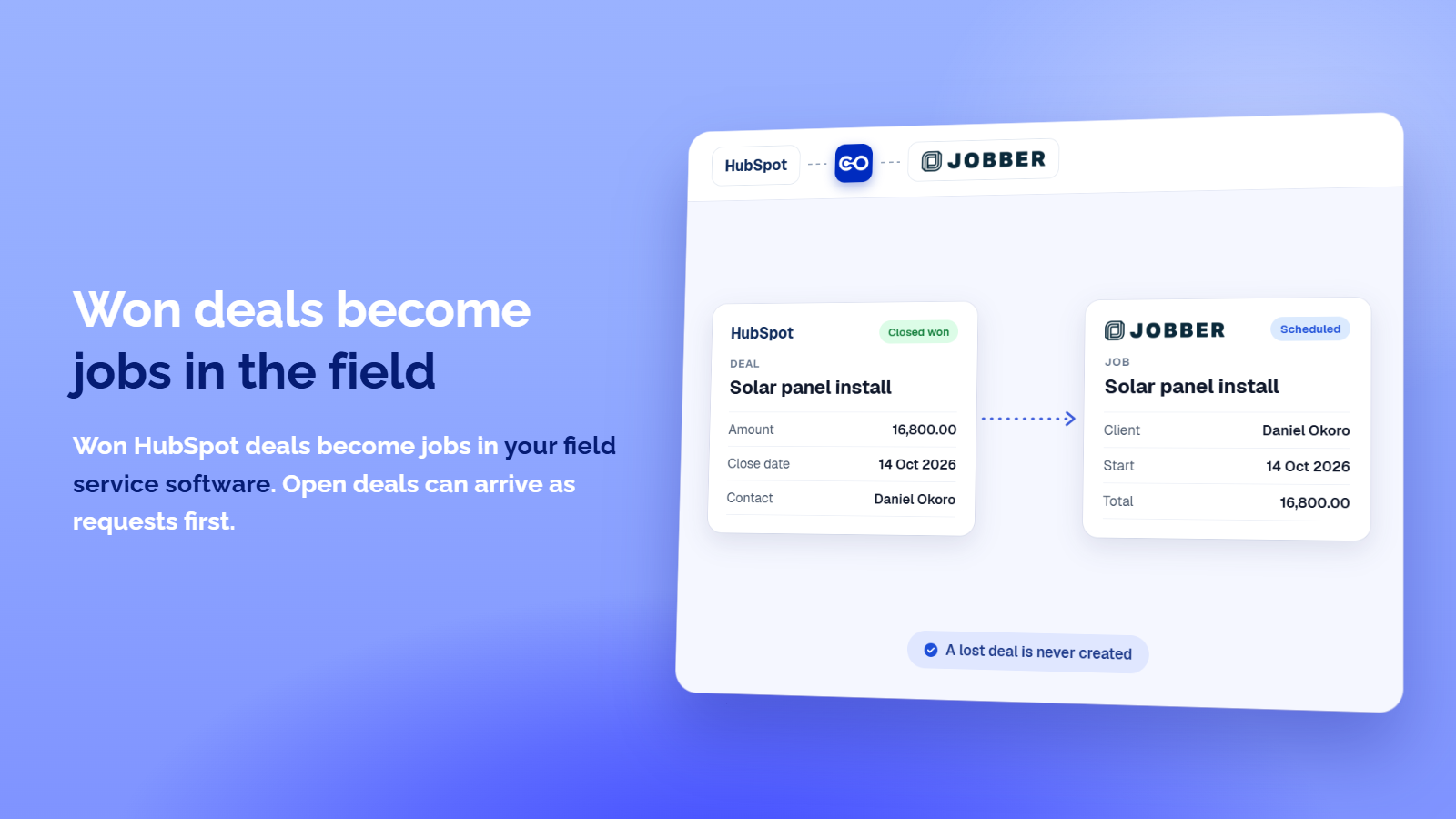
Won deals become jobs in the field
HubSpot deals become jobs in your field service software and projects in your photo app, for the same client, and open deals can arrive as requests first. Pick which deals travel, for example only won ones. A lost deal is never created, and a job made from a deal links back to its request.
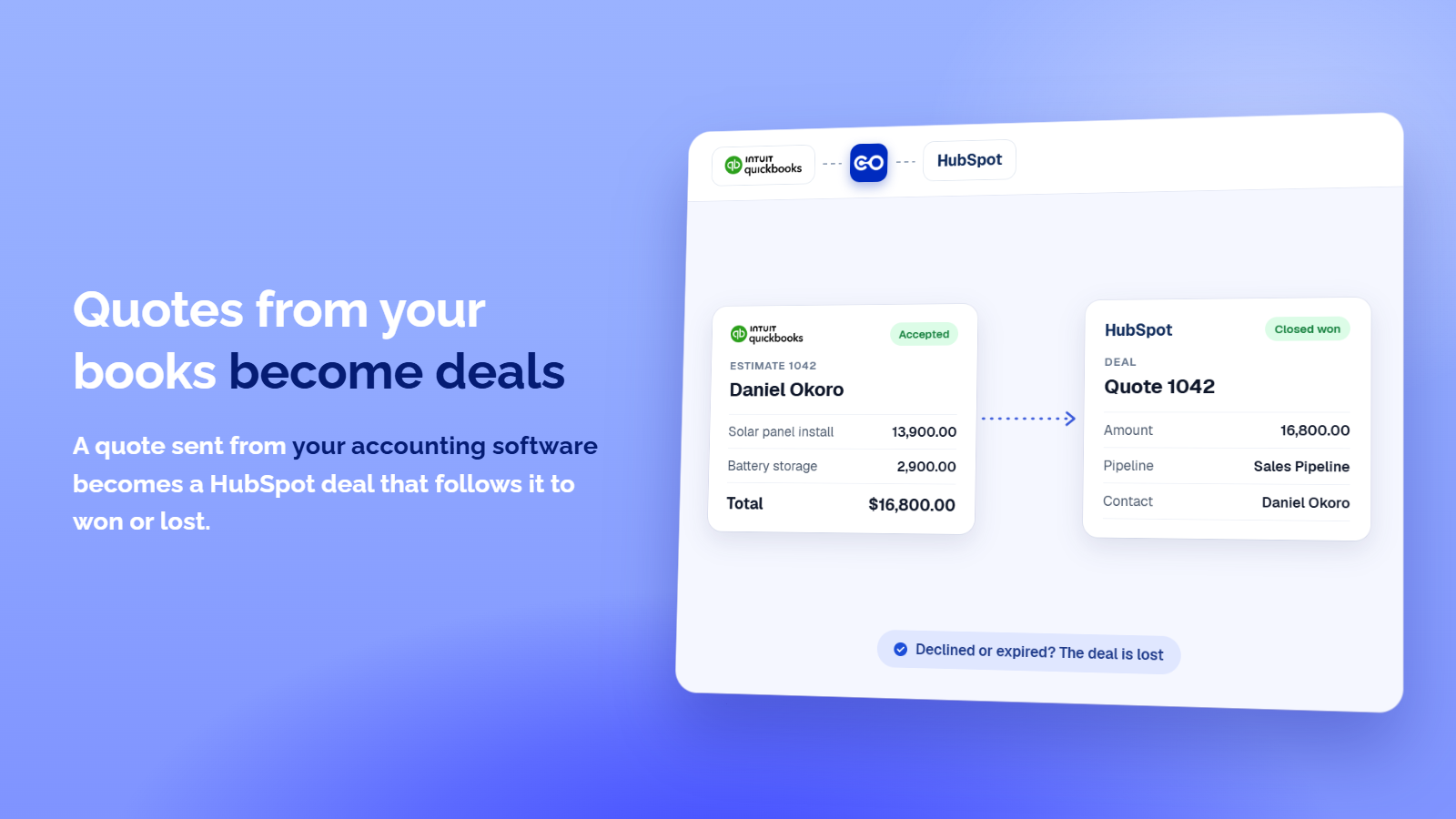
Quotes from your books become Deals
A quote sent from your accounting software creates a HubSpot deal for the same contact in your first pipeline, with the quote total as the amount. The deal then follows the quote: accepted moves it to won, declined or expired to lost. Draft quotes never travel.
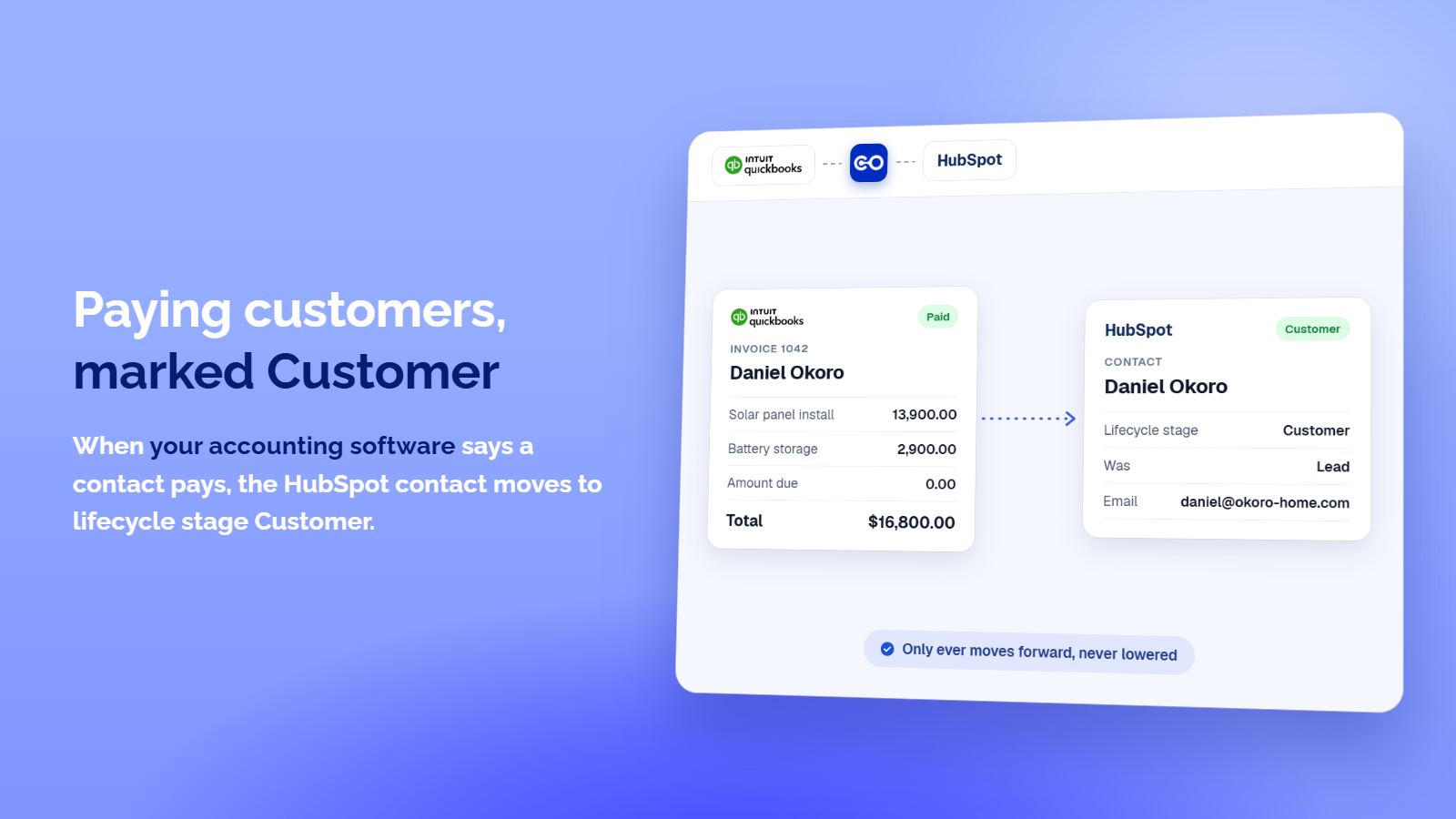
Paying customers marked Customer
When your other software says a contact pays, the HubSpot contact moves to lifecycle stage Customer, so your lists and workflows know who bought. It only moves forward: a contact already at Customer, Evangelist or a stage you added is left alone. You can also send only customers or only leads.
ฟังก์ชันการทำงานแอป
ข้อมูลที่แบ่งปัน
Contact | ||
Deal | ||
Invoice | ||
Invoice line | ||
Payment | ||
Owner | ||
Quote/Estimate | ||
Contact field | ||
Deal field |
Nothing syncs until you create an integration and choose its record types.
For each record type you choose the direction, when a record travels and which records qualify.
The app looks for an existing record before it creates one and never deletes a HubSpot record. After you disconnect, what was synced stays in HubSpot.
Quotes and owners are optional: they are only used when you allow them during sign in.
Don't see your system? Request it at https://crm-connector.com/platform/request-integration
รีวิว
การกำหนดราคา
Starter
US$24.99
/เดือนOne integration with sync health reporting. Everything you need to stop entering data twice.
Check your syncs from ChatGPT and Claude
One-Way Sync
Syncs as often as every 4 hours
Unlimited synced records
Every record type included
1 integration
Starter
US$24.99
/เดือนOne integration with sync health reporting. Everything you need to stop entering data twice.
Check your syncs from ChatGPT and Claude
One-Way Sync
Syncs as often as every 4 hours
Unlimited synced records
Every record type included
1 integration
* ราคาที่แสดงนี้มีไว้เพื่อแสดงข้อมูลเท่านั้น ราคาทั้งหมดยังไม่รวมภาษี สิทธิพิเศษ ส่วนลด หรือตัวแปรราคาอื่นๆ คุณควรติดต่อพาร์ทเนอร์เพื่อรับข้อมูลราคาล่าสุดและถูกต้องที่สุด HubSpot จะไม่รับผิดชอบใดๆ ต่อข้อมูลราคานี้ซึ่งจัดทำโดยพาร์ทเนอร์ของเรา การกำหนดราคาอัปเดตล่าสุด: 02/11/2026
ข้อมูลเพิ่มเติม
สร้างโดย - CRM Connector
ติดตั้ง - 10+ การติดตั้ง
หมวดหมู่ ภาษาที่แอปนี้สามารถใช้ได้ อังกฤษ
ยอดนิยม

Gmail
Bring HubSpot to your inbox with the HubSpot integration for Gmail.

Google Calendar
Book meetings quickly and easily with HubSpot and Google Calendar.
