

Knowledge Connector
Built by - Zendesk
Installs - 10+ installs
Requirements
HubSpot Plan HubSpot Account permissions - View the required account permissions
Access Type Shared Knowledge Connector Subscription - Free plan
Overview
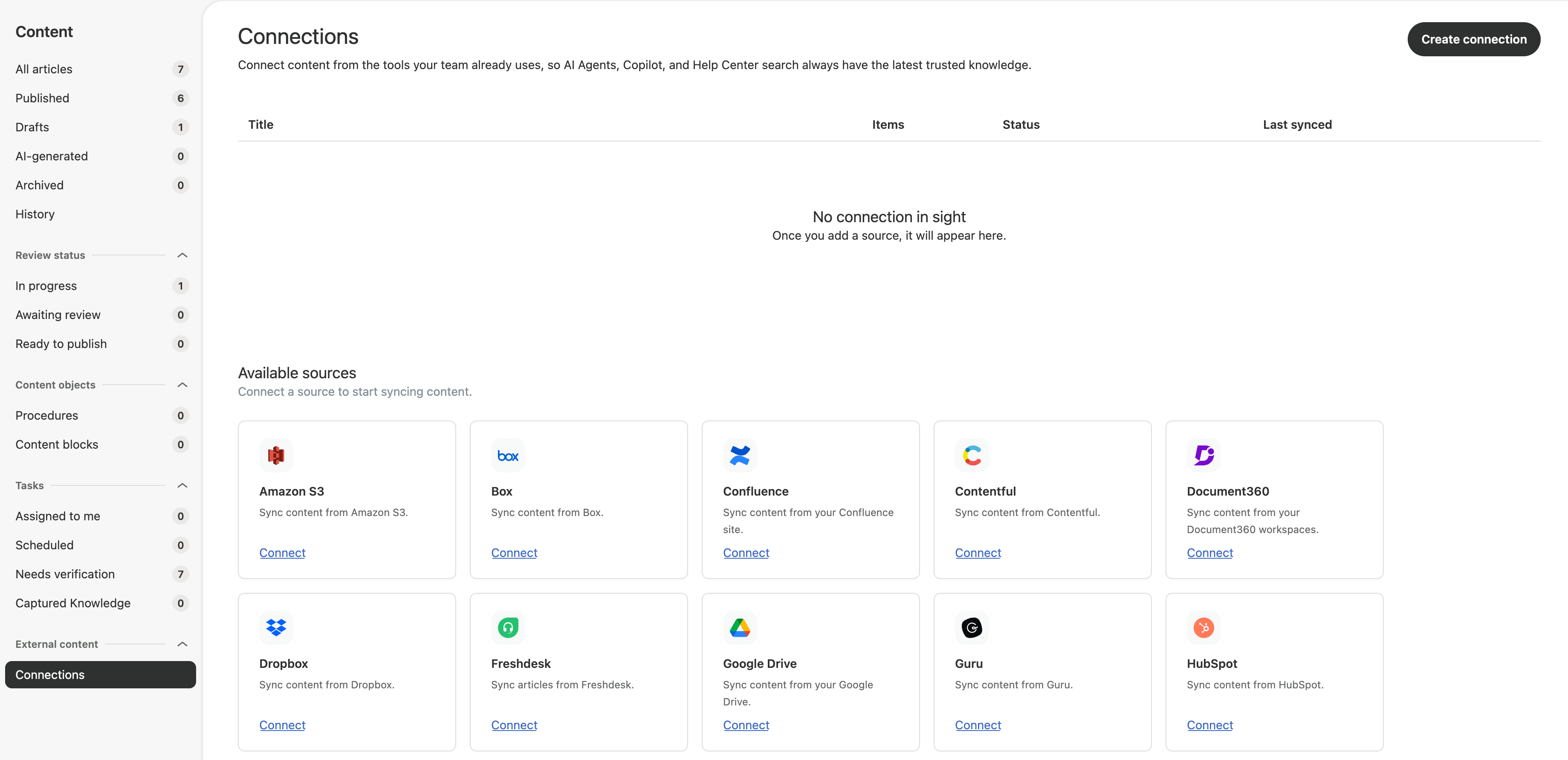
1/6 - connector page
Zendesk is a customer service solution. Customers who manage content in HubSpot can now surface their blog posts directly across Zendesk AI knowledge experiences, no migration, no manual re-entry, no duplicate content to maintain.
Marketing teams often publish product updates, how-to guides, and best-practice content as blog posts in HubSpot. The Knowledge Connector for HubSpot brings that content into Zendesk, connect once, and Zendesk keeps your HubSpot blog posts in sync automatically, so Zendesk's AI agents, Copilot, and generative search answer from the same content your marketing team maintains.
Setup takes minutes. A Knowledge admin goes to Knowledge admin → Manage articles → External content → Connections, selects HubSpot, and authenticates with OAuth 2.0. From there, Zendesk ingests every published blog post — across all locales, including internal-only posts within the scope of what the connecting account can see.
Features
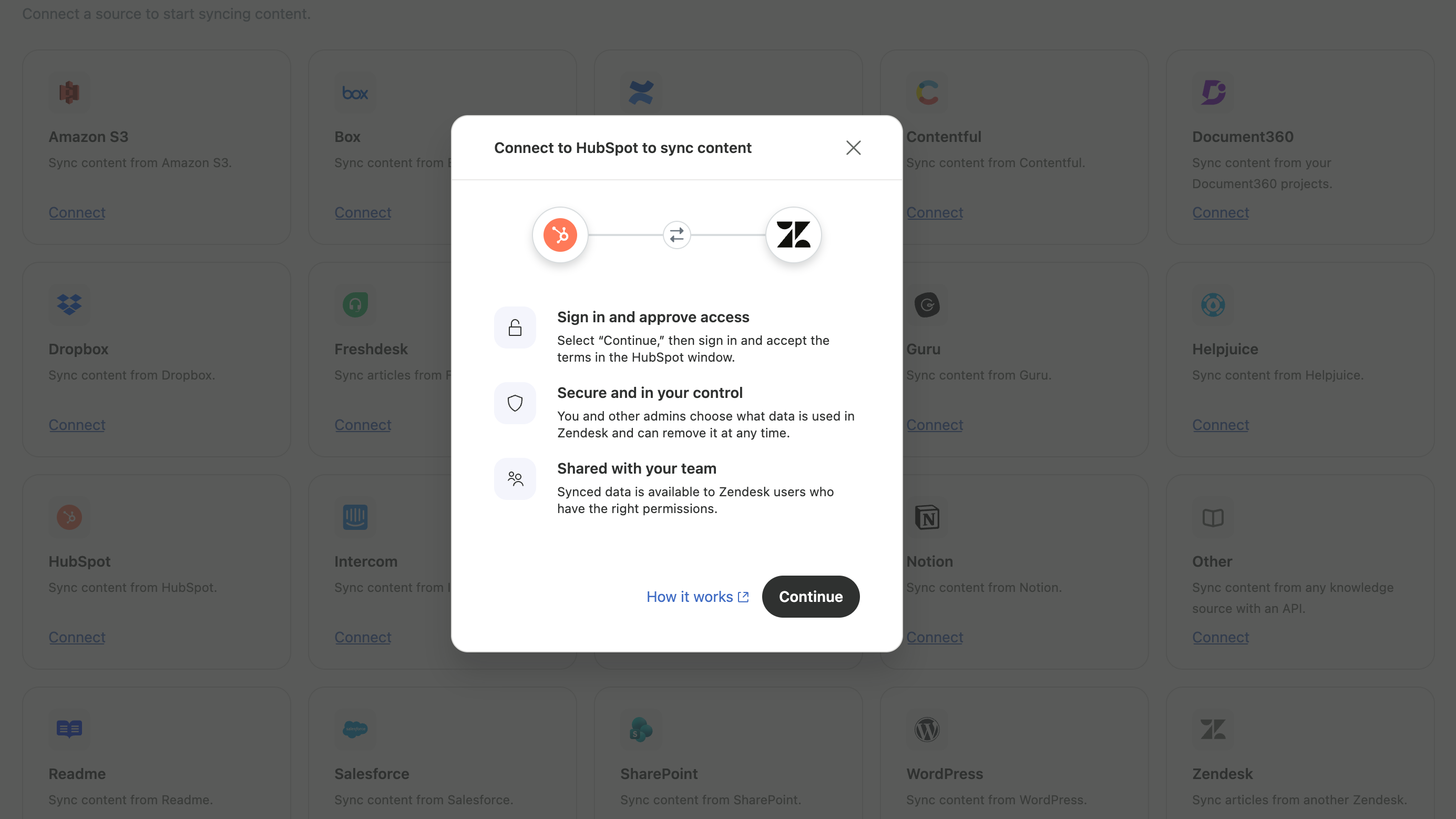
Connection & authentication
Authenticates via OAuth 2.0 — no API keys, no manual setup
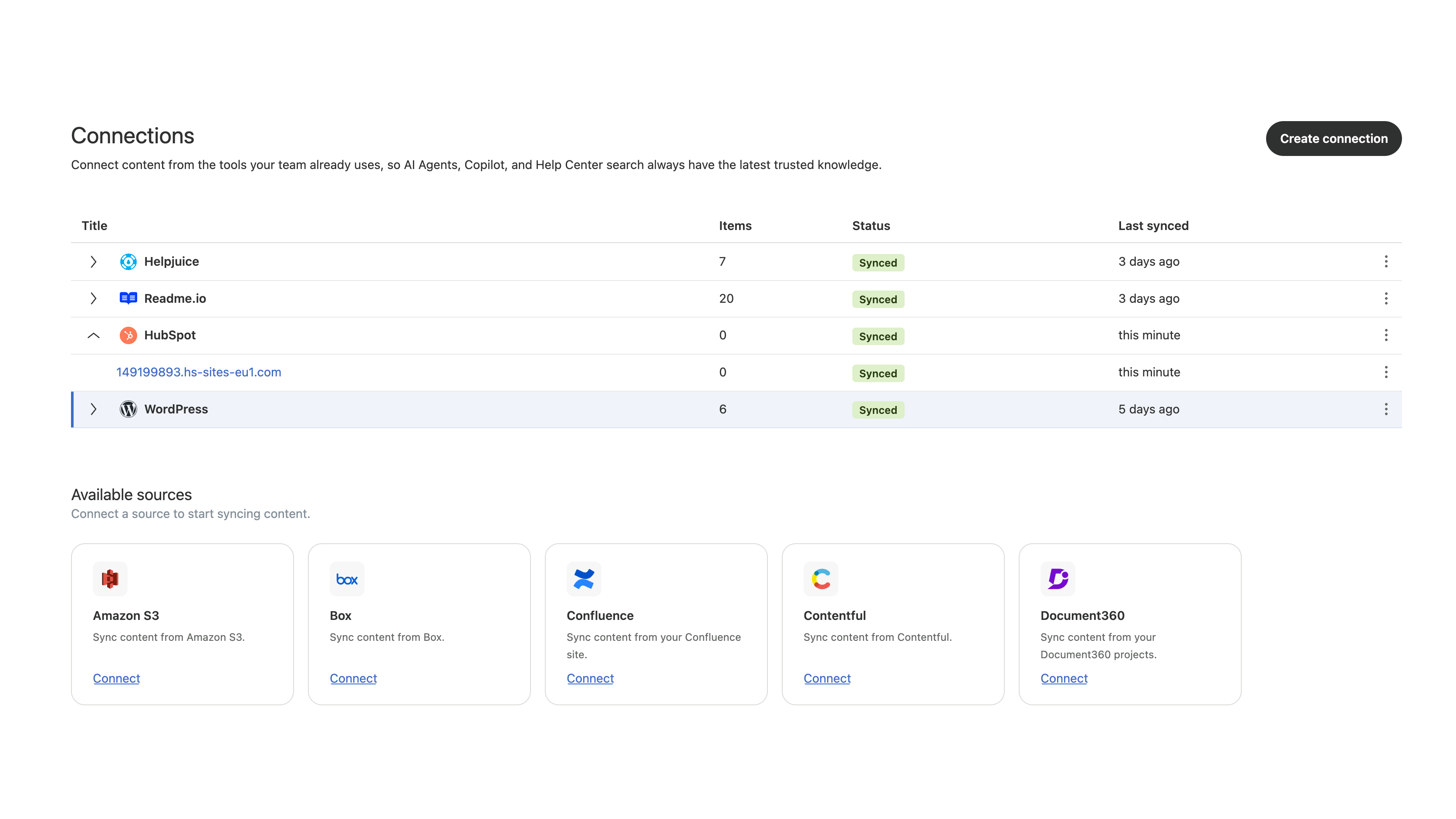
Content sync
- Ingests all published Blog Posts across every locale - Includes internal-only posts, within the access of the connecting HubSpot account - Keeps content in sync automatically on an ongoing basis (may take up to 24 hours to reflect changes)
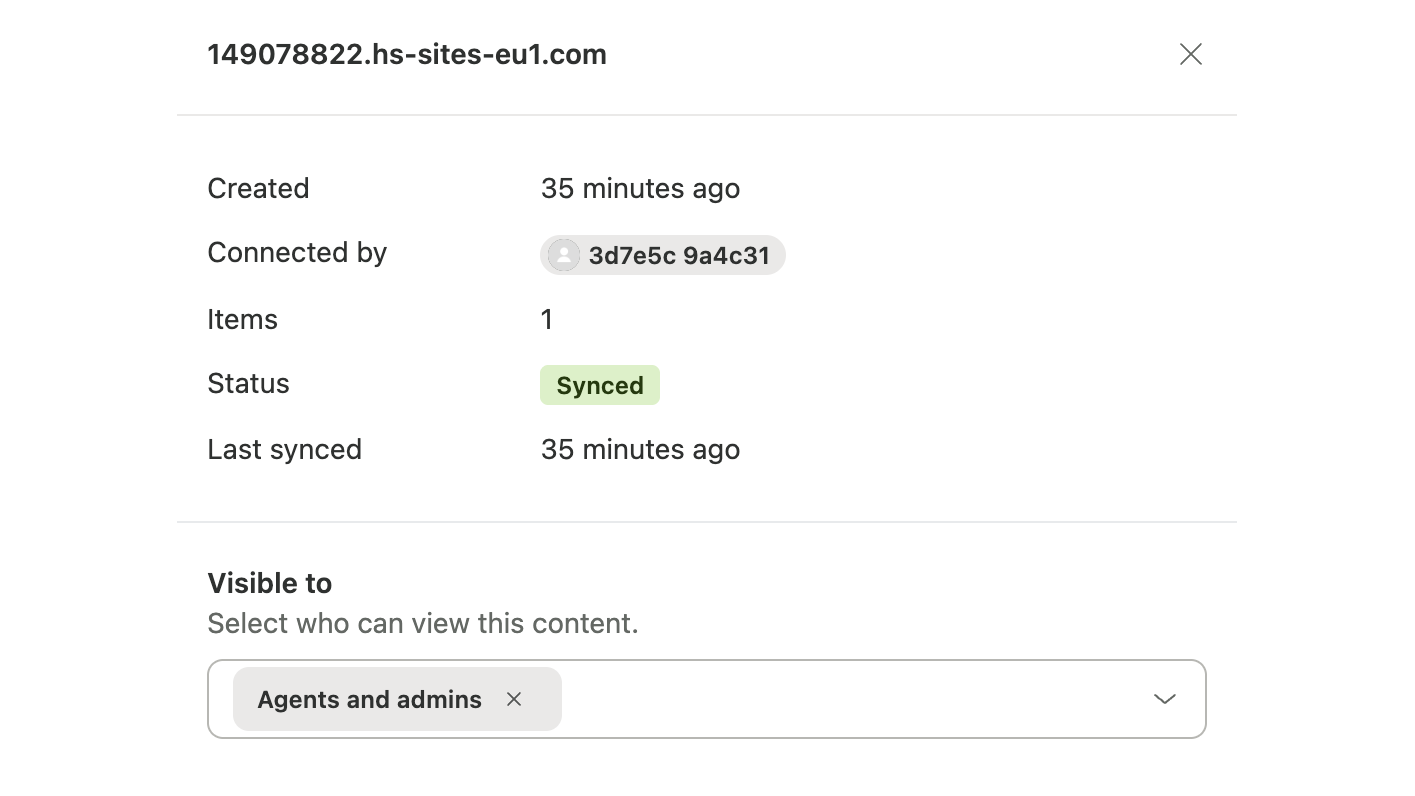
Access control
- Assigns synced content to the Admins and agents user segment by default - Segment assignment can be changed at any time after connecting
Setup & management
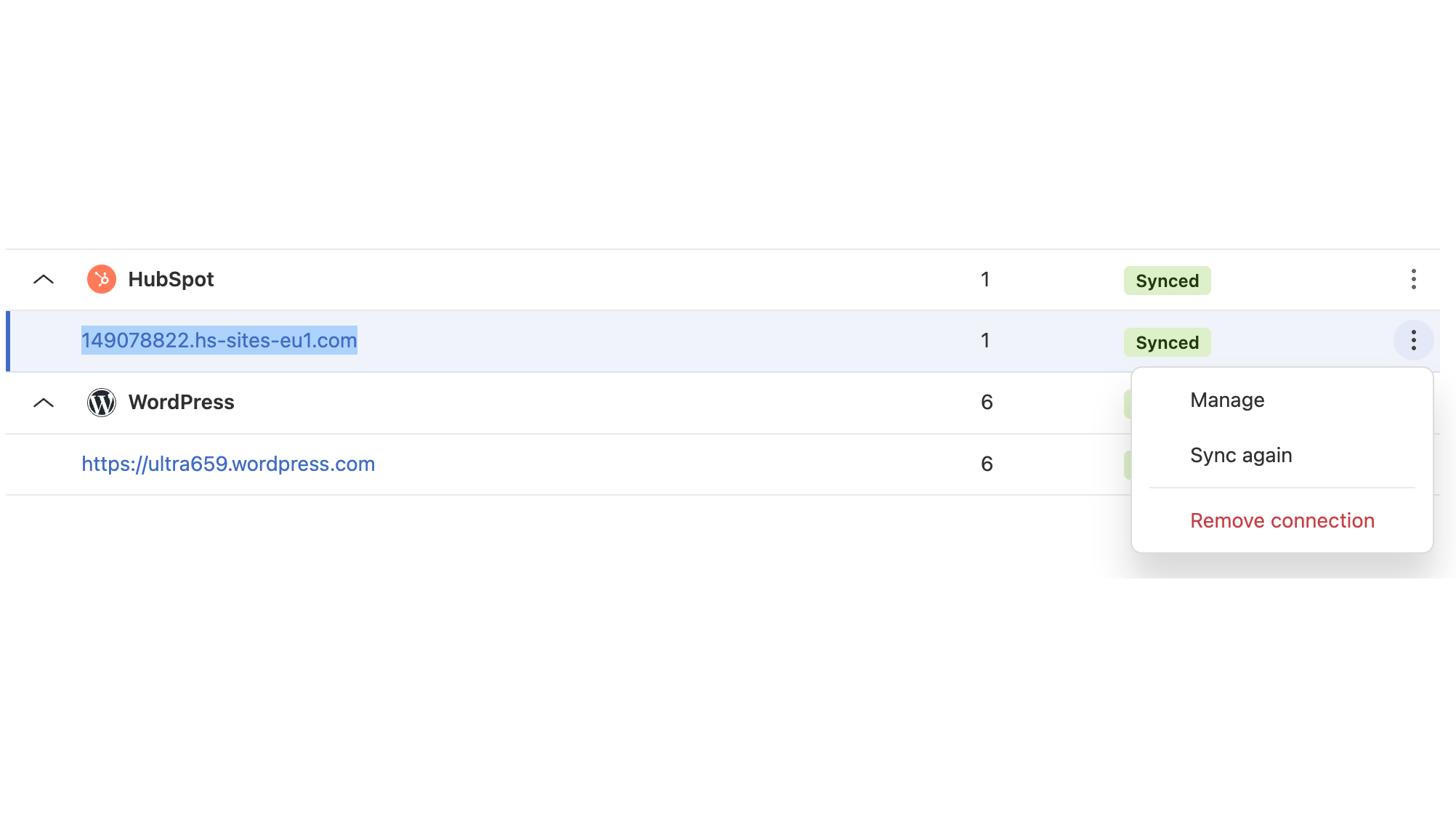
- Configured under Knowledge Admin→ Manage articles → External content → Connections, alongside your other external sources - Manually trigger a re-sync at any time, rather than waiting for the automatic cycle - Disconnect the HubSpot connection at any time from Connections
App Functionality
Shared Data
External content record |
Reviews
Pricing
Free
$0
Free
$0
* The pricing here is for display purposes only. All prices do not include taxes, incentives, discounts, or other pricing variables. You should contact the partner for the most up to date and correct pricing information. HubSpot does not take any responsibility for this pricing information, which is provided by our partners. Pricing last updated: 09/28/2026
More info
Built by - Zendesk
Installs - 10+ installs
Categories Languages this app is available in English
Getting attention today

Microsoft Teams
Use Microsoft Teams and HubSpot for meetings, conversations, and more!
-1.png)
HubSpot connector for Claude
Get AI-powered insights from your HubSpot data, right in Claude.
