

SpeakSoon
Built by - SpeakSoon
Installs - <10 installs
Requirements
HubSpot Plan HubSpot Account permissions - View the required account permissions
Access Type Shared SpeakSoon Subscription - Credit based plan
Overview
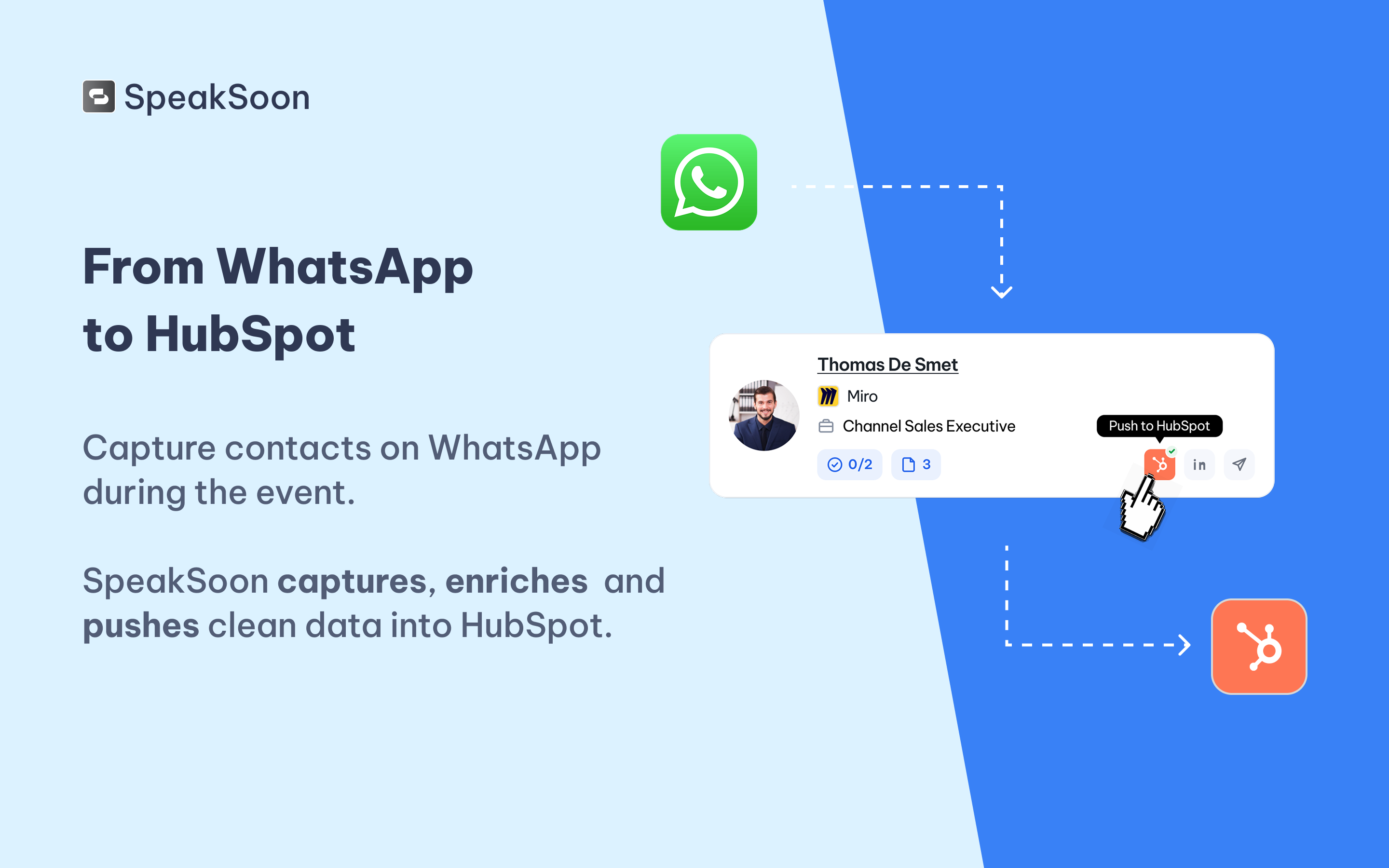
1/5 - From WhatsApp to HubSpot
SpeakSoon turns your team's event conversations into HubSpot pipeline, without any manual data entry.
Sales reps at trade shows, conferences, and networking events lose most of their leads the same way: business cards end up in coat pockets, badge photos get buried in camera rolls, and voice memos never make it to the CRM. Even the ones that do arrive show up days later with half-empty fields and no context.
SpeakSoon fixes that by making WhatsApp the capture tool. During the event, reps send SpeakSoon whatever's fastest: a photo of a business card, an event badge, a screenshot, a voice note about the conversation, or just a name and company. SpeakSoon transcribes, structures, and enriches the input, looking through public data, company website, VAT number, industry, company size, and description before the record ever reaches HubSpot.
With the HubSpot integration, every captured contact can be pushed as a Contact and Company, complete with the enriched data, the conversation notes, and any follow-up tasks the rep dictated on the spot. Deals land in HubSpot, assigned to the right owner, so nothing gets lost between the show floor and Monday morning.
Built for sales teams that treat events as a real channel, SpeakSoon means no more manual data entry after events, no more forgotten leads, and clean HubSpot records you can actually report on.
Features
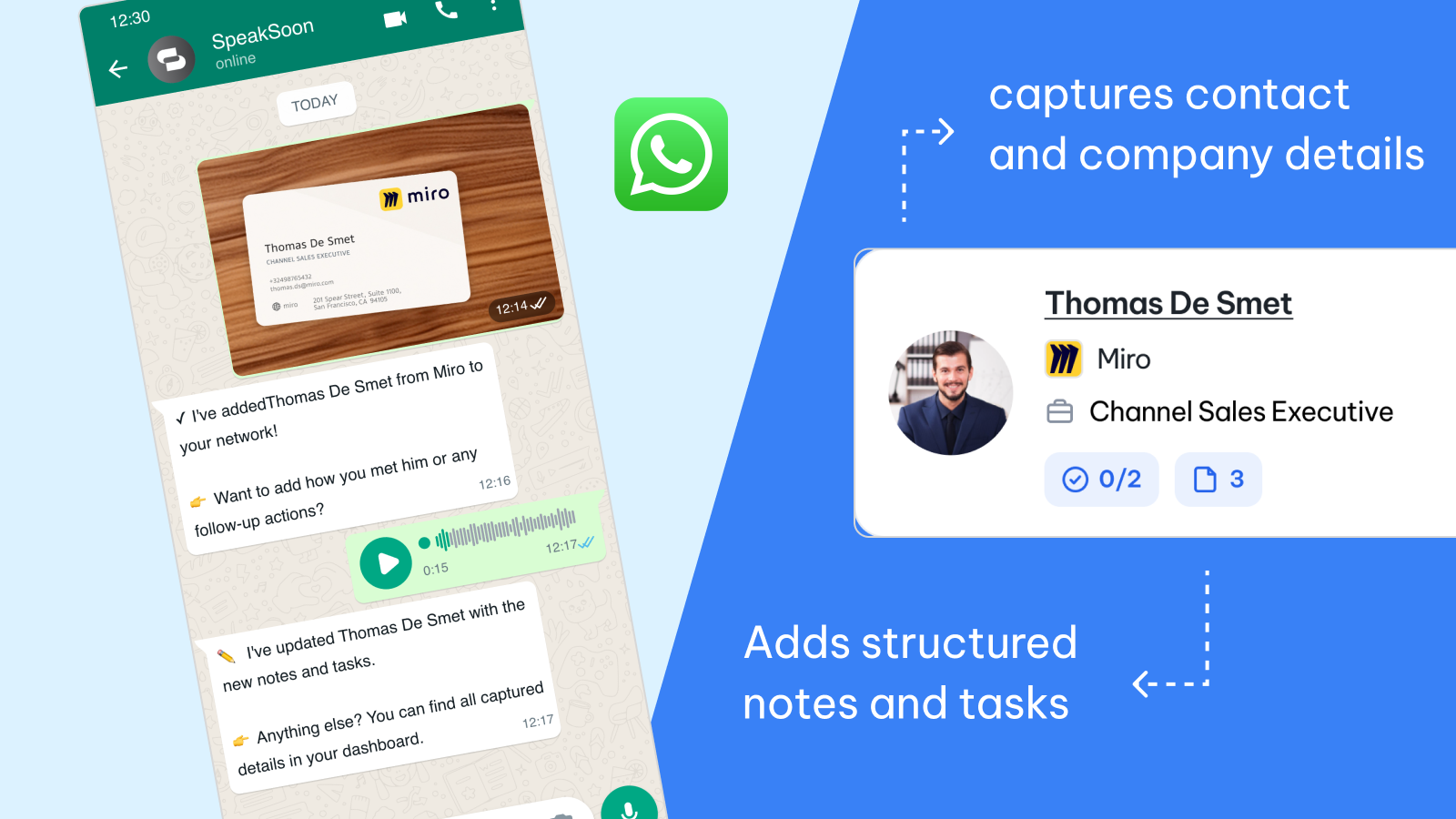
Capture event contacts on WhatsApp
Snap a business card, photograph a badge, forward a LinkedIn screenshot, or record a voice note straight to SpeakSoon on WhatsApp. No app to install, no forms to fill. Every event lead is captured the moment it happens, instead of getting lost in a coat pocket or camera roll.
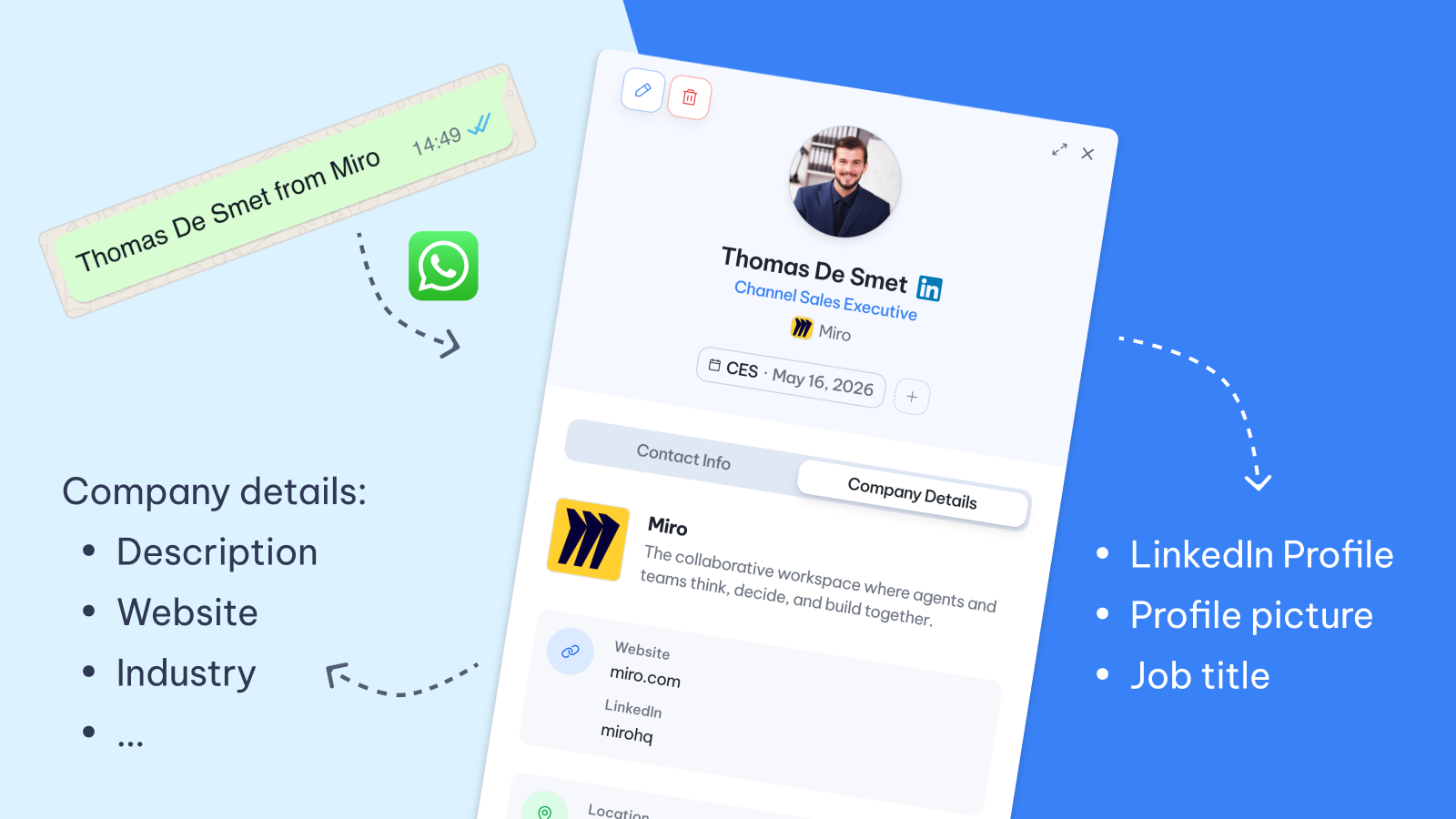
Auto-enrich contacts and companies before they reach HubSpot
Starting from just a name and company, SpeakSoon pulls the LinkedIn profile, company website, VAT number, industry, size, and description, and attaches the conversation notes. Fully qualified Contacts and Companies land in HubSpot from day one, ready for SDRs and AEs to work.
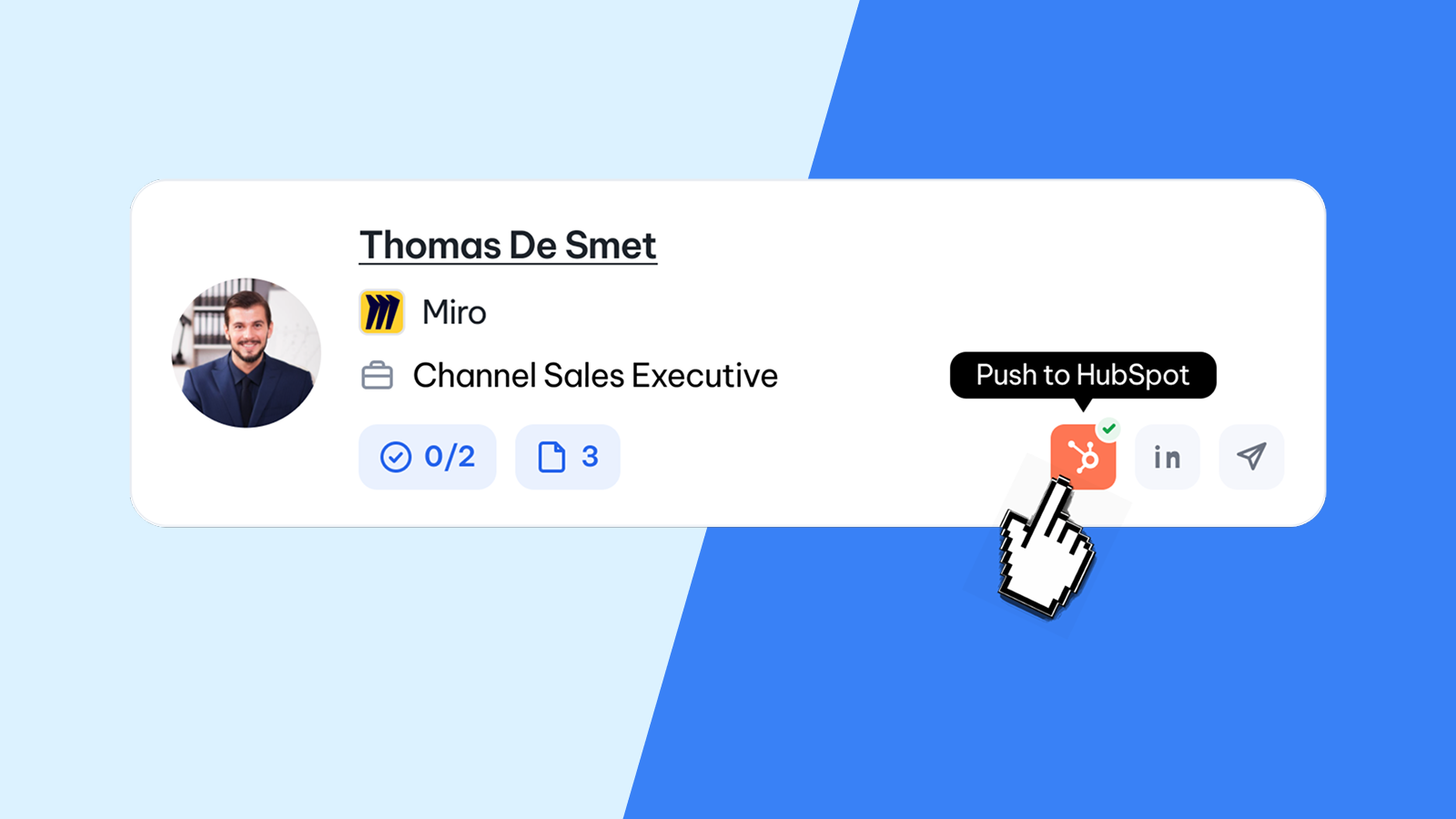
One-click push to HubSpot Contacts, Companies, Deals, Notes & Tasks
Users review captured contacts in the SpeakSoon dashboard and push them to HubSpot in one click, individually or a whole event at once. SpeakSoon creates Contacts, Companies, Notes, Tasks, and optionally Deals in the configured pipeline, stage, and owner, tagged by event for clean ROI reporting.
App Functionality
Shared Data
Contacts | ||
Companies | ||
Deals | ||
Contact Properties | ||
Owners | ||
Company Properties |
SpeakSoon syncs contact data one way, from SpeakSoon to HubSpot. Nothing is pulled from HubSpot into SpeakSoon beyond what's needed to avoid duplicates and map to your existing setup.
When a user pushes a captured contact from the SpeakSoon dashboard, SpeakSoon creates or updates:
Contacts with enriched details (name, email, phone, job title, LinkedIn, seniority), matched by email to avoid duplicates.
Companies with enriched firmographics (name, domain, website, industry, size, VAT number, country, description), matched by domain and associated to the Contact.
Deals (optional) placed in the configured pipeline, stage, and owner, associated to the Contact and Company, and tagged by event.
Notes and Tasks captured during the conversation, attached to the Contact.
Reads are limited to fetching existing Contacts, Companies, Deals, Owners, and property schemas so SpeakSoon can match records, map fields correctly, and let users pick a default deal owner during setup.
Reviews
Pricing
Credit based
Pay for what you use. Purchase more credits for better prices.
Team collaboration for physical networking
Follow-up drafts ready, you just review and send
Automatic contact and company enrichment
Contact capture through WhatsApp
Credit based
Pay for what you use. Purchase more credits for better prices.
Team collaboration for physical networking
Follow-up drafts ready, you just review and send
Automatic contact and company enrichment
Contact capture through WhatsApp
* The pricing here is for display purposes only. All prices do not include taxes, incentives, discounts, or other pricing variables. You should contact the partner for the most up to date and correct pricing information. HubSpot does not take any responsibility for this pricing information, which is provided by our partners. Pricing last updated: 09/01/2026
New arrivals

CrankWheel
Screen sharing, web conferencing and video sales platform.
SpeakSoon
Capture contact info and context via WhatsApp using text, voice notes or photos. SpeakSoon enriches them and pushes them cleanly into HubSpot
