

Zendesk Sync by StackTie
Built by - StackTie
Installs - <10 installs
Requirements
HubSpot Plan HubSpot Account permissions - View the required account permissions
Access Type Shared Zendesk Sync by StackTie Subscription - Growth plan
Overview
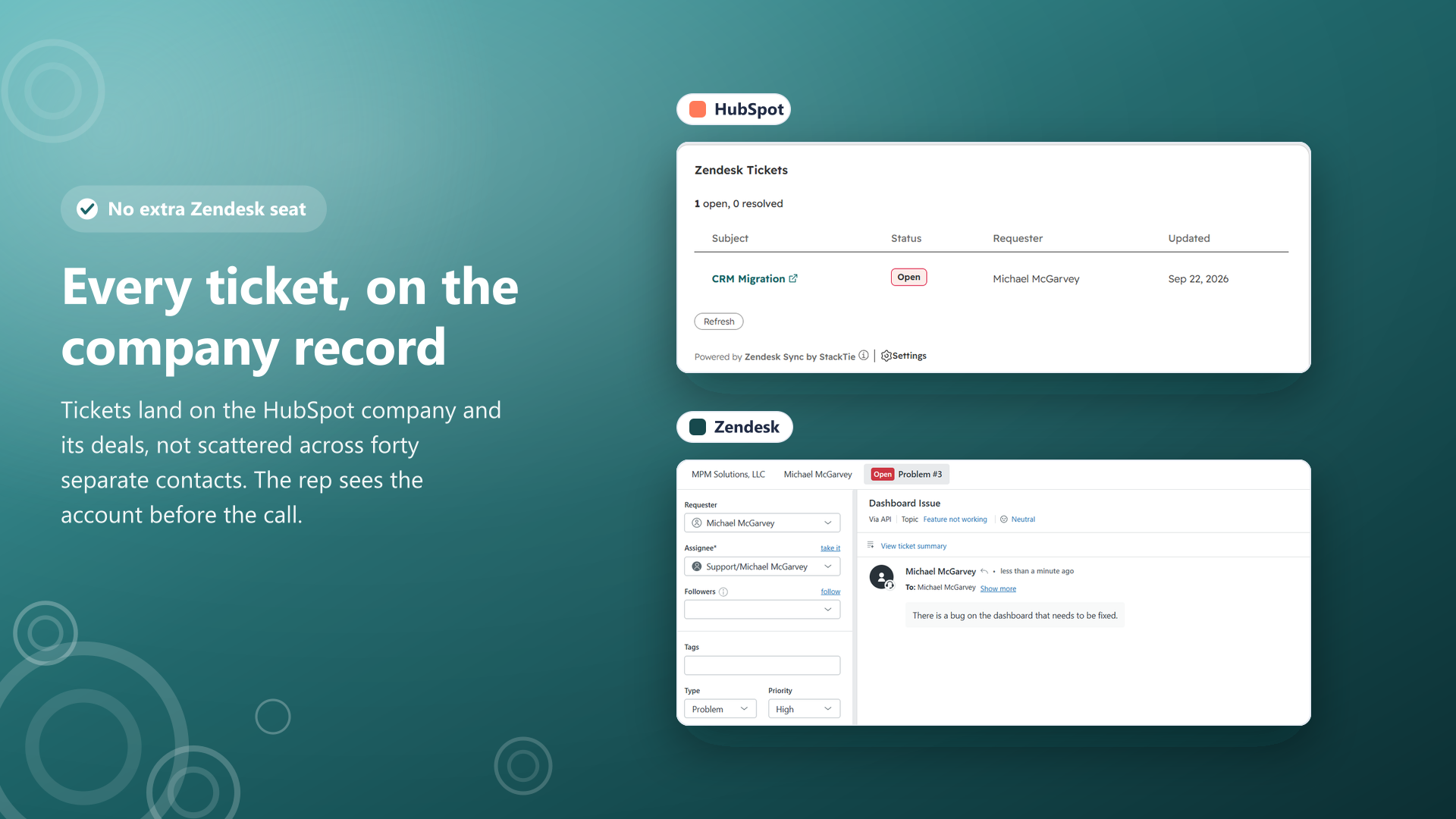
1/4 - Zendesk tickets listed on a HubSpot company record, next to the same ticket open in Zendesk
Your support team lives in Zendesk. Your sales team lives in HubSpot. Neither has a seat in the other, so the account manager walks into a renewal call with no idea the customer has four open tickets.
Zendesk Sync puts them on the record. Every Zendesk ticket that matters appears in HubSpot, linked to the right contact and associated to the right company and its deals, so a rep can open an account and see the support picture in one place instead of clicking through forty contacts.
The whole conversation comes with it. Not a status field and a timeline stub: the customer's message and every agent reply, public and internal kept apart, each one attributed to whoever actually wrote it. Status changes flow through as they happen, including reopened, pending and on hold, not only created and solved.
You choose which tickets sync, by view, tag, form, brand or requester domain, and a Zendesk requester is matched to a contact you already have rather than silently becoming a second one. Everything that synced, and everything that did not, is visible in a log you can read, with the reason in plain English.
Nobody needs a Zendesk seat to see any of it. Unlimited HubSpot users, one flat price.
Features
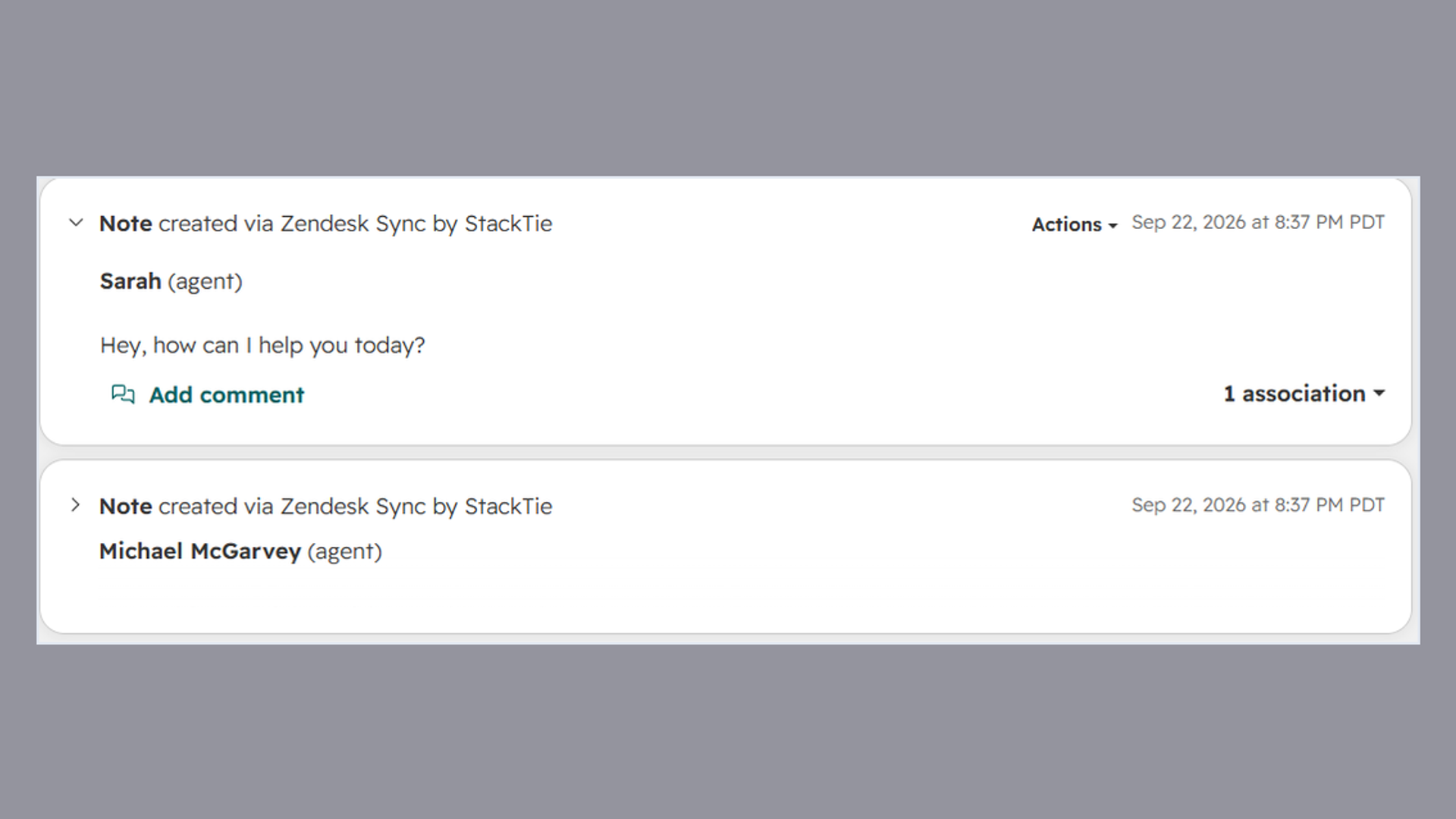
The whole conversation, not a status field
Every message and agent reply on the HubSpot record, public and internal kept apart, each attributed to whoever wrote it. A rep reads the account without a Zendesk seat.
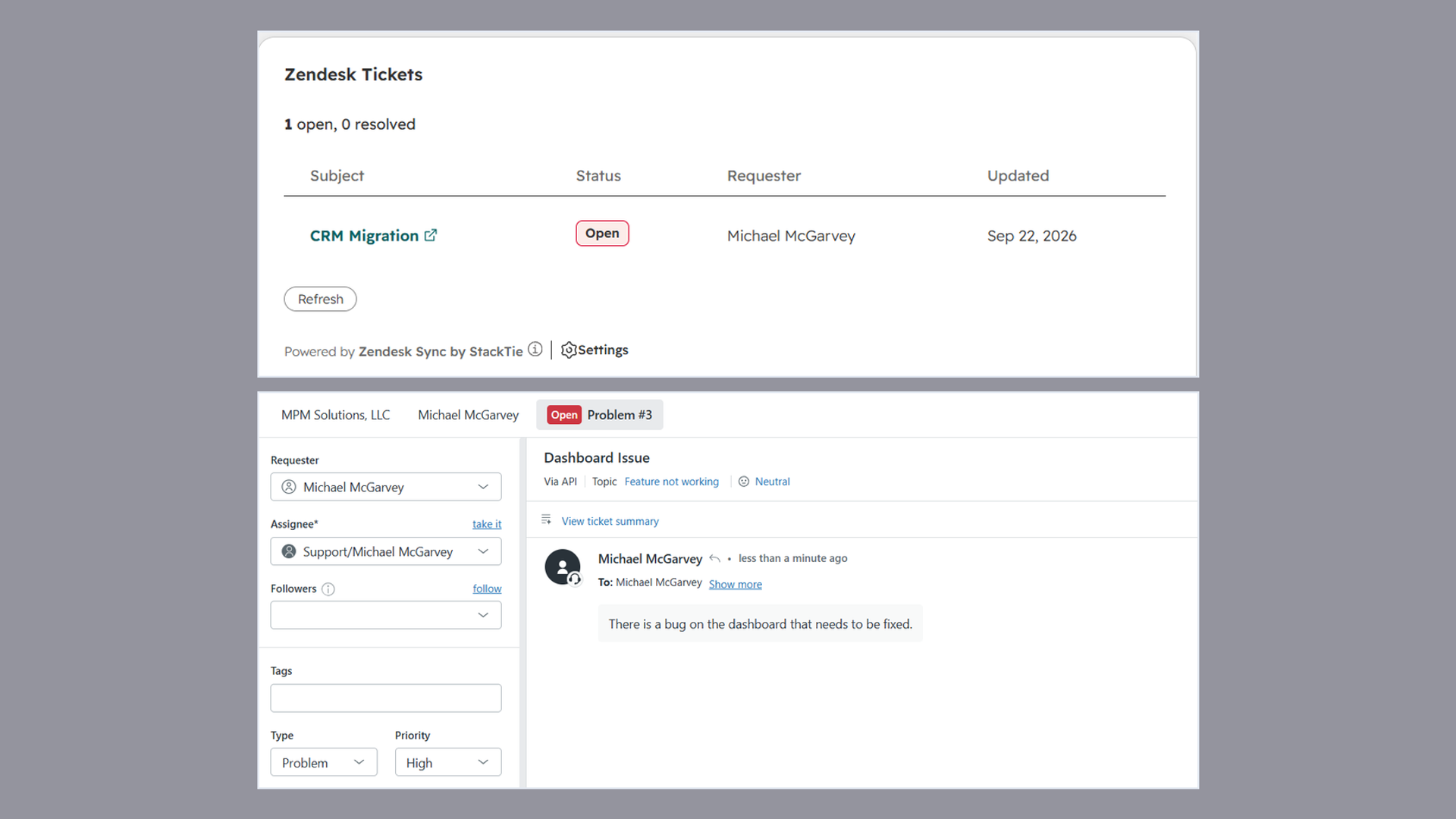
Tickets on the company and its deals
Open an account and see its open tickets, instead of clicking through forty contacts hoping one of them has it. The renewal call stops being a surprise.
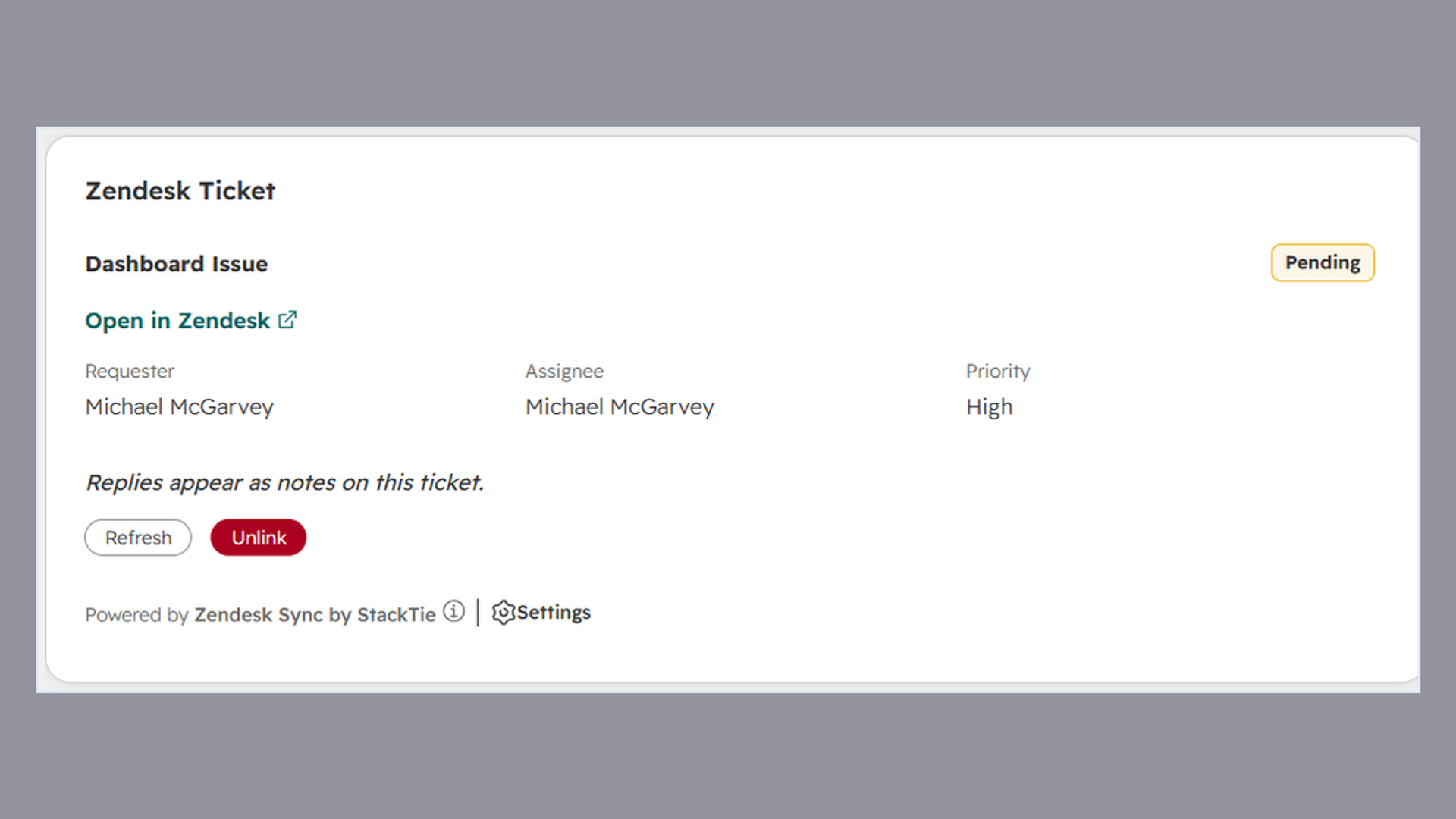
Every status change, not just created and solved
Reopened, pending, on hold and solved arrive as they happen, on the HubSpot ticket stage you choose. Sales sees a problem while it is still a problem.
App Functionality
Shared Data
Zendesk Ticket | ||
Zendesk Comment | ||
Zendesk User | ||
Zendesk Organization | ||
Zendesk Ticket |
Ticket sync is two-way, but writing back into Zendesk is off by default. A new install reads from Zendesk and writes into HubSpot until you turn a write-back option on yourself.
We read HubSpot contacts and companies so a synced ticket lands on the right person and account. If you turn on deal association, we also read the open deals on that company so the ticket shows there too. We never edit or delete a contact, company or deal.
Requester matching never creates a HubSpot contact that does not already exist. The default is match-only, so a support ticket from an address you have never sold to does not appear in your CRM as a lead and does not affect lifecycle stage reporting.
Internal Zendesk comments are excluded by default and are opt-in, because agent notes frequently contain things nobody wants read aloud in a QBR.
Nothing in Zendesk is ever deleted by this app. No ticket, no comment, no user, no organization.
Which tickets sync at all is yours to set, by Zendesk view, tag, form, brand or requester domain.
Reviews
Pricing
Growth
$32.50
/monthOne plan, everything included. Unlimited tickets and unlimited HubSpot users.
Unlimited tickets linked and synced
The whole conversation, public and internal kept apart, each reply attributed
Tickets on the company and its deals, not just the contact
Every status change, not only created and solved
Filter which tickets sync, and match contacts without creating them
Write back to Zendesk, comments and status
Backfill your history, archived tickets included
Unlimited HubSpot users, never charged per seat
Growth
$32.50
/monthOne plan, everything included. Unlimited tickets and unlimited HubSpot users.
Unlimited tickets linked and synced
The whole conversation, public and internal kept apart, each reply attributed
Tickets on the company and its deals, not just the contact
Every status change, not only created and solved
Filter which tickets sync, and match contacts without creating them
Write back to Zendesk, comments and status
Backfill your history, archived tickets included
Unlimited HubSpot users, never charged per seat
* The pricing here is for display purposes only. All prices do not include taxes, incentives, discounts, or other pricing variables. You should contact the partner for the most up to date and correct pricing information. HubSpot does not take any responsibility for this pricing information, which is provided by our partners. Pricing last updated: 10/16/2026
Most popular

Gmail
Bring HubSpot to your inbox with the HubSpot integration for Gmail.

Google Calendar
Book meetings quickly and easily with HubSpot and Google Calendar.
