

Hatch
สร้างโดย - Karman Digital
ติดตั้ง - 10+ การติดตั้ง
ข้อกำหนด
แผน HubSpot สิทธิ์บัญชี HubSpot - ดูสิทธิ์บัญชี ที่จำเป็น
ประเภทสิทธิ์การเข้าถึง แชร์แล้ว การสมัครใช้บริการ Hatch - Contact volume based pricing แพ็กเกจ
ภาพรวม
1/8
Hatch connects intelliflo office (IO) with HubSpot so financial advice firms can keep client, adviser, opportunity, and plan data aligned across both systems.
With Hatch, teams can work from HubSpot while staying connected to the back-office records that matter. Users can:
Create IO clients from HubSpot
Open linked IO client records without searching in IO
Create IO opportunities from HubSpot deals
View synced IO plan information against the right HubSpot contacts
Hatch helps keep HubSpot and IO aligned by syncing key client and relationship data between the two platforms, including contact details, adviser mappings, opportunities, and plan information.
The integration helps advice, operations, and marketing teams:
Reduce duplicate data entry
Avoid working from outdated client records
Improve segmentation for marketing and servicing
Report more accurately on pipeline and client activity
Admins can configure adviser mappings, set default advisers, trigger imports or lookups, and monitor sync status from the Hatch settings area.
By connecting HubSpot with IO, Hatch gives firms a clearer view of client relationships and makes it easier for teams to move from marketing and sales activity into real back-office outcomes.
ฟีเจอร์
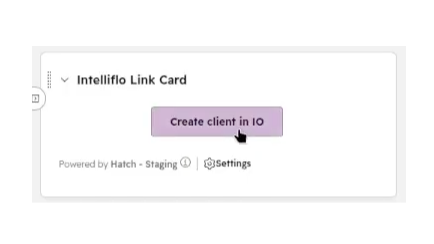
Create IO clients from HubSpot
Create new Intelligent Office (IO) clients from a HubSpot contact record. When a new enquiry becomes a client, Hatch lets an adviser or operations team member create the IO client from HubSpot using details already on the contact. This reduces duplicate data entry and keeps onboarding moving from the CRM.
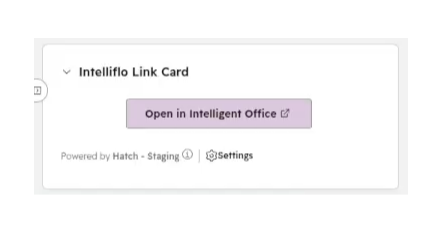
Open linked IO client records
Open the matching Intelligent Office (IO) client directly from a HubSpot contact record. When Hatch finds an existing IO link, users see an “Open in Intelligent Office” button in HubSpot. This helps advisers and operations teams move from CRM activity to the right back-office client record without searching in IO.
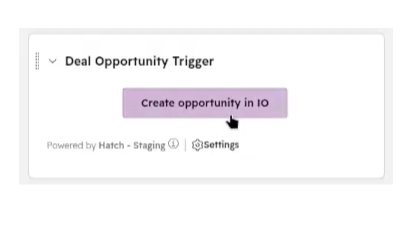
Create IO opportunities from HubSpot deals
Create Intelligent Office (IO) opportunities from HubSpot deals. When a deal is ready to progress, Hatch lets the user send the opportunity to IO from the deal record, using HubSpot deal details and associated contacts. This helps sales and advice teams move pipeline activity into IO without re-keying the opportunity.
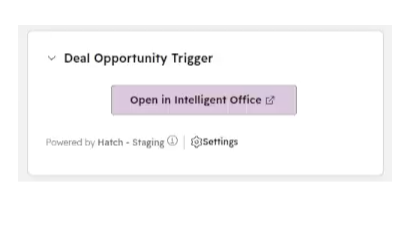
Open linked IO opportunities
Open the matching Intelligent Office (IO) opportunity directly from a HubSpot deal. Once Hatch has linked the HubSpot deal to an IO opportunity, users see an “Open in Intelligent Office” button on the deal record. This helps teams review the back-office opportunity without searching across systems.
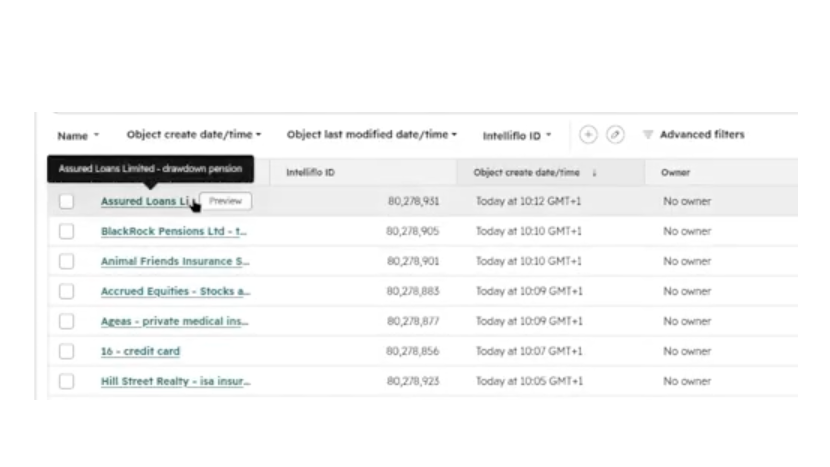
View IO plans in HubSpot
View Intelligent Office (IO) plan information in HubSpot. Hatch syncs plans from IO and associates them with the right contact, so teams can segment clients, support marketing campaigns and report on plan data from HubSpot without manually exporting from IO.
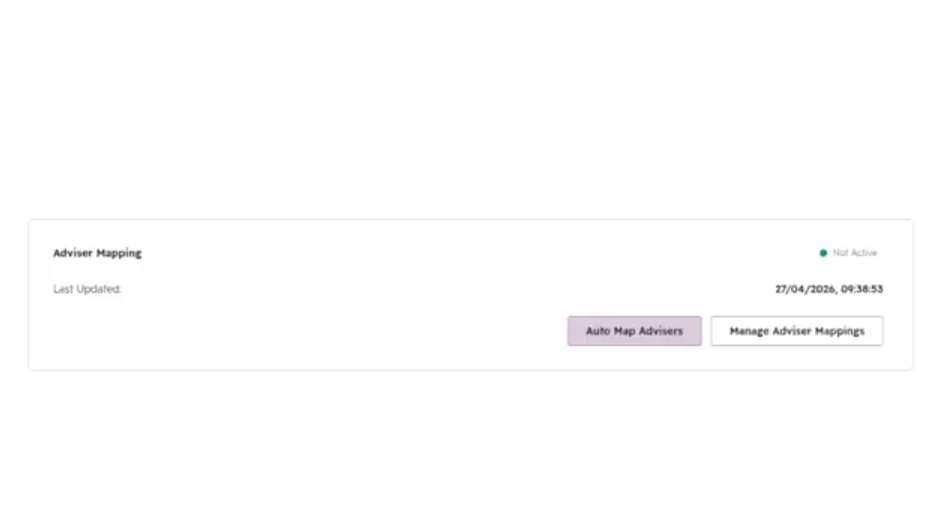
Configure Adviser Mapping
Map Intelligent Office (IO) advisers to HubSpot owners from the Hatch settings page. Admins can create mappings manually or queue an automatic lookup based on email address matches, then set a default adviser for records that need a fallback.
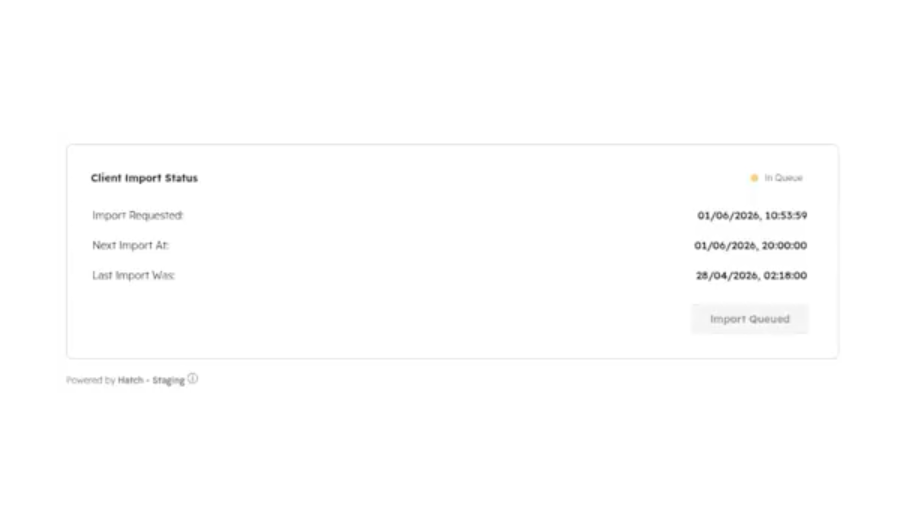
Trigger client imports
Start a client import from the Hatch settings page. Admins can request IO client data to be brought into HubSpot, then use the import status view to see whether an import is active or has recently run. This helps firms manage setup and refreshes without leaving HubSpot.
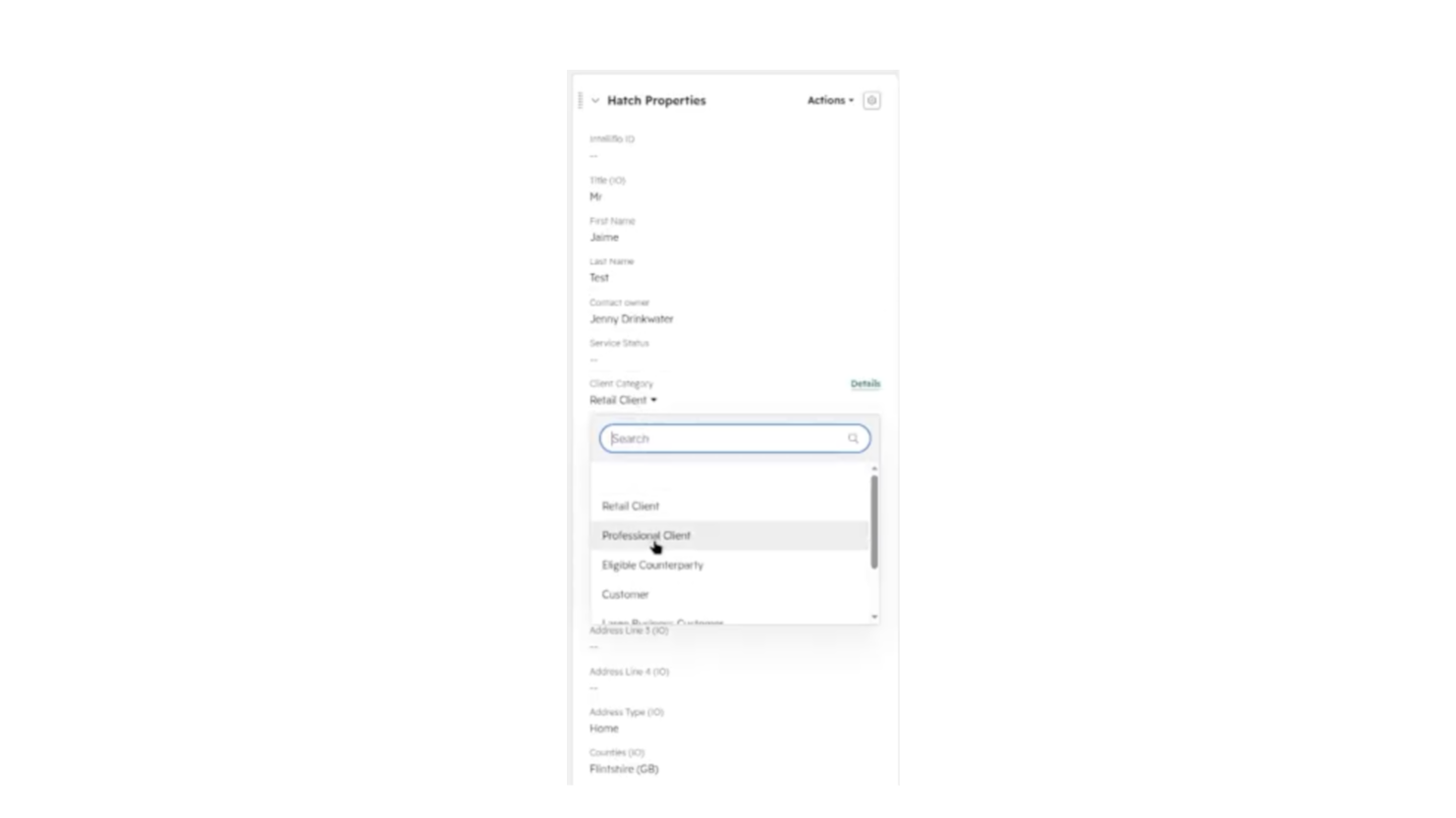
Sync IO property values
Sync key Intelligent Office (IO) lookup values into HubSpot properties. Admins can refresh values such as campaign types, campaign sources, opportunity types, opportunity statuses and propositions, so HubSpot users choose from options that match IO.
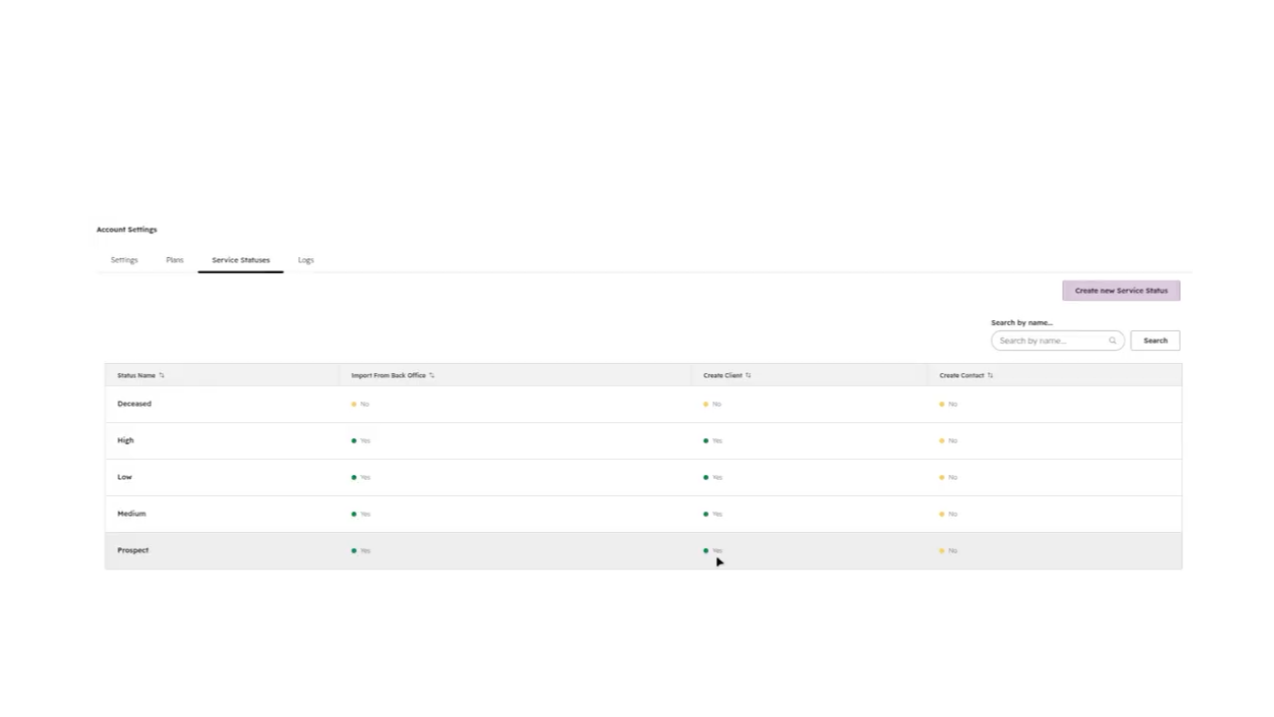
Manage service status rules
Control which Intelligent Office (IO) service statuses Hatch should use. Admins can add or update service status rules in HubSpot, choosing which statuses are imported from IO and which can trigger new client creation workflows.

Keep client data aligned
Keep key client information aligned between HubSpot and Intelligent Office (IO). Hatch helps sync contact details, address information, communication preferences and adviser relationships, so teams can work from more complete client records in HubSpot.
ฟังก์ชันการทำงานแอป
ข้อมูลที่แบ่งปัน
Clients | ||
Opportunity | ||
Plans | Hatch plans Hatch plans | |
Deal Properties | ||
Client Properties | ||
Marketing Preferences | ||
Corporate Client Properties | ||
Advisers |
รีวิว
การกำหนดราคา
Contact volume based pricing
£140
/เดือนContact volume based pricing
£140
/เดือน* ราคาที่แสดงนี้มีไว้เพื่อแสดงข้อมูลเท่านั้น ราคาทั้งหมดยังไม่รวมภาษี สิทธิพิเศษ ส่วนลด หรือตัวแปรราคาอื่นๆ คุณควรติดต่อพาร์ทเนอร์เพื่อรับข้อมูลราคาล่าสุดและถูกต้องที่สุด HubSpot จะไม่รับผิดชอบใดๆ ต่อข้อมูลราคานี้ซึ่งจัดทำโดยพาร์ทเนอร์ของเรา การกำหนดราคาอัปเดตล่าสุด: 20/08/2026
ข้อมูลเพิ่มเติม
สร้างโดย - Karman Digital
ติดตั้ง - 10+ การติดตั้ง
หมวดหมู่ ภาษาที่แอปนี้สามารถใช้ได้ อังกฤษ
สินค้ามาใหม่

GitHub Sync by IssueLinker
Customer reports it in HubSpot, engineering sees it in GitHub, and every update flows both ways with no handoff, no copy-paste, no Slack ping.

Jira Sync by IssueLinker
Customer reports it in HubSpot, engineering sees it in Jira, and every update flows both ways with no handoff, no copy-paste, no Slack ping.
